
4 Practical Steps to Minimize Overnight 3D Print Failures
Technology news
Learn practical preparation steps from How-To Geek to reduce risks on long overnight 3D prints, covering calibration, first layer adhesion, backup power, and spool checks.
Core Preparation Methods for Long Overnight 3D Prints
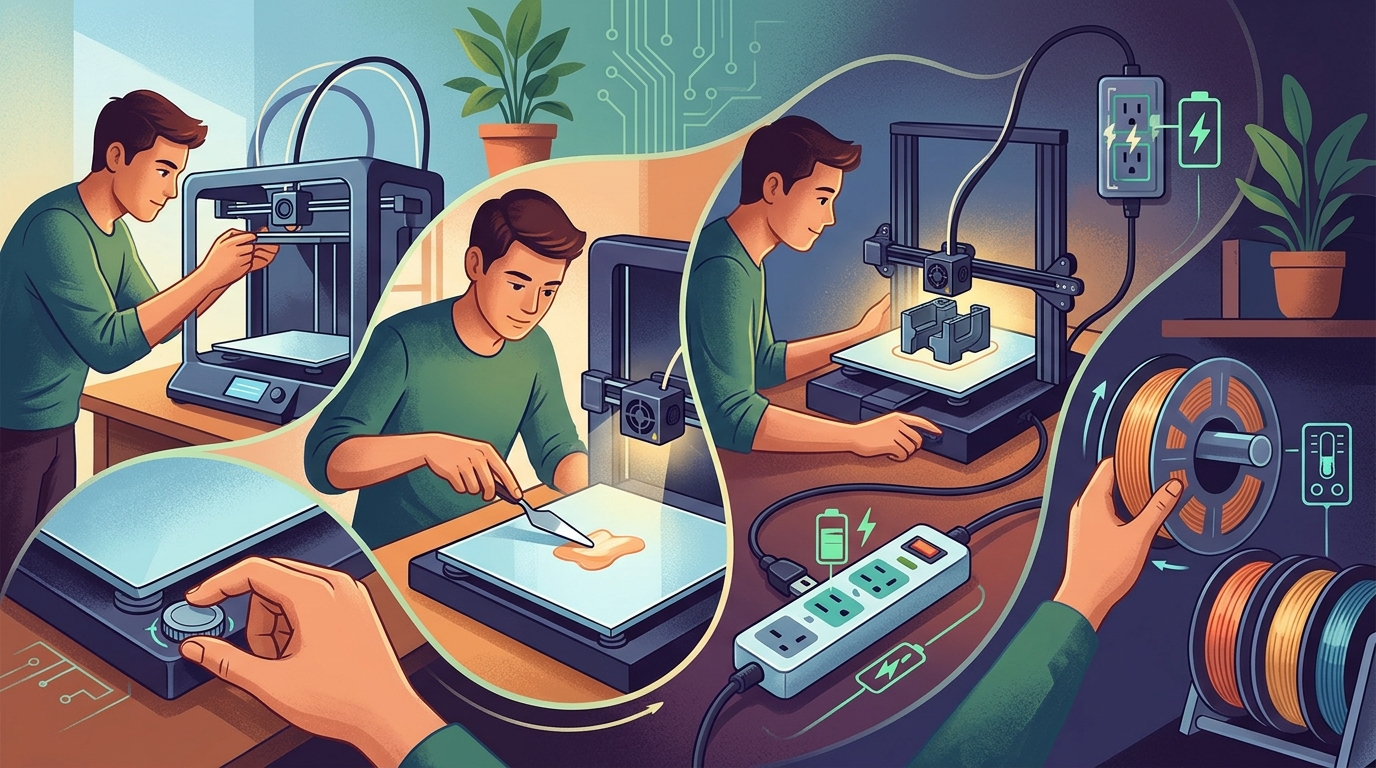
Leaving a long 3D print running overnight carries significant risks of waking up to a failed print, such as a chamber filled with spaghetti filament or a hot end completely encased in plastic. According to Sydney Butler from How-To Geek, there is no absolute defense against print failures. However, makers can significantly tilt the odds in their favor by implementing four primary preparation steps: proper calibration, verifying first layer completion, providing backup power, and weighing the filament spool beforehand.
Step-by-Step Instructions to Prevent Print Failures
- Calibrate the Printer First: Small calibration errors accumulate over time, often causing failures during later stages. Modern printers frequently offer automatic routines; for instance, the author's Elegoo Centauri printers feature a "one-touch" calibration that takes around 20 minutes to complete hot end PID tuning, input shaping, and bed leveling.
- Supervise the Entire First Layer: Most printing failures occur during or shortly after the first layer due to adhesion issues or warping. Never leave the enclosure top on when printing PLA if prohibited by the printer's manual. In colder conditions or with finicky filament, bumping the bed temperature up by 5°C, adding a brim, or applying hairspray to the build surface can resolve bed adhesion difficulties.
- Utilize Backup Power Solutions: A momentary power dip lasting just a few seconds can disrupt the printer. While many printers maintain bed temperature after power returns, they do not always resume printing automatically; resuming after the bed has completely cooled down often causes severe layer shifts. Connecting the printer to a portable power station (such as an Ecoflow unit) prevents these interruptions.
- Weigh the Filament Spool: Slicer software provides an estimated material consumption figure. To avoid filament runout pauses—which risk failure upon resumption if paused too long—weigh the spool on a kitchen scale before starting. If using a multi-material setup, configure it to auto-load an identical secondary spool upon runout.
Practical Testing and Operational Recommendations
To further safeguard complex jobs, the author advises against running an unverified model for the first time as an overnight print. For complex objects requiring large amounts of material, first print a scaled-down version during daylight hours to confirm that inherent design flaws do not cause a failure. Additionally, users can activate camera-based AI failure detection functions built into smart printers or set up OctoPrint with dedicated failure detection plugins to monitor progress while asleep.
Material Limitations and Environmental Caveats
No preparation routine guarantees complete success. The author stresses that camera-based AI failure detection features vary in reliability depending on the printer brand, machine model, and the specific failure type encountered. Furthermore, while subtracting the tare weight of an empty spool is technically necessary for precise filament calculation, the author notes that empty spools weigh so little that omitting this step rarely affects large printing projects.
Source: howtogeek.com (https://www.howtogeek.com/ways-to-fail-proof-your-long-overnight-3d-prints/)