
Microsoft Releases Windows 11 KB5132057 with Native Search Redesign
Technology news
Microsoft released optional preview update KB5132057 for Windows 11 25H2 and 26H2, featuring a redesigned Search interface with unified results and quick tasks, rolling out in phases without security fixes.
Overview of Optional Preview KB5132057 and the Search Redesign
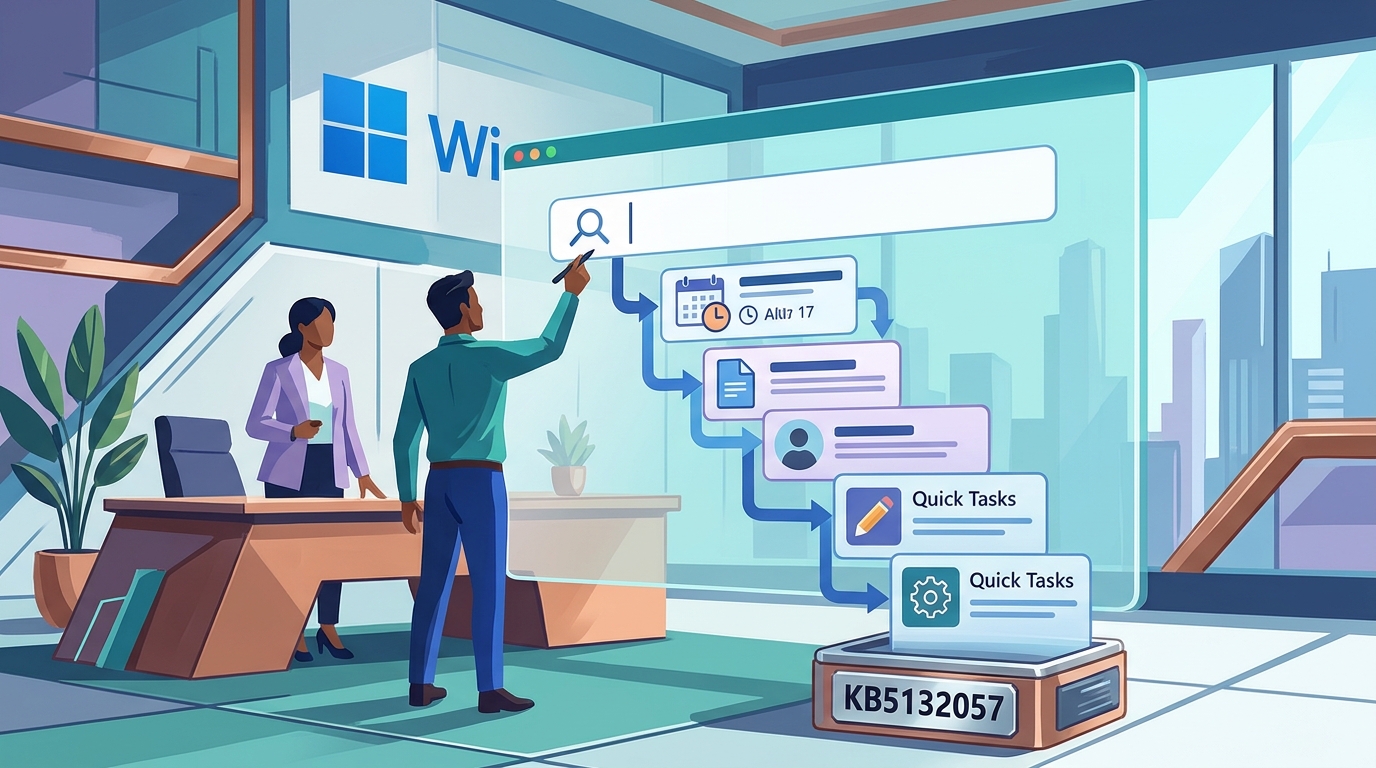
On November 19, 2026, Microsoft issued an optional non-security Preview update designated as KB5132057 (builds 26200.10075 and 26300.10075) for the Windows 11 General Availability Channel. It covers all editions of Windows 11 versions 25H2 and 26H2 at no extra cost. According to reporting by Help Desk Geek, the primary focal point of this release is a native redesign of the Windows Search interface. The updated Search layout consolidates results into a single clean list and improves handling of both typographical errors and synonyms.
The redesign also introduces direct file previews that display metadata including the last modified date, save path, and creator, alongside quick answers for categories like weather, stock prices, and general facts. Users can trigger system toggles directly from the search bar—such as switching dark mode, toggling Bluetooth, altering brightness, muting sound, or arranging windows. Android Phone Link integrations allow calling, messaging, launching "Find my phone", or toggling "Do Not Disturb" right from the Search interface.
Additional System Enhancements and Deployment Notes
Beyond the Search bar overhaul, KB5132057 introduces several desktop updates: an opt-in refreshed Run prompt rolling out in waves; faster File Explorer search for "This PC" designed to match File Explorer Home; and sign-in flow adjustments for Windows Hello facial recognition and security keys, with exact behavior subject to device variation. The update also adds screen capture indicators, a Pointer indicator for low-vision accessibility, Magnifier tweaks, expanded Narrator support for reading mathematical expressions across additional languages, and adjustments for widgets, Settings account alerts, and Xbox Game Bar quick settings.
For users intending to test this update, Help Desk Geek advises creating a backup of critical files on an external SSD before proceeding. KB5132057 can be acquired through Windows Update or installed via an offline MSU package. Release notes also highlight the ongoing Secure Boot certificate rotation: devices yet to receive updated certificates will continue normal startup and operations, standard updates will remain functional, and refreshed certificates will continue rolling out via Windows Update across upcoming months.
Tested Scope and Comparative Build Baseline
Help Desk Geek outlined the comparative positioning of recent Windows 11 servicing releases as follows:
- KB5132057 (25H2 build 26200.10075 / 26H2 build 26300.10075): Optional non-security preview issued November 19, 2026, featuring the phased Search redesign, opt-in Run dialog, and accelerated This PC queries.
- KB5132265 (26H1 build 28000.3620): Optional preview released alongside KB5132057 targeting 2026 hardware; it explicitly omits the Search redesign in favor of separate UI and system changes.
- KB5132061 (24H2 build 26100.9974 / 25H2 build 26200.9974 / 26H2 build 26300.9974): The baseline Patch Tuesday security update from November 10, 2026, representing the production security foundation for 25H2, 26H2, and serviced 24H2 editions.
- KB5132059 (26H1 build 28000.3501): The November Patch Tuesday security baseline strictly for 26H1 devices.
Importantly, existing 24H2 and 25H2 systems cannot perform an in-place upgrade to 26H1, as Microsoft release notes indicate 26H1 is aimed at newer silicon. Users remaining on Windows 11 24H2 must consult Microsoft's lifecycle documentation for edition-specific retirement timelines.
Limitations, Deployment Phasing, and Usage Advice
Installing KB5132057 does not guarantee immediate access to the Search overhaul. Microsoft is distributing the redesign as a gradual, phased rollout, meaning feature availability differs by hardware and account. Microsoft's documentation designates this as an Insider rollout subject to modification. Online queries require an active Internet connection, and initial availability is restricted to English. Furthermore, Microsoft's release notes describe the experience as improved without publishing verified performance or speed metrics.
Help Desk Geek recommends holding off on production, business, or family PCs. Because KB5132057 includes zero security fixes, administrators and users are advised to stay on KB5132061. Users can verify their patch level in five seconds by executing winver or visiting Settings > System > About; builds 26100.9974, 26200.9974, or 26300.9974 confirm adherence to the November security baseline. Microsoft confirmed there will be no non-security preview in December 2026 due to holidays, making subsequent monthly updates the likely conduit for broader rollout.
Source: Help Desk Geek (https://helpdeskgeek.com/microsoft-releases-windows-11-kb5132057-native-search-redesign/)