
How to Install and Run Local LLMs Offline on Windows and Mac with Ollama
Technology news
Step-by-step guide to installing and running local large language models (LLMs) with Ollama on Windows 10 22H2+ and macOS Sonoma 14+. Includes RAM and VRAM checks to help you choose the right model size.
Running Large Language Models Locally with Ollama
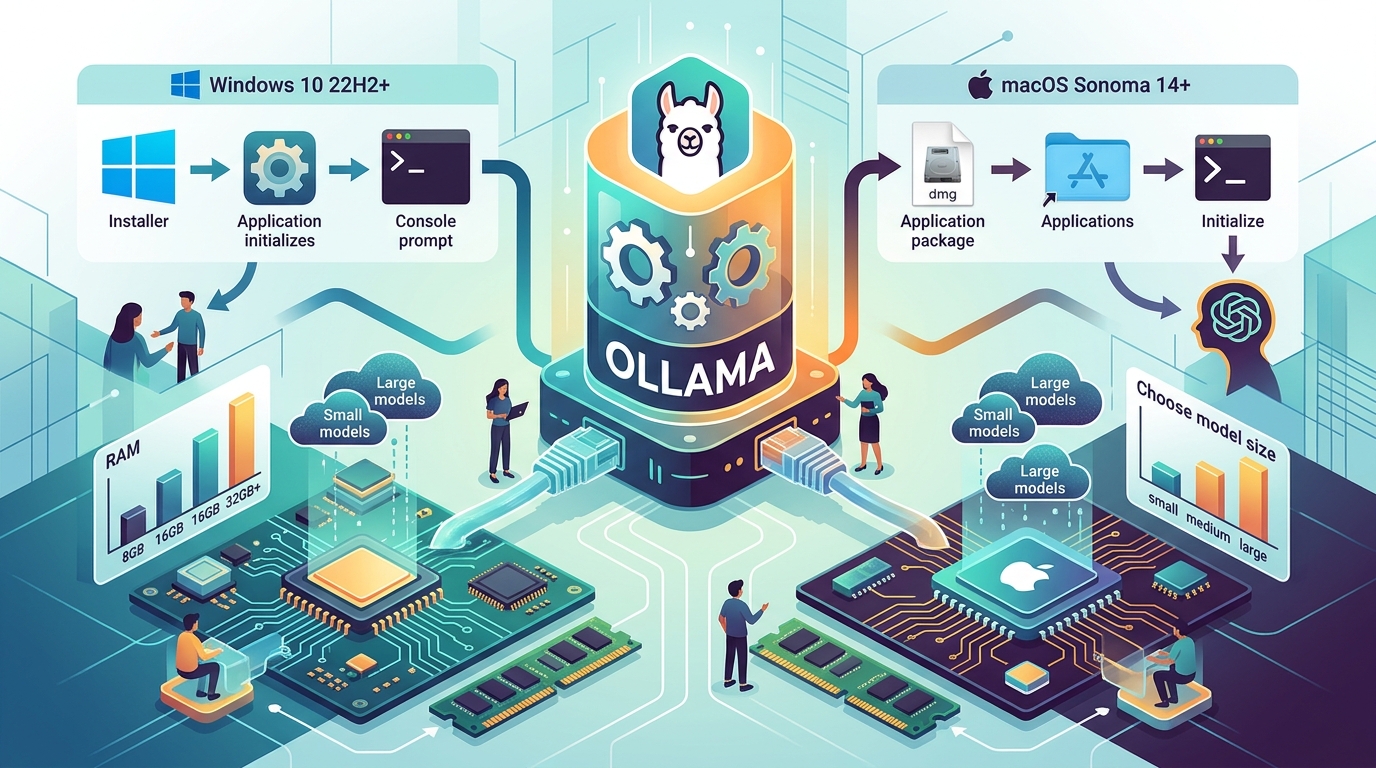
According to reporting by Online Tech Tips, Ollama is a free and open-source tool that allows users to download and execute large language models (LLMs) directly on their personal computers. It officially supports Windows 10 version 22H2 or later, as well as macOS Sonoma 14 or later. Local operation requires no account creation, email verification, or login credentials. After the initial download of a model package, interactions occur entirely offline without transmitting prompts or queries to external servers.
System Requirements and Step-by-Step Installation
Before installation, evaluate your system memory to determine suitable model sizes:
- Checking Windows Memory: Press
Windows + Ito open Settings, select System, and click About to inspect the Installed RAM under Device specifications. Next, pressCtrl + Shift + Escto open Task Manager, navigate to Performance, and select GPU to check the Dedicated GPU memory (VRAM). - Checking macOS Memory: Open the Apple menu and select About This Mac. Note the Memory figure, which represents shared unified memory across the processor and graphics on Apple silicon.
Installation and execution procedure:
- Navigate to the official download portal at
https://ollama.com/download. - On Windows: Download and run the official installer executable, then click Install through the prompts (or use the official one-line PowerShell command provided on the download page).
- On Mac: Download the installer, follow prompts to move the Ollama application into the Applications folder, launch it from Applications, and click Open if macOS prompts an internet-download confirmation.
- Verification: Open PowerShell (Windows) or Terminal (Mac) and execute
ollama --versionto confirm that the release number is displayed. - Download and start a chat session by running
ollama run model-name(replacing model-name with the designated model tag from Ollama's library, starting with smaller variants). - Once the download progress bar finishes, input a prompt directly into the terminal interface to test output generation.
Practical Applicability and Hardware Dependencies
Local AI deployment via Ollama is suited for environments requiring strict data privacy, mobile scenarios without dependable internet connectivity, and localized testing. Ollama utilizes Apple's Metal framework on macOS and Vulkan acceleration on Windows automatically without manual toggles. System performance directly scales with available hardware. Quantized models reduce overall memory footprints, but models must still fit within VRAM or unified memory for optimal speed. Systems relying solely on regular RAM and integrated graphics can run models, but token generation rates will be considerably slower.
Limitations, Common Pitfalls, and Troubleshooting
Local consumer-grade models are generally smaller than high-parameter cloud offerings, meaning answers to intricate queries may have lower depth or higher error rates. Reported operational issues and documented remedies include:
- Command Not Recognized Error: Fully exit and reopen all terminal windows to refresh path variables. If the failure persists, reinstall using the installer from the official site.
- Out of Memory or Severe Latency: Terminate background applications with high memory utilization, or transition to a model with a smaller parameter size.
- Integrated GPU Issues on Windows: Older releases encountered memory allocation bugs on integrated graphics; users should update to the latest version via the official installer. If GPU acceleration requires manual intervention, Ollama's documentation outlines environment variables such as
GGML_VK_VISIBLE_DEVICESto specify Vulkan devices.
Source: Online Tech Tips (https://www.online-tech-tips.com/run-local-llms-windows-mac-ollama/)