
Windows 11 Android Second Monitor Feature: Reality vs Speculative Code
Technology news
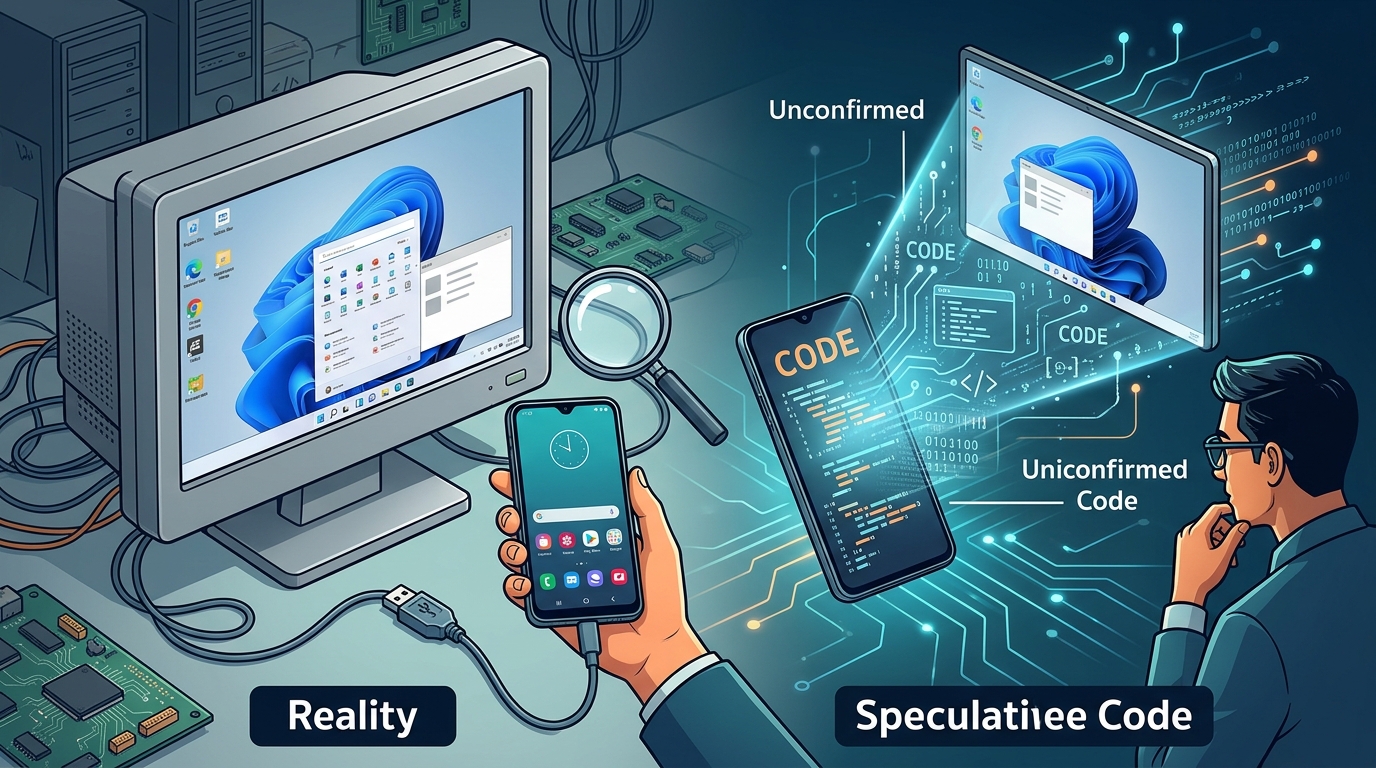
Reports claiming Windows 11 will let users turn an Android phone into a second monitor stem entirely from unconfirmed code found in the Link to Windows app, not an official Microsoft release, Help Desk Geek reports.
The Current Status of Android as a Second Monitor for Windows 11
According to an analysis by Help Desk Geek, referencing reporting from How-To Geek and Windows Latest, claims that Windows 11 will allow users to extend their desktop onto an Android phone or tablet originate solely from code strings found within the Link to Windows app. Microsoft has not officially announced or released this capability.
Code references point to an "Extend display" option, a "Phone as Display" architecture, and video codecs such as H.264 and HEVC, suggesting potential video streaming between devices. However, critical technical parameters—including connection requirements (Wi-Fi, USB, or both), supported display resolutions, refresh rates, and hardware compatibility—remain entirely unconfirmed. No documentation, Windows Insider blog post, or Microsoft Learn page currently describes this feature.
Confirmed Windows 11 and Android Integration Features
Microsoft currently supports several distinct cross-device features between Windows 11 and Android, though none reverse the display output to turn the phone into a PC monitor:
- Running phone apps on PC: Supported Android devices can launch apps in individual, resizable windows on the Windows 11 desktop.
- Screen mirroring to PC: The Link to Windows application mirrors the mobile screen onto the computer monitor, sending the image from phone to PC rather than extending the PC desktop.
- File Explorer integration: Windows Insiders can directly browse, copy, move, rename, and delete Android files via File Explorer.
- App resume: Taskbar alerts allow users to pick up activities started on the phone, beginning with Spotify rollouts to Insiders.
To configure these confirmed capabilities, navigate on your PC to Settings > Bluetooth & devices > Mobile devices, toggle on "Allow this PC to access your mobile devices," and select "Manage devices." Pair the device using the Link to Windows Android app signed in with the identical Microsoft account.
Practical Applications and Alternatives for Multi-Monitor Setups
Confusion frequently arises between extending a display, mirroring a screen, and Microsoft's enterprise-focused Windows 365 Cloud PC setup. In the Windows 365 setup, an Android phone drives a standalone external monitor via a USB-C to HDMI adapter to stream a virtual desktop; it does not serve as an auxiliary display for a local desktop PC.
Users who need a functional second monitor today must rely on hardware or third-party solutions. Dedicated portable monitors offer native reliability, while established third-party applications like spacedesk and Duet Display allow mobile devices to function as auxiliary displays when the respective software is installed on both the computer and the mobile device according to developer specifications.
Limitations and Cautions
End users should not search Windows 11 system settings for a native second-monitor toggle for Android, as Microsoft has neither documented nor enabled such an option. Furthermore, none of the unconfirmed display-extension code references apply to Apple iOS devices.
While confirmed preview features are accessible via Windows Insider channels (Dev or Beta) and Google Play Store beta builds of Link to Windows, preview software carries inherent stability risks. Production environments and mission-critical work machines should avoid beta builds until Microsoft formally documents and releases "Extend display" capabilities in an official public build note.
Source: helpdeskgeek.com (https://helpdeskgeek.com/windows-11-android-phone-second-monitor/)