
How to Install AppLock Revived to Lock Apps on Android via Obtainium
Technology news
A step-by-step guide to installing AppLock Revived on Android via Obtainium, exploring its open-source security features and operational limits compared to native One UI tools.
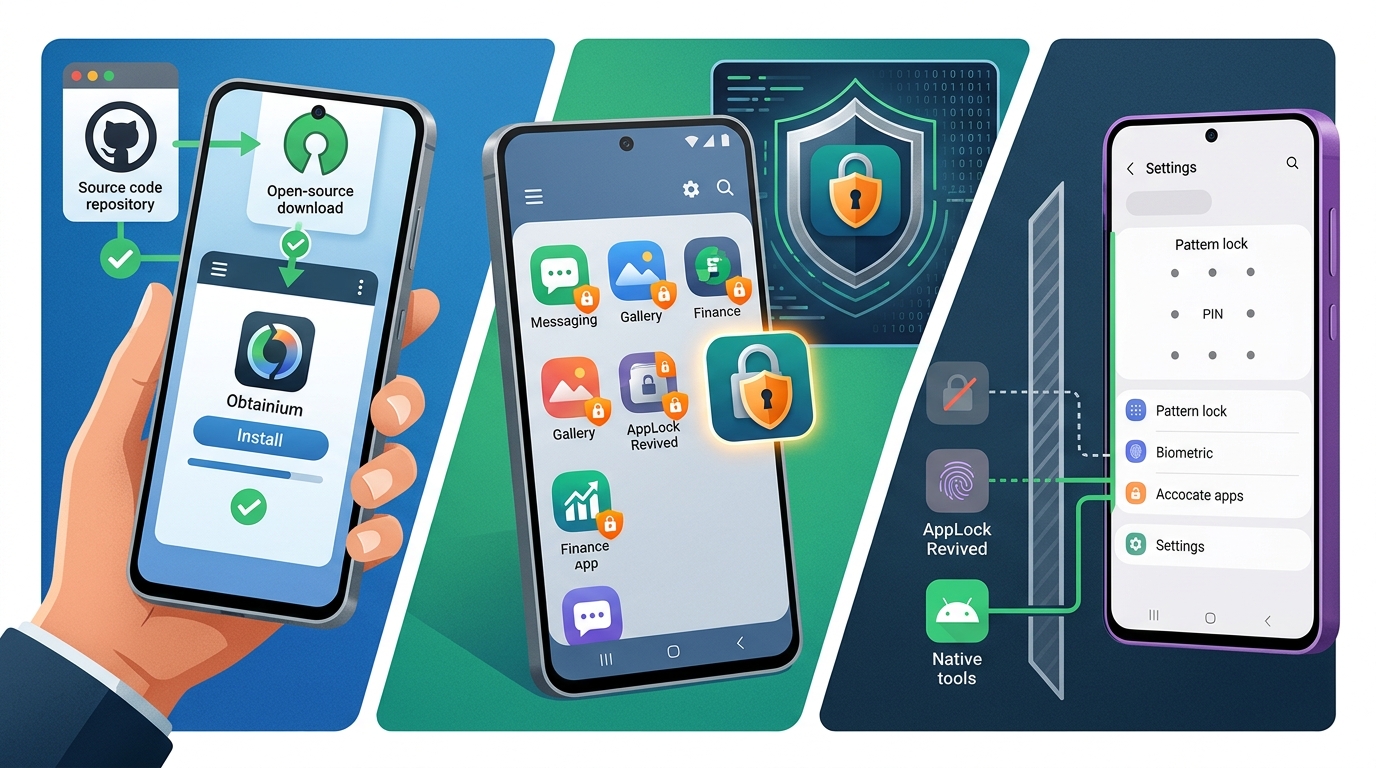
An Open-Source App Lock Solution for Android
Native app locking capabilities backed by biometrics or passwords have been introduced to devices running newer software such as Samsung's One UI 9.5 update and Android 17 QPR3 beta builds. However, as reported by Andy Walker for Android Authority, most Android users lack native access to this feature, and Google has confirmed that native app locking will not be ported backward to older Android releases.
To bridge this gap without requiring hardware upgrades, users can turn to AppLock Revived, a free and open-source project. Developed as an actively maintained fork of the legacy GitHub AppLock project, it introduces a Material 3 Expressive interface alongside multiple extended security controls.
Installation Guide via Obtainium
Because AppLock Revived is not distributed through the Google Play Store, it must be installed externally. While users can download an APK directly from its GitHub repository, utilizing an open-source package manager like Obtainium allows the app to track and receive ongoing updates. The installation steps are as follows:
- Navigate to the official Obtainium website and tap Download Universal APK to retrieve the latest installer.
- Install Obtainium onto the device, granting the system permission to Install unknown apps if prompted.
- Open Obtainium, tap the + Add button.
- Enter the AppLock Revived repository URL (
https://github.com/riyadmondol2006/AppLock-Revived) into the App source URL field and tap +. - Tap Install to proceed with installing AppLock Revived.
- After installation, launch the app and follow the on-screen setup prompts to grant required Android permissions, specifically Display over other apps and bypassing battery optimization.
Implementation Methods and Security Features
AppLock Revived provides three technical implementations for monitoring app access: Android's Accessibility service, Usage statistics access, or Shizuku integration. For initial setup, Android Authority suggests selecting the Accessibility service implementation, as it does not require additional software prerequisites like Shizuku.
Beyond basic app-locking toggles, the application provides granular configuration options:
- Two-step verification: Requires both biometric authentication and a PIN code to unlock targeted apps.
- Profiles: Allows categorizing apps into containers such as Home, Work, Guest, or user-defined profiles with designated unlock rules and durations.
- Intruder selfie: Automatically takes a photo via the front-facing camera after a predetermined threshold of failed unlock attempts, viewable inside the app.
- Trigger exclusions: Prevents locked applications from immediately relocking when switching directly between protected apps.
- Additional controls: Features include uninstallation protection for selected apps, a Scramble PIN keypad layout, locking the Android photo and file picker, securing newly installed apps, and an option to "Close locked apps when the screen turns off."
Inherent Limitations Compared to Native App Lock
While offering comprehensive locking parameters, AppLock Revived remains a third-party utility and cannot achieve full parity with operating-system-level integrations like Samsung's One UI 9.5:
- Home screen visibility: It cannot remove locked applications or their corresponding widgets from the default home screen.
- Unsuppressed notifications: The tool does not suppress or mask incoming notifications generated by locked apps.
Users seeking complete notification privacy and interface masking must account for these technical constraints when deploying third-party lock managers.
Source: androidauthority.com (https://www.androidauthority.com/how-to-get-app-lock-on-android-phone-3738771/)