
How to Enable the Windows 11 People Widget to Access Phone Link and WhatsApp Chats
Technology news
Microsoft introduced an Experimental-channel People widget for eligible Windows 11 Insiders, bringing contacts from supported Phone Link and WhatsApp apps to the desktop Widgets board to quickly open conversations.
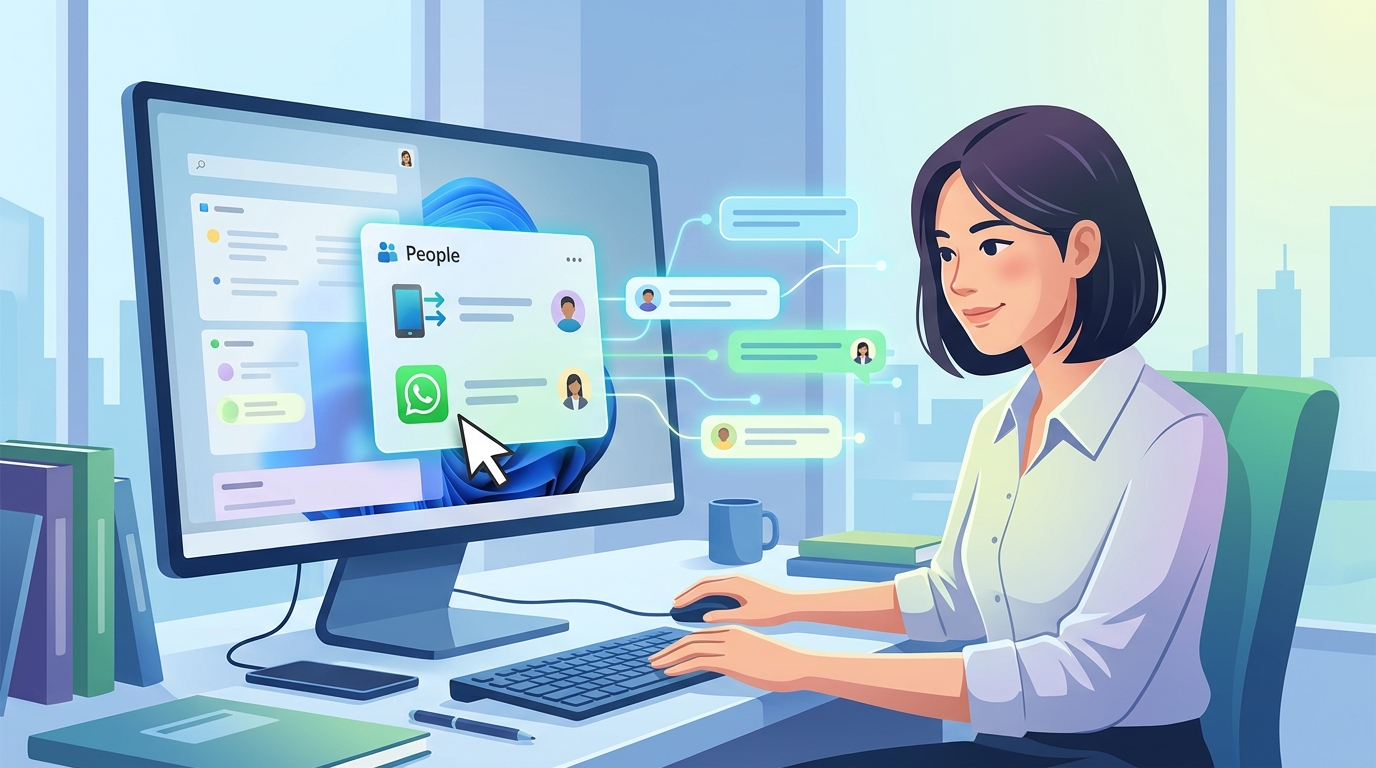
Overview of the Windows 11 People Widget in the Experimental Channel
According to Help Desk Geek, Microsoft announced the Windows 11 People widget on its Windows Insider Blog on November 20, 2026. Designed as an Experimental-channel preview feature for eligible Windows Insiders, People places contacts from supported communication applications directly onto the desktop Widgets board. When you select a contact inside the widget, it immediately opens the corresponding conversation inside the designated application.
Prerequisites and Step-by-Step Configuration Guide
To see contacts inside the widget, you must have Phone Link, WhatsApp, or both communication apps already configured and set up on your PC. Microsoft documents the following exact path to set up the widget:
- Press the Windows key + W keyboard shortcut to open the Widgets board.
- Click the plus icon (+) to view available widgets.
- Select People from the list to add it to your Widgets board.
- Verify that contacts appear from your configured Phone Link or WhatsApp accounts, and click a contact shortcut to confirm that it launches the correct conversation in its respective app.
Practical Differences Compared to Using Individual Apps
The practical difference of the People widget lies in providing a single launch point for returning to contacts across Phone Link and WhatsApp, which may save time if you regularly switch between both services. In contrast, opening Phone Link or WhatsApp directly preserves your existing workflow without adding extra elements to the Widgets board. Microsoft notes that this widget is entirely separate from the Microsoft 365 People cards in File Explorer (noted in February 2025 previews and rolled out in October 2025) and distinct from the compact chat experience introduced in Microsoft Teams (free) back in September 2023.
Limitations, Availability Caveats, and Usage Advice
At present, the People widget remains strictly confined to an Experimental-channel preview for eligible Windows Insiders, with no established user consensus reported across discussion platforms. If the People option is not offered when clicking the plus (+) menu, users should simply continue opening their communication apps directly. Help Desk Geek advises that everyday Windows 11 users have no immediate reason to move production PCs to an experimental testing channel simply to test this launcher, and testers who do try it should verify that contact shortcuts accurately open the intended chats during daily use.
Source: Help Desk Geek (https://helpdeskgeek.com/windows-11-people-widget-communication-app-support/)