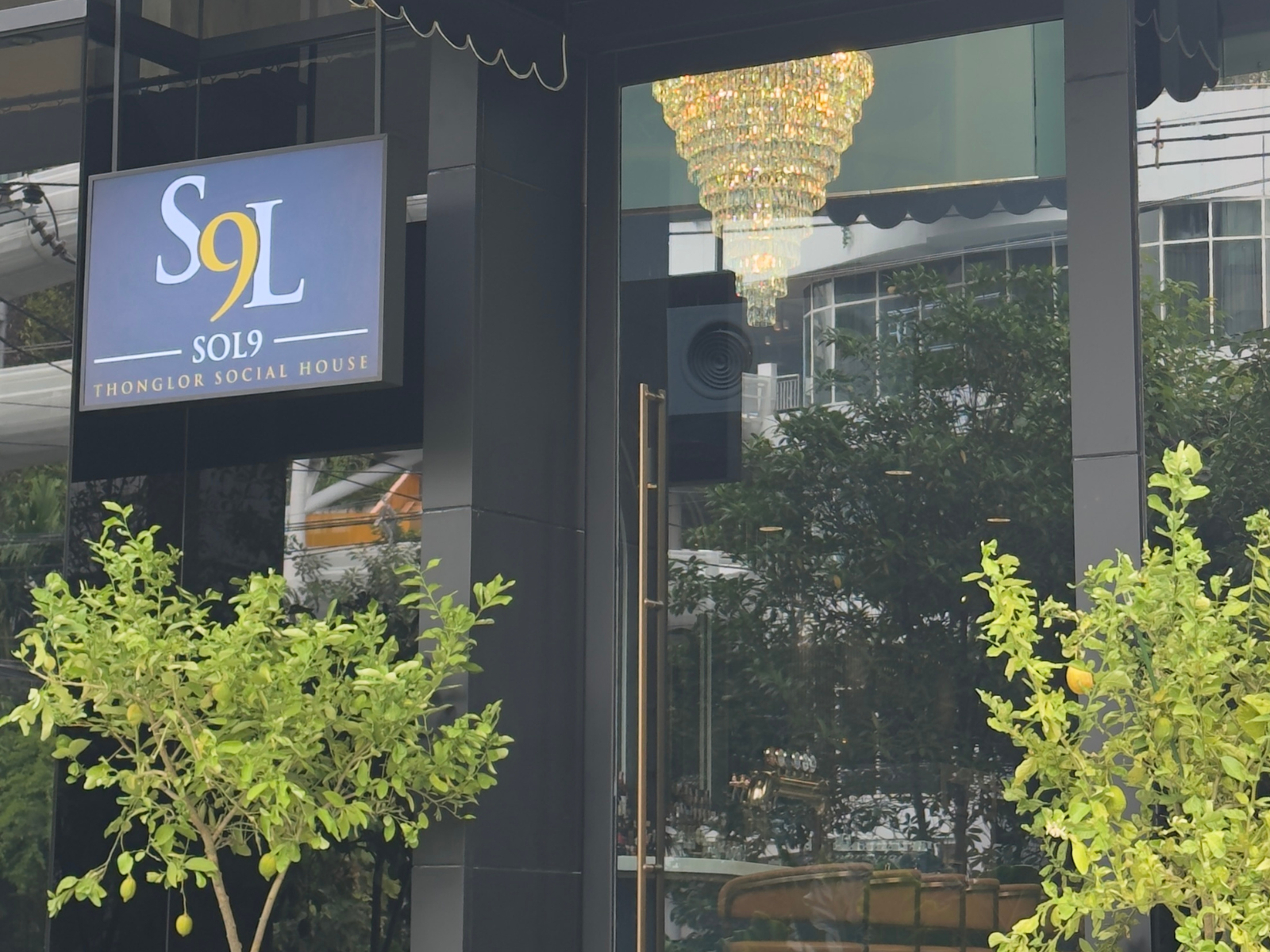
Infrastructure Design Overview
In a modern restaurant environment, the network is no longer used
only for Internet access or customer Wi-Fi.
It also provides essential connectivity for internal systems,
staff devices, IP surveillance, and other network-connected equipment
operating throughout the premises.
For SOL9, SyncTech Solution designed the network,
Wi-Fi, and IP surveillance as interconnected parts
of the same infrastructure rather than deploying
each system independently.
TP-Link Omada was selected for the network infrastructure,
together with TP-Link VIGI for IP surveillance.
This approach allows the gateway, managed PoE switching,
wireless access points, and IP cameras
to operate on a structured network architecture.
It also provides a foundation that can be managed systematically
and expanded as future requirements change.
TP-Link Omada Network Infrastructure
TP-Link Omada forms the core of the network,
integrating the gateway, managed switch,
and wireless access points into a centrally managed environment.
A TP-Link ER7406 is used as the network gateway,
while the TP-Link OC200 Omada Hardware Controller
provides centralized management for the Omada infrastructure.
Centralized management gives administrators visibility
across the gateway, switch, access points,
and connected clients through a common management interface.
This reduces the complexity of managing individual network devices
through separate configuration interfaces.
The architecture also provides a more structured approach
to future network changes.
Additional wireless access points, network devices,
or network segments can be introduced
while maintaining the same overall management platform.
Managed PoE Switching
A TP-Link SG3428MP Managed PoE+ Switch
forms the main switching infrastructure
and provides connectivity for network devices throughout the project.
Managed PoE is particularly useful in this deployment
because both wireless access points and IP cameras
can receive network connectivity and power through Ethernet.
This reduces the need for separate power adapters
at each supported installation point
and helps keep the physical infrastructure more organized.
Managed switching also provides support for VLANs,
structured port configuration, and network segmentation,
creating a more organized infrastructure
than placing every connected device on a single flat network.
For an environment combining Wi-Fi and IP surveillance,
switch selection should consider more than the number of available ports.
PoE power budget, uplink requirements,
connected device types, and potential future expansion
are also important parts of the overall design.
Indoor Wi-Fi 6 Infrastructure
TP-Link EAP655-Wall AX3000 Wi-Fi 6 Access Points
are deployed throughout the indoor areas
to provide wireless connectivity according to the restaurant layout
and intended service areas.
The wall-plate form factor allows the access points
to integrate neatly into the interior environment,
while Ethernet downlink ports provide additional wired connectivity
where required near the installation point.
Deploying access points across multiple locations
allows the wireless infrastructure to be designed around
the actual layout and usage areas,
rather than relying on a single access point
to provide wireless service throughout the entire restaurant.
Wireless configuration and SSIDs
can be centrally managed through the Omada Controller,
making the Wi-Fi infrastructure part of the managed network
rather than a collection of independently configured access points.
Outdoor Wi-Fi Infrastructure
A TP-Link EAP625-Outdoor HD Wi-Fi 6 Access Point
is used for the outdoor service area
where wireless connectivity is required beyond the indoor environment.
Indoor and outdoor areas were considered separately
because their installation conditions and service environments differ.
Selecting an access point should therefore consider
the physical environment, installation location,
intended service area, and network requirements
rather than wireless speed alone.
This approach allows the wireless infrastructure
to use equipment suited to each environment
while remaining part of the same centrally managed Omada network.
Network Segmentation
A restaurant network may contain many different types of devices,
including staff equipment, internal systems,
wireless clients, network cameras,
and customer devices using guest Wi-Fi.
The managed infrastructure therefore supports VLANs
and logical network segmentation,
allowing different services and device groups
to be organized according to their intended use.
For example, staff connectivity,
internal systems, guest wireless services,
and surveillance devices can be logically separated
instead of operating together within a single flat network.
This structured approach also makes it easier
to introduce additional systems or network policies later,
as new devices can be assigned
to an appropriate network segment
without redesigning the entire infrastructure.
IP Surveillance on the Network Infrastructure
In addition to the network and Wi-Fi infrastructure,
TP-Link VIGI IP surveillance was deployed
as part of the overall solution.
A VIGI NVR1008H Network Video Recorder
provides centralized video recording
for the network cameras installed throughout the project.
Unlike a standalone surveillance installation,
IP cameras operate as network-connected devices.
Switching capacity, network ports, PoE capacity,
cabling, and network architecture
therefore become important parts of the surveillance system itself.
Designing the network and surveillance infrastructure together
makes it possible to consider these requirements from the beginning,
rather than adding additional switching,
power, or cabling after the camera system has already been deployed.
Camera Selection for Different Areas
Rather than using the same camera model at every location,
different camera types and focal lengths were selected
according to the viewing requirements
and characteristics of each installation area.
For selected outdoor locations,
a TP-Link VIGI C340 Full-Color Bullet Network Camera
with a 6 mm lens is used where a narrower field of view
is appropriate for the intended observation area.
A TP-Link Insight S345 Full-Color Bullet Network Camera
with a 4 mm lens is used at another location,
providing a different field of view
to suit the specific monitoring requirement.
Using different focal lengths according to the installation point
is important because camera resolution alone
does not determine whether the resulting image
will provide the most appropriate view of the target area.
Dome Cameras for Indoor Areas
TP-Link VIGI C240I 2.8 mm Dome Network Cameras
are used for selected indoor areas.
The dome form factor provides an installation style
well suited to indoor environments,
while the 2.8 mm fixed lens provides a wider field of view
for monitoring general areas.
Camera placement was considered together with the intended viewing area
rather than simply installing multiple cameras
with identical viewing angles.
This allows each camera position to serve a specific monitoring purpose.
Motorized Varifocal Camera
A TP-Link Insight S245Zi Motorized Varifocal Dome Network Camera
is used for a location where greater flexibility
in adjusting the field of view is required.
Unlike a fixed-lens camera,
a motorized varifocal model allows the viewing angle
and focal range to be adjusted more precisely
to match the actual installation distance and target area.
This makes it useful for locations
where the required composition of the image
cannot be determined effectively
by selecting a standard fixed lens alone.
Designing Network and Surveillance Together
One of the key design principles in this project
was to avoid treating the network
and surveillance system as completely separate infrastructures.
Once surveillance is based on IP cameras,
the cameras become part of the network environment.
Switch capacity, PoE power, network segmentation,
cabling, and uplink design can directly affect
how the surveillance infrastructure is deployed.
Planning both systems together allows
the switching infrastructure to be sized
around the combined requirements of wireless access points,
IP cameras, and other network-connected devices.
It also creates a clearer infrastructure
for future maintenance because the physical and logical network
is planned around the systems that actually depend on it.
PoE Design for Wi-Fi and Surveillance
With both wireless access points and IP cameras using PoE,
switch design should not be based solely
on whether enough Ethernet ports are available.
The PoE power budget of the switch
must also be considered against the combined requirements
of all connected PoE devices.
This becomes increasingly important
as more access points, cameras,
or other powered network devices are added.
Using managed PoE infrastructure
also allows data connectivity and power delivery
to share the structured Ethernet cabling
at supported installation points.
This reduces the number of separate power adapters
required around the premises
and creates a cleaner infrastructure
for both wireless and surveillance devices.
Practical Lessons from the Deployment
One of the practical lessons from this type of project
is that a restaurant network should not be designed
simply by deciding how many access points or cameras are required.
The design should begin by identifying
which systems need connectivity,
which devices require PoE,
which areas are indoor or outdoor,
and which device groups should be separated
from one another at the network level.
The wireless design should also consider
the actual layout and intended service areas.
Deploying more access points does not automatically create
a better wireless network
if placement, switching, uplinks,
and network configuration are not planned appropriately.
The same principle applies to surveillance.
Higher camera resolution alone
does not guarantee the most useful image.
Camera type, focal length, installation position,
viewing angle, and target distance
all contribute to the final result.
Why Centralized Management Matters
As the number of network devices increases,
managing each device independently
can make routine monitoring and configuration more complicated.
Using the Omada Controller allows the gateway,
managed switch, wireless access points,
and connected clients to be viewed
as part of the same managed network environment.
This provides a clearer operational view of the infrastructure
and makes it easier to maintain a consistent network configuration
when additional Omada devices are introduced in the future.
Infrastructure Designed for Future Expansion
The infrastructure is built around managed networking,
PoE switching, and centralized management,
providing a structured foundation
for future additions to the restaurant's technology environment.
If additional wireless access points,
network cameras, network segments,
or other connected systems are required later,
they can be incorporated into the existing architecture
without changing the overall approach to network management.
Planning this flexibility from the beginning
is particularly useful for commercial environments,
where technology requirements may continue to change
after the initial installation has been completed.
Project Summary
This project demonstrates how network infrastructure
can serve as the backbone for multiple digital systems
within a modern restaurant environment,
rather than functioning only as an Internet
and customer Wi-Fi service.
By combining TP-Link Omada gateway and centralized management,
managed PoE switching, indoor and outdoor Wi-Fi 6,
together with TP-Link VIGI IP surveillance,
the network and surveillance systems
can operate on a structured infrastructure
designed around the actual requirements of the premises.
The result is an infrastructure
where networking, wireless connectivity,
PoE devices, and IP surveillance
are planned as interconnected components,
making the overall environment easier to manage
and providing a clear foundation for future expansion.