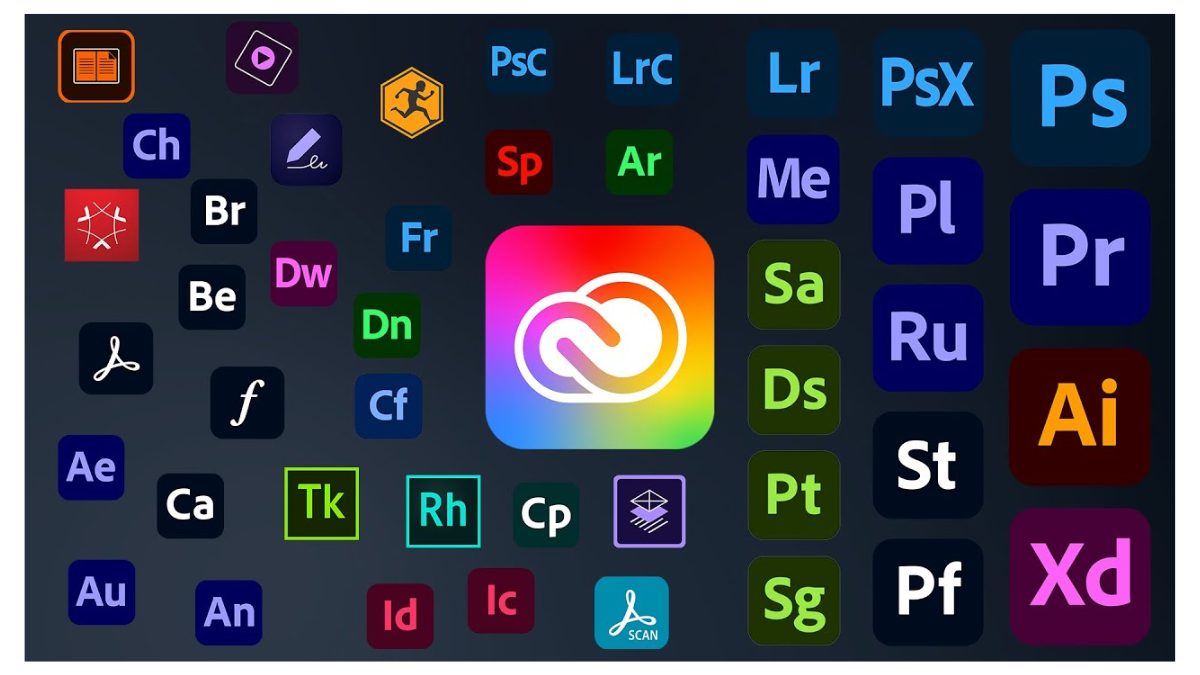
In an era where creating digital works has become a central part of communication, marketing, and product design, Adobe is considered one of the world’s leading software development companies with high popularity, offering famous programs such as Photoshop, Illustrator, InDesign, Premiere Pro, After Effects, Acrobat, and many other creative tools.
Currently, Adobe has developed the Creative Cloud platform to be more comprehensive than traditional design software, by adding AI capabilities through Adobe Firefly and the Generative Credits system to help users create images, videos, audio, and digital content more quickly.
However, choosing the appropriate license for individuals, companies, or organizations is an important factor in managing costs, flexibility, software management, and proper control of usage rights.
In this article, we will explain the types of Adobe licenses for both individuals and organizations so that readers can choose to use them correctly, cost-effectively, and appropriately for their current work patterns.
license for Individuals (Individual Licenses)
For general users, Adobe's license is mostly in the form of a subscription through the Creative Cloud system. Users can choose to subscribe to multiple programs or only the specific programs they need, while continuously receiving updates for new features.
The current significant turning point is that Adobe has begun integrating AI capabilities more into the Creative Cloud plan, particularly Adobe Firefly and Generative Credits, which are used for AI creative features such as image generation, image completion, video creation, audio or video translation, and other AI features in Adobe apps.
- Adobe Creative Cloud Pro Individual
- Details: Creative Cloud Pro is a plan for users who want access to more than 20 of Adobe's creative apps, such as Photoshop, Illustrator, InDesign, Premiere Pro, After Effects, Lightroom, Acrobat, and other apps, along with the capabilities of Adobe Firefly for AI-driven creative work.
- Highlights:
- Can use a variety of Adobe apps, suitable for design, photography, video, print, and digital content
- Continuously receives updates to new versions and the latest features
- Includes Adobe Firefly to help create AI-generated content such as images, videos, audio, and other creative works
- Has Generative Credits for using certain AI features, especially premium features like Text to Video or advanced media creation
- Suitable for users who want a full set of tools in a single platform
- Suitable for: Freelancers, designers, creators, photographers, video editors, marketers, and general users who want to use multiple Adobe apps together.
- Adobe Creative Cloud Single App
- Details: This plan is for users who want to use only a specific program, such as Photoshop, Illustrator, InDesign, Premiere Pro, or Acrobat, without needing to subscribe to all apps.
- Highlights:
- More cost-effective than buying the full suite if you only use certain programs
- Continuously receives updates for new features of that particular program
- Suitable for specialized tasks, such as photo editing, vector design, PDF document work, or video editing
- Who it is suitable for: Users with specialized work, such as photographers primarily using Photoshop/Lightroom, designers using Illustrator, or office users needing Acrobat for managing PDF files
- Adobe Creative Cloud Pro for Students and Teachers
- Details: This is a special pricing plan for students, learners, teachers, and instructors. Generally, it provides access to more than 20 Adobe apps along with Adobe Firefly creative AI for image, video, and audio work. Users must meet educational verification requirements.
- Highlights:
- More affordable than the individual plan
- Access to Adobe's professional tools for learning, teaching, and portfolio creation
- Supports Adobe Firefly use and Generative Credits according to plan conditions
- Who it's suitable for: Students, learners, teachers, instructors, and educational personnel who want to use Adobe software legally at a reasonable price
- Adobe Firefly Plans
- Details: Adobe Firefly is a suite of AI services for creative work, such as text-to-image generation, AI image editing, video creation, audio/video translation, and using various creative models. Some plans include Generative Credits that can be used according to the specified amount.
- Highlights:
- Suitable for users who want to focus on AI-driven creative work specifically
- Supports both Standard and Premium AI features, depending on the chosen plan
- Generative Credits can be used with AI features in Adobe Firefly and supported Creative Cloud apps
- Who it’s suitable for: Creators, marketers, content teams, and users who primarily want to create images, videos, or digital media using AI
What are Generative Credits?
Generative Credits are credits used to process Adobe's Generative AI features, such as image generation, video generation, audio generation, or using AI features in Creative Cloud apps and Adobe Firefly.
In general, some standard AI features may use fewer credits, while premium AI features, such as Text to Video, Generate Video, or using advanced models, may use more credits and must be included in a plan that supports those features.
Therefore, before choosing an Adobe plan, you should consider how much you use AI. If it is for general use, such as photo editing, design, or document work, it may not be necessary to choose a plan with a large number of credits. However, if you work with AI video, generate a large number of images, or regularly produce content using AI, you should choose a plan that provides enough Generative Credits for your usage.
license for Companies and Organizations (Business/Enterprise Licenses)
For businesses, organizations, or large studios, Adobe offers licenses focused on user management, security, corporate digital asset control, and long-term cost management.
The key point of the plan for organizations is that it not only provides the Adobe app but also includes tools for administrators, such as the Admin Console, user management, license assignment, management of files or organizational assets, and support for businesses.
- Adobe Creative Cloud Pro for Teams
- Details: This is a plan for small to medium-sized businesses, design teams, marketing teams, or organizations that want to use multiple Adobe apps together, with tools to centrally manage users and licenses through the Adobe Admin Console.
- Highlights:
- Access to more than 20 Adobe apps with creative features via Adobe Firefly
- Admins can easily add, remove, or transfer licenses between employees
- Includes Team Libraries to share Assets, Fonts, Brand elements, or files used within the team
- Helps companies better manage organizational files and digital assets compared to the Individual plan
- Ideal for team work, as it allows central management of users, payments, and usage rights
- Suitable for: Small to medium-sized companies, marketing teams, design studios, content production teams, and organizations that want their employees to use Adobe correctly and manage it centrally.
- Adobe Creative Cloud Single App for Teams
- Details: This plan is for organizations that want to purchase only the programs that each group of employees uses, such as Photoshop for teams, Illustrator for teams, Premiere Pro for teams, Acrobat for teams, or Adobe Express for teams
- Highlights:
- Helps control costs, as it is not necessary to purchase All Apps for every user
- Allows selecting programs that match job roles, such as a graphics team using Illustrator, a documentation team using Acrobat, and a video team using Premiere Pro
- Still provides team management tools through the Admin Console
- Who it’s suitable for: Companies that want to allocate licenses according to employee job roles and wish to reduce costs by not purchasing unnecessarily large packages
- Adobe Creative Cloud for Enterprise
- Details: Suitable for large organizations that require security, user control, and connection to the organization's IT systems, such as Single Sign-On (SSO), identity management, security policy enforcement, and enterprise-level data control.
- Highlights:
- Supports managing a large number of users through the Admin Console
- Includes tools for controlling access permissions and managing enterprise-level Identity
- Supports integration with IT systems and organizational security systems
- Suitable for organizations that require higher standards of Compliance, Security, and Governance than the Teams plan
- Offers options for enterprise-level support and services according to contract terms
- Suitable for: Large organizations, multinational companies, educational institutions, agencies with a large number of users, or organizations that need strict control over security and data
- VIP Marketplace
- Details: VIP Marketplace is a purchasing and license management program for Adobe for organizations and institutions through Adobe partners or resellers. It helps organizations purchase, add, renew, and manage licenses conveniently according to their needs.
- Highlights:
- Easy to purchase licenses through Adobe Resellers or Partners
- Can increase the number of licenses as the organization grows
- Supports volume purchase discounts according to Adobe’s conditions and the region of purchase
- Licenses can be managed through the Adobe Admin Console
- Suitable for organizations that want flexibility in purchasing and renewing licenses
- Suitable for: Businesses, schools, universities, agencies, and organizations that want to purchase Adobe licenses with a central management system and the ability to adjust the quantity according to usage.
- Enterprise Term License Agreement (ETLA)
- Details: ETLA is a long-term agreement for large organizations that want to purchase a large number of Adobe licenses and need terms of use, support, or the integration of multiple products in a single contract.
- Highlights:
- Suitable for organizations with a large number of users and want to plan a long-term budget
- Can combine multiple groups of Adobe products in a single contract
- Helps make purchasing and license management more systematic
- Suitable for organizations that require specific terms according to size and usage patterns
- Who it is suitable for: Large organizations, agencies with many users, or organizations that require long-term contracts and full-scale enterprise license management
Summary of the Differences Between Individual and Organizational licenses
- General public: Suitable for individual users, freelancers, students, or general users who want to use Adobe with their own account. Focuses on simplicity, with options for Creative Cloud Pro, Single App, or the Student and Teacher plan.
- Organization: Suitable for companies or agencies that need to manage multiple users, want to control licenses centrally, handle the company's digital assets, and require higher security or compliance than individual plans.
- Jobs that use a lot of AI: Consider plans with enough Generative Credits, or Firefly plans that are specifically suitable for creating content with AI
- Teams with multiple job roles: It may not be necessary to purchase All Apps for everyone. You can choose a mix between Creative Cloud Pro for teams and Single App for teams according to the roles of each group of users.
Considerations Before Choosing to Purchase an Adobe License
- How many programs do you use?
If you use multiple apps such as Photoshop, Illustrator, Premiere Pro, and After Effects, you should consider Creative Cloud Pro. But if you only use a single program, Single App may be more cost-effective. - Personal or team use?
If it is for use in a company, you should choose the Teams or Enterprise plan because it allows better management of users and licenses from a central location than the Individual plan. - How much Adobe Firefly or AI is needed?
If creating a large amount of AI images, videos, or content, you should check the number of Generative Credits and the usage rights of Premium AI features before choosing a plan - Do you need to control the company's files and assets?
For organizations that need to manage digital assets such as fonts, libraries, brand assets, and team work files, the Teams or Enterprise plan is more suitable than the Individual plan. - Do you need enterprise-level security?
If an organization requires SSO, Identity Management, user permission controls, or Compliance, it should consider the Enterprise plan.
Conclusion
Understanding Adobe's license types helps you make purchasing decisions that suit your needs, whether you are an individual using only a few programs, a freelancer who needs the full set of creative tools, or an organization that needs to manage teams and control software centrally.
Currently, Adobe is not just a design software suite, but also includes AI capabilities through Adobe Firefly and the Generative Credits system to help enhance work efficiency. Therefore, choosing the right plan should consider the number of apps used, the number of users, license management methods, and the amount of AI usage together.
By choosing the correct license, you will be able to fully utilize Adobe's tools, better control costs, and help your organization work on creative projects safely, systematically, and most cost-effectively.
Need expert advice or would like to request a quotation? Contact us today:
E-mail: [email protected]
LINE Official: @sync.co.th

The Company reserves the right to correct any typographical or printing errors and shall not be held liable for any inaccuracies resulting from such errors.
*** This article is the intellectual property of SyncTech Solution Company Limited. Reproduction, modification, or redistribution of this content, in whole or in part, is strictly prohibited without prior written permission from the Company. ***