Enterprise IT Support • Bangkok & Nationwide

Professional IT Services

IT Infrastructure Maintenance

Core IT equipment is critical to every organization and requires regular care. We provide inspection, preventive maintenance, and repair services for the entire IT infrastructure to reduce the risk of system downtime and ensure your business can continue operating smoothly. We also offer contract renewal management services, helping you avoid missing any coverage or support from product vendors.

Service image: IT Infrastructure Maintenance

Service overview

Service details

Scope, delivery details, and business outcomes.

Scope of Services
  • System Audit & Preventive Maintenance (PM): We provide health check services for core equipment such as servers, network switches, routers, firewalls, backup systems, and CCTV systems to identify and resolve abnormalities before they cause serious damage.
  • Firmware & Security Patch Update: We update operating systems, software, and firmware for network and security devices according to a plan that considers risk, compatibility and manufacturer support, to address vulnerabilities and improve performance.
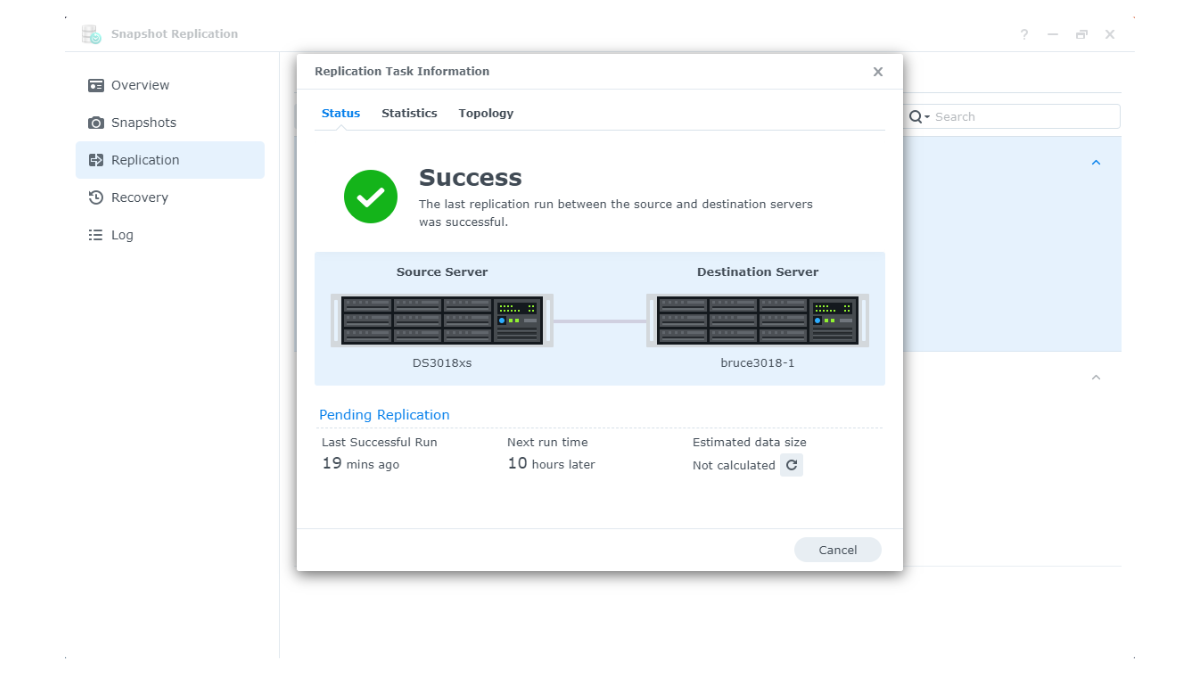
  • Backup System Verification: We regularly inspect and test backup solutions to ensure that critical organizational data is properly stored and can actually be restored in case of an emergency.
  • License & Hardware MA Renewal: Eliminate the risk of forgetting contract renewals. We provide reminder and renewal management services for hardware warranties, maintenance agreements (MA), and software licenses such as firewall licenses, antivirus, and server OS licenses directly from vendors or principals.

Agreed scope and handover requirements

Select business-critical servers, networks, firewalls, backup and CCTV systems, then define health checks, patch work, recovery tests and warranty, MA and license expiry tracking. Handover requirements should identify findings, risks, completed work and recommendations that still need a decision.

Service-specific delivery steps

  1. Inventory equipment and contracts: review models, versions, system status and coverage expiry dates.
  2. Plan according to risk: choose inspection intervals, patches and test criteria appropriate to each system.
  3. Work within the agreed window: perform health checks, apply supported compatible updates and run recovery tests within the defined scope.
  4. Report and follow up: record results, limitations, remaining risks and renewal actions.

Information to prepare for an assessment

Prepare the equipment and software inventory, current versions, incident history, backup setup, contract expiry dates and permitted maintenance windows.

Conditions affecting scope, pricing and test results

  • PM intervals, on-site visits, support channels and response times depend on the agreed contract; they are not identical for every system.
  • Firmware and patches must be assessed for compatibility and manufacturer support. Unsupported equipment may require replacement or other controls.
  • A successful backup job alone does not prove complete recovery. Define test data and assess recovery results within the agreed scope.

Related system case

Synology backup modernization for FMP Group describes physical servers, Hyper-V and computers across multiple offices. This is a backup-modernization case, not a PM or SLA commitment for every maintenance engagement.

How we deliver

Our Delivery Process

Discovery and Requirements Gathering

Assess the environment, existing systems, stakeholders, constraints, and risks.

Solution and Scope Design

Define the proposed approach, scope of work, test criteria, impact-mitigation plan, and deliverables.

Implementation and Testing

Execute the approved plan, document results, test with users, and prepare a rollback plan where required.

Handover and Ongoing Support

Deliver documentation, train administrators, and establish channels for incident reporting and maintenance.

Technology ecosystem

Related Technologies and Brands

FAQ

Frequently Asked Questions

How often should preventive maintenance be performed?
The appropriate frequency depends on system criticality, the operating environment, warranty requirements, and the findings of a risk assessment.
How is backup verification different from checking whether a job succeeded?
A thorough verification also tests recovery, data completeness, recovery time, and access permissions for backup copies.

Talk to an engineer

Let SyncTech Assess Your Project Requirements

Share your current systems, challenges, or project goals to receive an initial recommendation.

LINE Official Account

Need a quick consultation?

Chat directly with our sales team on LINE.

Chat with us on LINE (opens in a new tab)

Start a conversation

Talk to an expert

Tell us briefly what you need, and our team will respond within 3 business days.

Related insights

Related articles

View all articles
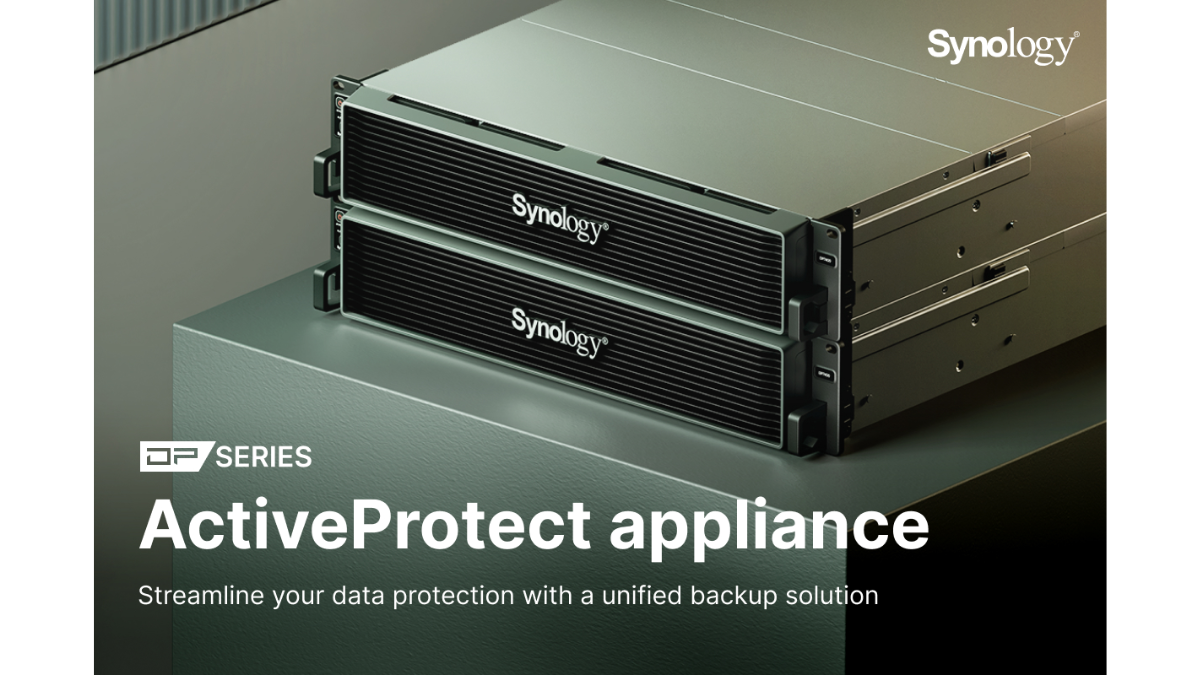
Article image: Synology ActiveProtect Appliance Explained

Synology ActiveProtect Appliance Explained

ActiveProtect Appliance: Backup and Data Recovery Solution for Modern Enterprises In an era where data is the heart of business, data loss or being attacked by ransomware can create consequences...

Article image: How to Protect a Synology NAS from Ransomware

How to Protect a Synology NAS from Ransomware

Currently, cyber threats such as ransomware have become a major problem for both general users and organizations, especially storage systems like Synology NAS, because NAS often serves as the central hub for files…

Let’s build what’s next

Better IT starts with understanding your business.

Tell our engineers what you need and receive an initial recommendation at no cost.