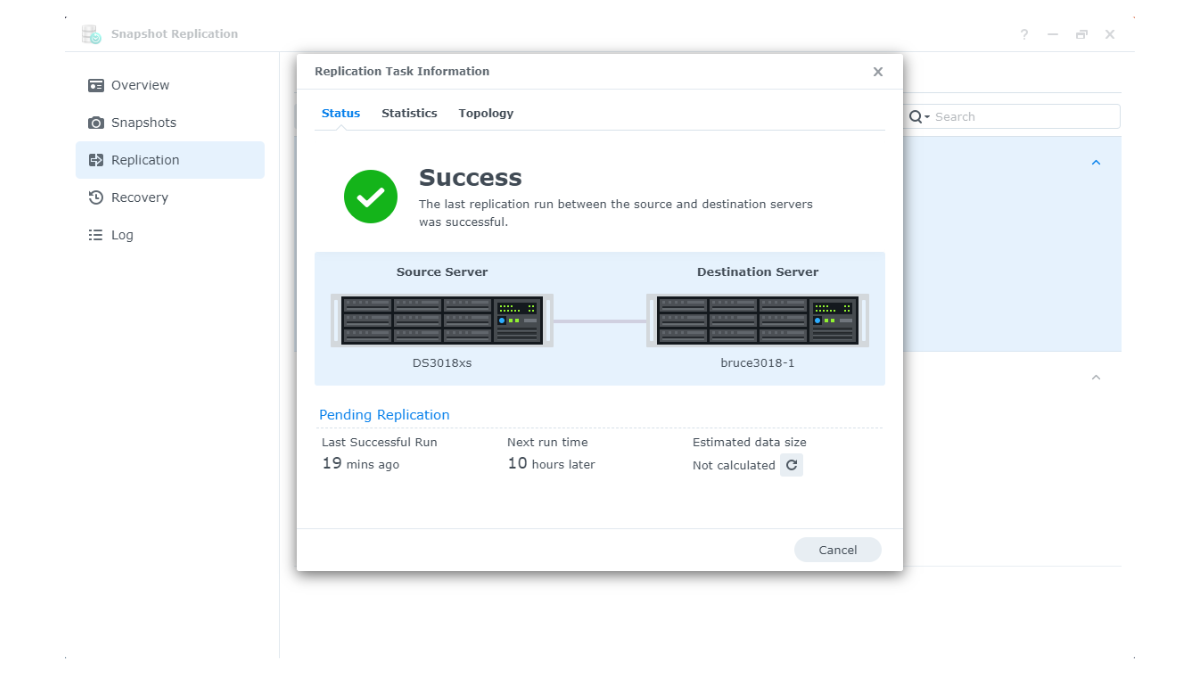
Synology Snapshots and Immutable Snapshots are features that enhance security and efficiency in managing data on Synology NAS systems, particularly in terms of data loss prevention, data rollback, and data recovery in case of errors or threats such as ransomware.
These features are suitable for general users, small businesses, and organizations that want to ensure important data can be quickly recovered in case of a problem.
What is Synology Snapshots?
Synology Snapshots is a process of recording the state of data in a Shared Folder or LUN (Logical Unit Number) at a specific point in time. The system creates a virtual copy of the data at that moment, allowing users to revert to a previous state in case of accidental file deletion, file corruption, or unintended data modification.
The advantage of Snapshot is that it uses less storage space than a full backup, because the system only records the parts that have changed since the previous Snapshot. This allows Snapshots to be created frequently and data to be restored quickly.
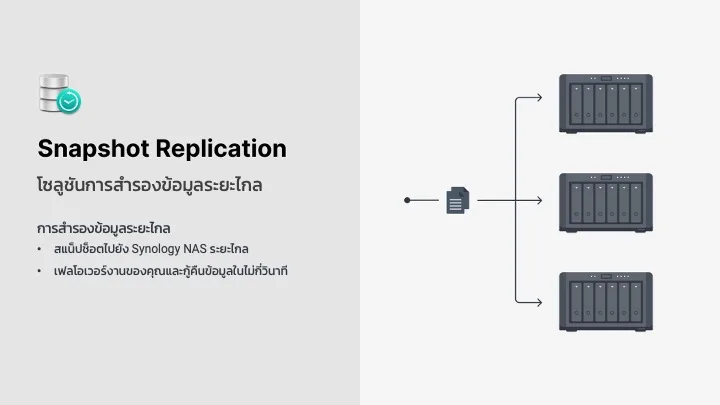
How Synology Snapshots Work
- Records the status of data at a specified point in time
- Only records changes to data after the previous snapshot
- Helps reduce storage usage compared to full backups
- Can revert to the data status saved in a snapshot
- Suitable for preventing user errors, such as accidentally deleting files or editing the wrong version of a file
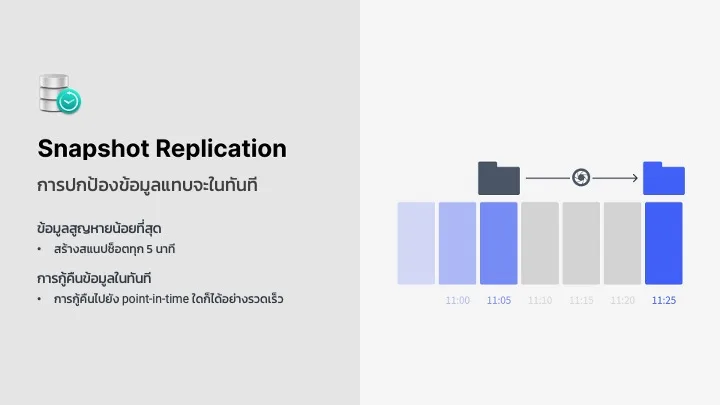
What are Immutable Snapshots?
Immutable Snapshots are Snapshots that are set so they cannot be modified or deleted until a specified period expires. This feature is designed to enhance data security against unauthorized deletion, modification, or changes.
Immutable Snapshots are very useful in an era where threats like Ransomware are increasing, because even if the original data is encrypted or deleted, administrators can still recover the data from the locked Snapshot.
How Immutable Snapshots Work
- When creating an Immutable Snapshot, the system will lock the Snapshot for a specified period.
- During the locked period, the Snapshot cannot be deleted or modified.
- Helps prevent accidental deletion or deletion by malicious actors.
- Helps reduce the risk from ransomware attempting to delete or encrypt data retroactively.
- Suitable for critical data that requires high security, such as business files, accounting documents, customer documents, or compliance-related information.
Advantages of Synology Snapshots
- Quick Data Recovery
In case of data damage, users can quickly recover a Shared Folder or LUN to a previous Snapshot state without having to wait to restore the entire Backup set - Prevent Data Loss from Human Error
Snapshots help reduce the risk of user mistakes, such as accidentally deleting files, overwriting files, or editing the wrong version of a file. - Reduce workload in backup
Snapshot uses the principle of recording only the changed parts, which uses fewer resources and allows snapshots to be created more frequently than full backups - Saves storage space
Since Snapshots do not copy all data every time but only store the changed parts, it helps reduce space usage on the NAS effectively. - Suitable for File Server and LUN
For organizations using NAS as a File Server or using LUN for a Virtualization system, Snapshot helps to quickly restore data when problems occur
Advantages of Immutable Snapshots
- Prevent accidental data deletion
Immutable Snapshots cannot be deleted or modified until the specified period has elapsed, helping to reduce the risk of accidental data deletion - Helps prevent Ransomware
If the source files are encrypted or altered by Ransomware, administrators can still recover data from the locked Immutable Snapshot. - Reduce the risk of administrator accounts being attacked
Even if the administrator account is accessed by malicious users, Snapshots within the Immutable period cannot be deleted until the due date - Suitable for data retention according to organizational policies
Organizations with data retention requirements, such as important documents, accounting data, or customer information, can use Immutable Snapshots to help increase the reliability of their data storage systems - Boost Business Confidence
Immutable Snapshots help businesses ensure they have a safer recovery point in case of emergencies
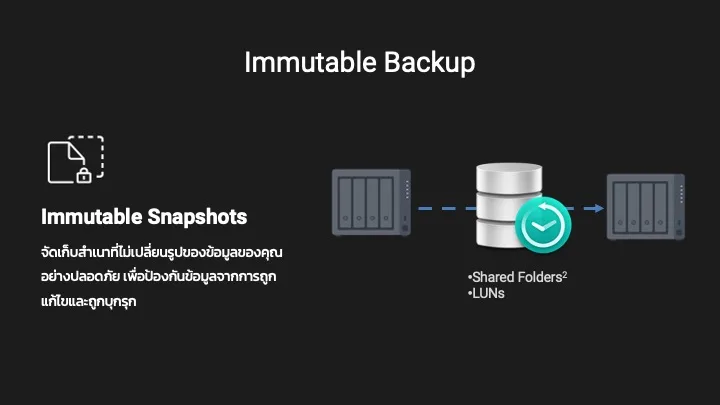
How are Synology Snapshots and Immutable Snapshots good?
- Prevent Data Loss
Both features help reduce the risk of accidental file deletion, incorrect file modifications, and threats such as ransomware. - Increase recovery speed
Users can quickly recover data to the desired point in time without needing to restore the entire system - Save storage space
Snapshot uses less space than full backups every time because it only stores the parts of the data that have changed - Increase protection against Ransomware
Immutable Snapshots ensure that historical data cannot be deleted or modified for a set period, thereby increasing the chances of data recovery after an attack - Suitable for businesses that require continuity
When an error occurs, the organization can quickly recover data, reduce downtime, and minimize the impact on team operations
How is a Snapshot different from a Backup?
Although snapshots help in quickly recovering data, snapshots should not be considered as the only backup. Generally, snapshots remain on the same NAS or storage. If the NAS fails completely, the hardware is severely damaged, there is a fire, flooding, or the device is stolen, the snapshots may be lost along with the primary data.
| Topic | Snapshot | Backup |
|---|---|---|
| Main purpose | Quickly recover data | Keep another copy of the data |
| Storage Location | Usually on the same NAS or Storage | Should be on a different device, different location, or on the Cloud |
| Recovery Speed | Very Fast | Depends on destination and data volume |
| Prevent accidental file deletion | Helpful | Helpful |
| Prevent the entire NAS from failing | Insufficient | Helpful if the backup is outside the device or offsite |
| Suitable for | Quick recovery from short-term errors | Prevent long-term data loss and disasters |
Therefore, the best approach is to use Snapshots together with Backup, such as using Snapshot Replication, Hyper Backup, Off-site NAS, or Cloud Backup, to ensure that the data has both fast recovery points and secure backup copies from severe incidents.
How should Snapshots be used safely?
- Schedule snapshots according to the frequency of data changes, such as hourly or daily
- Set an appropriate retention policy, such as hourly, daily, weekly, or monthly
- Use immutable snapshots for important data or folders that are at risk of ransomware
- Perform snapshot replication to another NAS if increased security is desired
- Use Hyper Backup or other backups as well, to protect against complete NAS failure
- Test data recovery periodically to ensure that restoration is actually possible
Summary
Synology Snapshots and Immutable Snapshots are important features that enhance data security and management efficiency. Synology Snapshots are suitable for quickly restoring data in case of accidental file deletion, incorrect file edits, or data corruption. Immutable Snapshots are ideal for data that requires high security, as they can lock a snapshot from being modified or deleted until the specified period expires.
Using both features together helps create a stronger data protection system, especially when an organization needs to deal with ransomware or incidents that could damage data. However, Snapshots are not complete backups on their own, so they should be used in conjunction with separate backup systems, such as Snapshot Replication, Hyper Backup, another NAS, or Cloud Backup, to ensure data safety in all situations.
Need expert advice or would like to request a quotation? Contact us today:
E-mail: [email protected]
LINE Official: @sync.co.th

The Company reserves the right to correct any typographical or printing errors and shall not be held liable for any inaccuracies resulting from such errors.
*** This article is the intellectual property of SyncTech Solution Company Limited. Reproduction, modification, or redistribution of this content, in whole or in part, is strictly prohibited without prior written permission from the Company. ***