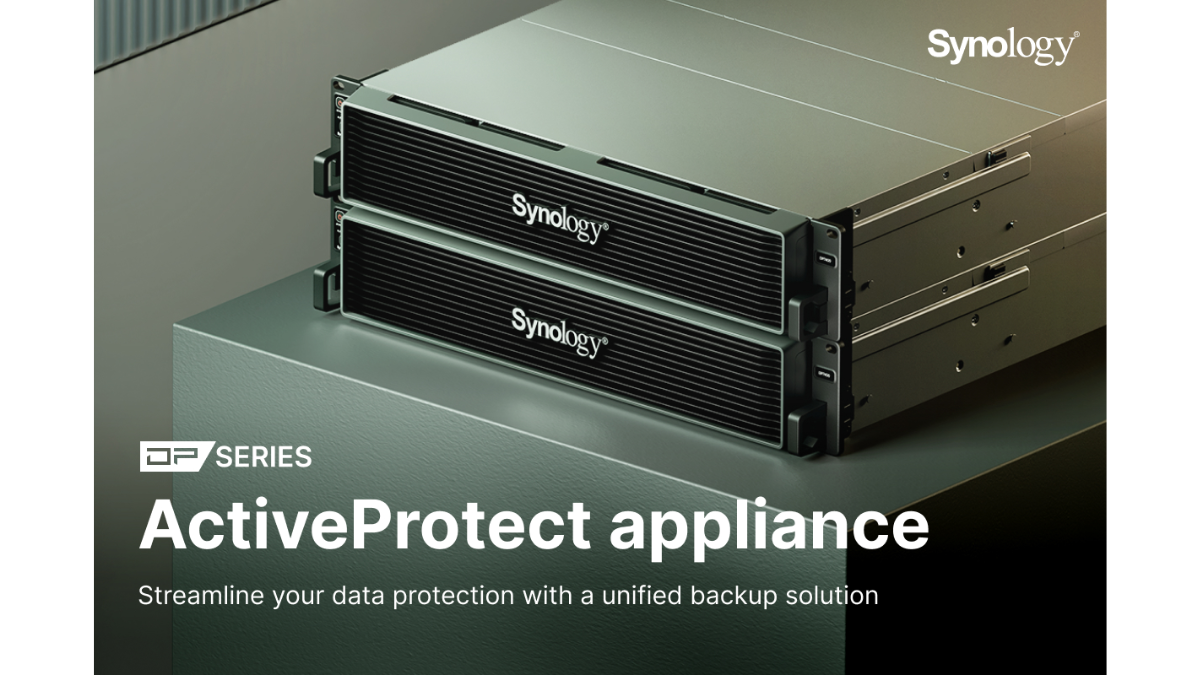
ActiveProtect Appliance: Backup and Recovery Solution for Modern Enterprises
In an era where data is the heart of business, data loss or ransomware attacks can significantly impact operations, revenue, credibility, and business continuity. Therefore, backing up data is not just about keeping a copy of files, but it must ensure that the data can actually be recovered, is safe from being altered or deleted, and is ready for use in emergencies.
Synology ActiveProtect Appliance is a purpose-built backup appliance designed to help organizations back up, recover, monitor, and manage backup data from multiple systems from a single centralized platform. It is suitable for organizations looking to elevate their backup systems from conventional data backup to a Cyber Resilience system that is ready to face modern threats.
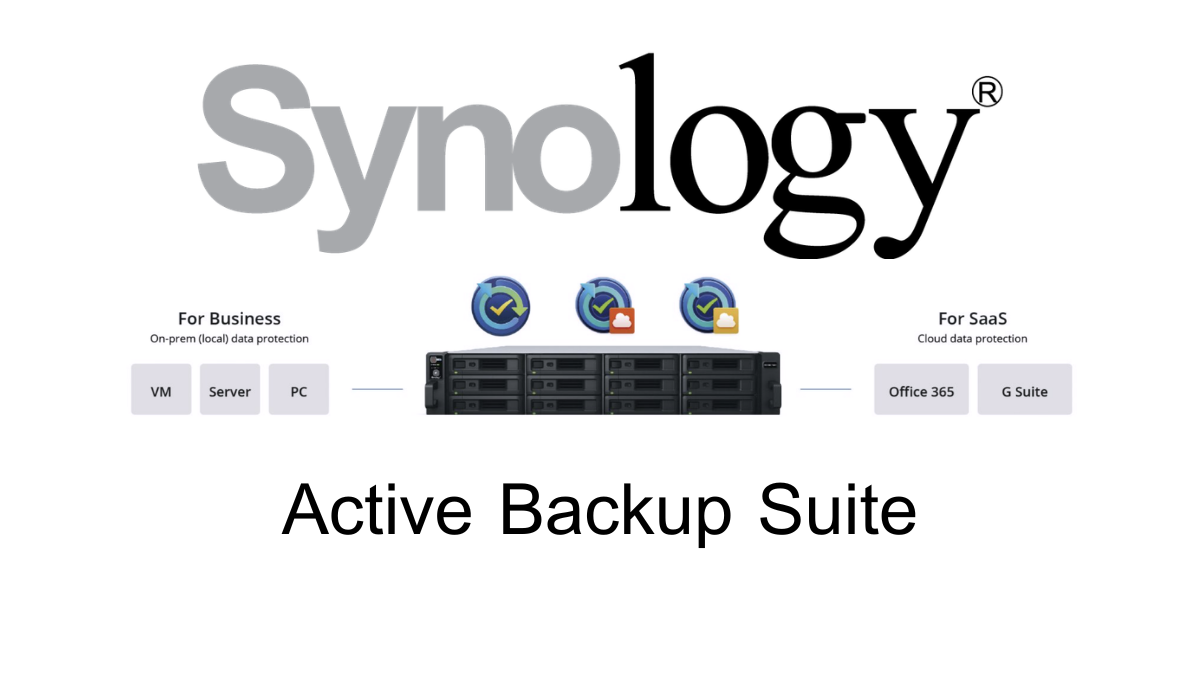
The highlight of the ActiveProtect Appliance is the integration of hardware, software, and backup management system into a single device, helping to reduce complexity in installation and maintenance, while supporting data backup from multiple platforms such as Physical Server, PC, Mac, Virtual Machine, File Server, Microsoft 365, and critical organizational systems.
What is the ActiveProtect Appliance?
ActiveProtect Appliance is a backup solution from Synology designed to protect enterprise-level data, using the ActiveProtect Manager (APM) operating system, which is a system developed specifically for ActiveProtect devices.
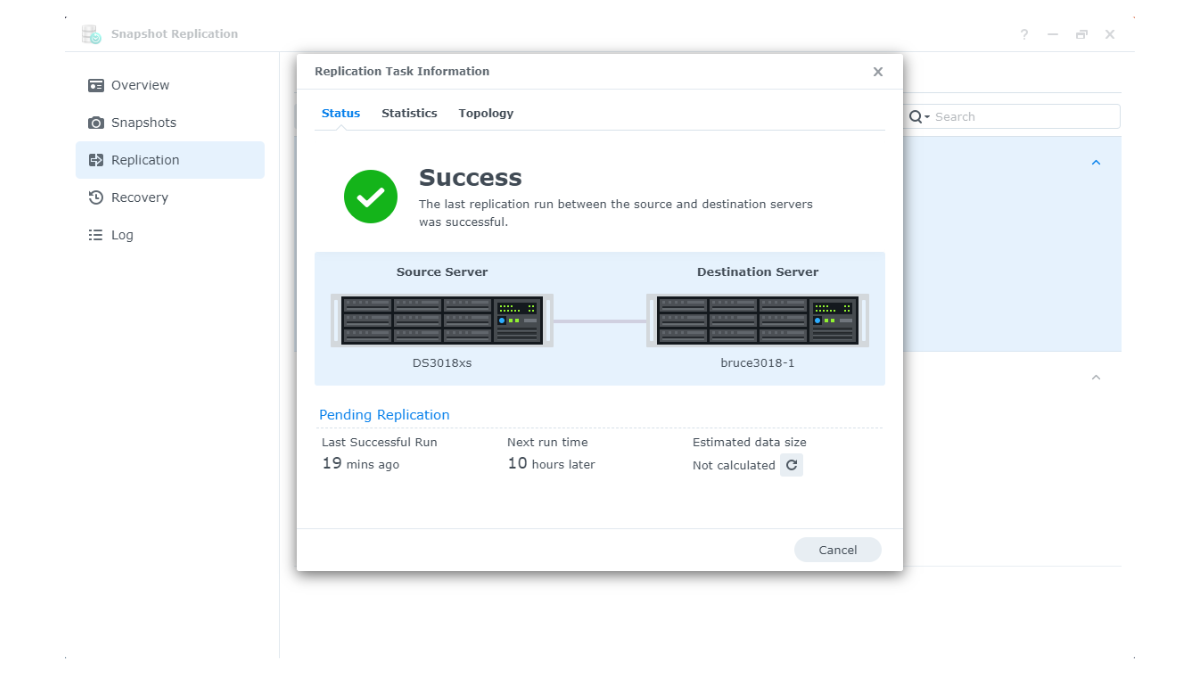
ActiveProtect Manager allows administrators to create Protection Plans, set Schedules, configure Retention, monitor Backup status, recover data, and manage multiple Backup devices from a single Web Interface.
For organizations that have Synology NAS and are already using Active Backup for Business, the existing system can be integrated into the ActiveProtect Cluster. This allows managing backups across multiple sites or devices from a single central point, reducing the workload of the IT team and making disaster recovery planning more systematic.
Why do organizations need to prioritize enterprise-level backup systems?
Many organizations have data spread across multiple systems, such as internal servers, virtual machines, NAS, Microsoft 365, employees' computers, and various cloud systems. Without a centralized and auditable backup system, risks may arise, such as incomplete data backups, inability to actually restore data, backups being deleted, or not knowing when a backup failed.
Problems that organizations often encounter include
- Data spread across multiple systems: Makes managing backups difficult and monitoring their status incomplete
- Ransomware attacks both live and backup data: If backups are deleted or encrypted as well, the organization may not be able to recover
- No recovery testing: Backups exist, but may not be restorable when incidents occur
- No immutable backup system: Backup data may be altered or deleted by malicious actors or user errors
- No off-site backup: In case of fire, flood, device damage, or main site failure, all data may be lost
- Complex multi-site management: Organizations with multiple branches may need to log in to several systems to check backup status
Cyber Resilience Concept for Backup Systems
The ActiveProtect Appliance is designed to help organizations build Cyber Resilience or the ability to respond to and recover from cyber incidents, not just focusing on Backup but also including the capability to protect, monitor, and confidently recover data.
1. Recoverability
Backup data must be actually recoverable, whether it is full system recovery, recovery of specific files, recovery of a Virtual Machine, or system recovery to get the business operational as quickly as possible.
2. Durability
Backups should be resilient to damage and threats, such as using Immutable Backup, WORM Technology, Off-site Backup, and Air-gapping to prevent backups from being easily modified or deleted.
3. Management
The backup system should be manageable from a central point, with a dashboard to monitor backup status, errors, job history, recovery drills, and data integrity, so that the IT team can see the overall picture and resolve issues quickly.
4. Security
Backup systems should have proper access control, authentication, encryption, and access restrictions to prevent both external threats and internal errors within the organization.
Outstanding Features of ActiveProtect Appliance
1. High-Speed Backup
ActiveProtect Appliance supports technologies that enhance backup efficiency, such as Incremental Backup, Changed Block Tracking, Resilient Change Tracking, and Source-side Deduplication, which help reduce the amount of data that needs to be transmitted over the network and allow backups to run faster.
Synology states that ActiveProtect can help make backups up to 2 times faster and reduce the amount of data that needs to be transmitted over the network by up to 99% through Source-side Deduplication technology. However, the actual results depend on the nature of the data and the usage environment.
2. Restore quickly, reduce downtime
ActiveProtect supports multiple recovery methods such as Entire Machine Restore, Instant Restore, Granular File Restore, and downloading specific files, allowing organizations to choose the recovery method that suits the situation.
For the Virtual Machine system, you can use the Instant Restore approach or recover via the Hypervisor to reduce system downtime and help the business get back to work faster.
3. Centralized Management
Administrators can manage backups for multiple machines, multiple sites, and multiple workloads through ActiveProtect Manager from a single central location, such as creating a Protection Plan, checking backup status, viewing error logs, initiating restores, and managing backup copies.
For organizations with multiple branches or multiple Synology NAS devices already using Active Backup for Business, they can connect to the ActiveProtect Cluster to consolidate backup management into a single system.
4. Immutable Backup with WORM Technology
ActiveProtect supports Immutable Backup to prevent Backup Versions from being deleted or modified within a specified period, using the WORM concept or Write Once, Read Many, which helps reduce the risk from ransomware, malicious actors, or administrator errors.
The key point is that Immutable Backup ensures that backup data remains a reliable copy, even if the main system is attacked or the source data is encrypted.
5. Native Air-gapping
ActiveProtect has air-gapping capabilities to help separate backup data from the main system, both in terms of logical or physical isolation, reducing the risk of ransomware or attackers directly accessing the backup data.
In some cases, the system can limit the connection period of the Backup Copy and disconnect it after completing the work to reduce the chance of the backup system being attacked through the network.
6. Backup Verification and Recovery Drill
ActiveProtect supports the verification of backup accuracy and data recovery testing through Recovery Drill, allowing testing in isolated environments such as Sandbox or Built-in Hypervisor without affecting the Production system.
This feature allows organizations to ensure that existing backups can actually be restored, not just that backup files are stored.
7. Global Deduplication and Storage Reduction
ActiveProtect uses Deduplication technology to reduce duplicate data at both the Source-side and Global Deduplication levels, helping to decrease the amount of data that needs to be transmitted over the network and making storage space usage more efficient.
Synology states that it can reduce storage space by up to 80% with Cross-site and Global Deduplication. The actual results depend on the type of data and usage patterns.
8. Data Integrity and Self-healing
The system verifies the accuracy of data and helps repair abnormal or corrupted data with self-healing capabilities to enhance the reliability of backup data in the long term.
Supports backups from multiple platforms
ActiveProtect Manager supports data protection across various environments, allowing organizations to consolidate backups from different systems into a single platform.
- Windows Physical Server
- Linux Physical Server
- Windows PC
- Mac
- VMware vSphere Virtual Machine
- Microsoft Hyper-V Virtual Machine
- SMB File Server
- NetApp File Server
- Nutanix File Server
- Microsoft 365
- Database and important Workloads according to the capabilities of the version being used
For Microsoft 365, it can help protect data such as Exchange, OneDrive, Teams, Sites, and related workloads within the supported scope of the system.
3-2-1-1-0 Backup Strategy with ActiveProtect
ActiveProtect is suitable for organizations that want to plan according to the 3-2-1-1-0 approach, which is a data protection concept stricter than regular backup.
| Principle | Meaning | How ActiveProtect Helps |
|---|---|---|
| 3 | Have at least 3 sets of data | Have actual usable data and multiple versions of backup data |
| 2 | Stored on at least 2 types of media or systems | Support Backup Appliance, NAS, Cloud, or external Repository as designed |
| 1 | Have off-site copies | Support Backup Copy and Off-site Storage |
| 1 | Have copies that are Immutable or Offline | Support Immutable Backup, WORM, and Air-gapping |
| 0 | No errors from Backup verification | Support Backup Verification and Recovery Drill |
Protecting Backup Data from Ransomware
Ransomware today not only attacks Production data but also tries to delete or encrypt Backup data to prevent organizations from being able to recover it. ActiveProtect is therefore designed with multiple layered features to enhance the security of backup data.
- Immutable Backup: Prevent deletion or modification of the backup within a specified period
- WORM Technology: Ensures that backup data, once written, cannot be modified or deleted according to the policy
- Air-gapping: Separates backup copies from the main system to reduce the chance of network-based attacks
- Client-side Encryption: Encrypts data before sending it to the destination according to the system design
- Off-site Backup: Stores an additional set of backup data offsite
- Recovery Drill: Tests recovery to verify that data is actually available
Rights and Security Management
ActiveProtect Manager supports user account management and access rights, allowing administrators to assign user roles according to their duties.
- Supports user and group management
- Supports Permission Management
- Supports role-based access control
- Supports system log and activity auditing
- Supports alert system to notify administrators when there are abnormalities
- Should be used in conjunction with strong passwords, MFA, and the organization's Network Security Policy
Which type of organization is the ActiveProtect Appliance suitable for?
| Type of Organization | Reason It Is Suitable for ActiveProtect |
|---|---|
| Companies with multiple Servers and VMs | Combine backup and recovery of VMs, Physical Servers, and File Servers into a single platform |
| Organizations with multiple branches | Manage backups from multiple sites through a central hub, reducing the IT team's workload |
| Businesses concerned about Ransomware | Have Immutable Backup, WORM, Air-gapping, and Recovery Drill |
| Organizations using Microsoft 365 | Helps protect critical Cloud Workload data such as Email, OneDrive, Teams, and Sites within the supported scope |
| Organizations that need to test recovery | Supports Backup Verification and Recovery Drill to increase confidence before a real incident occurs |
| Organizations that want to reduce complexity | Is an appliance that combines hardware and software specifically for backup |
Model Series of Synology ActiveProtect Appliance
ActiveProtect Appliance comes in various models to choose from according to the size of the organization and the amount of data, such as the Desktop model for small to medium-sized organizations, and the Rackmount model for organizations that need to support a large workload or multi-site systems.
| Model | Overall Usage Characteristics | Suitable For |
|---|---|---|
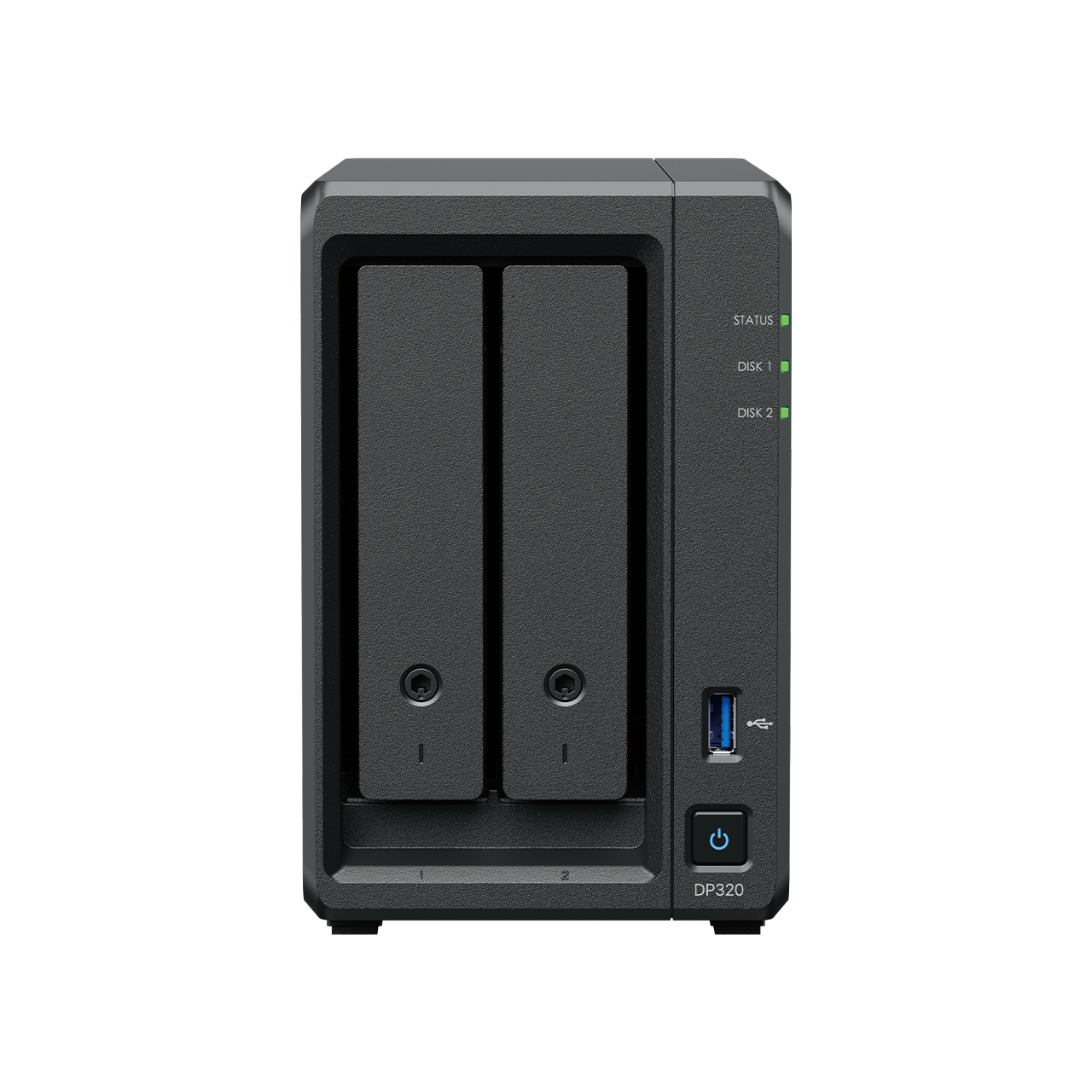
| DP320 | Desktop model for starting ActiveProtect use | Small offices, branches, organizations that need a compact Backup Appliance |
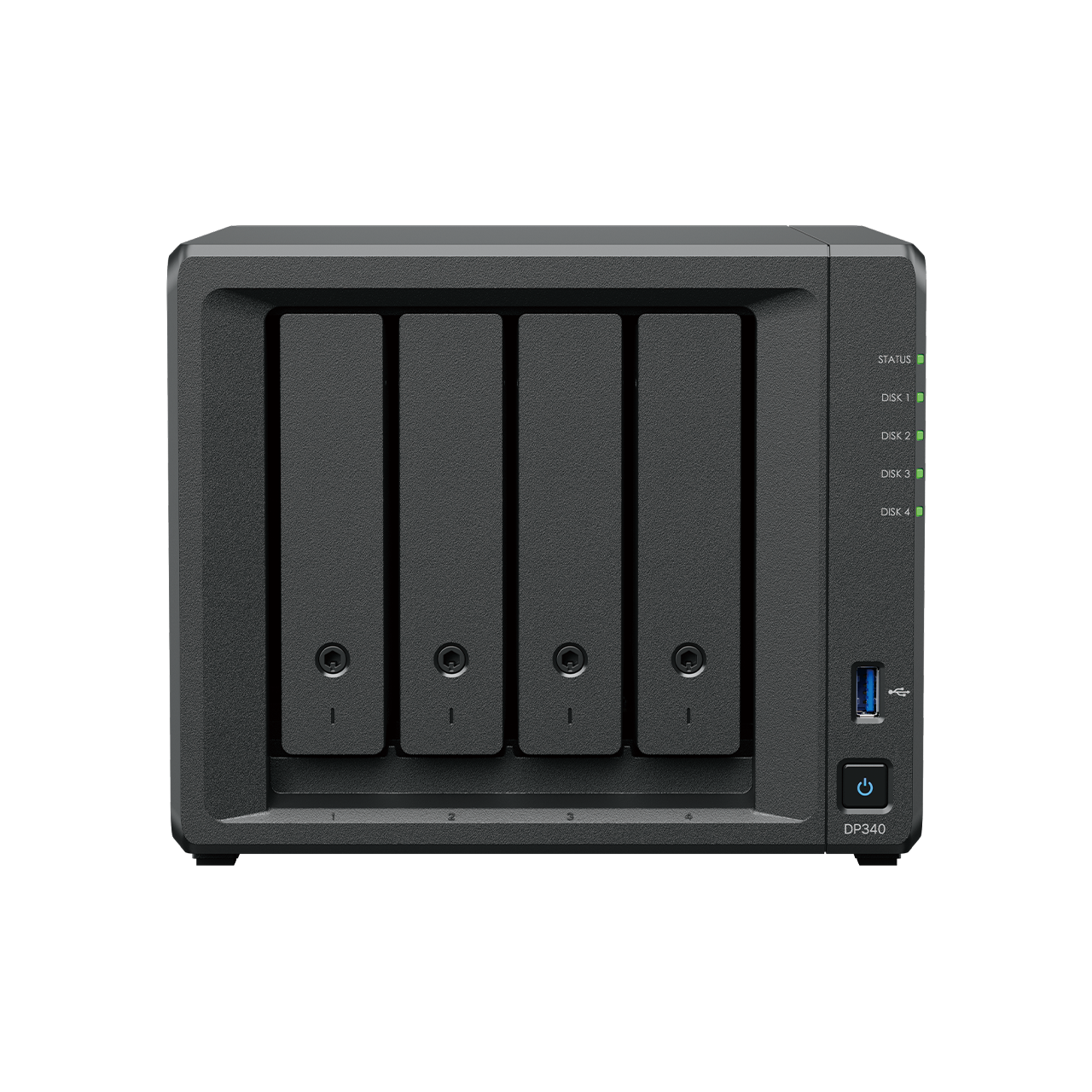
| DP340 | Desktop model that supports more workload and is more powerful than DP320 | SMBs, offices with multiple Servers/VMs, systems that require 10GbE Data Transfer |
| DP7200 | Rackmount model for enterprise-level tasks | Medium to large organizations, multiple workload Backup systems, small to medium Data Centers |
| DP7400 | High-end Rackmount model for large-scale Backup tasks | Large organizations, multiple sites, systems that require high performance and capacity |
Note: Specification details, such as recommended capacity, supported workload numbers, and network ports, may vary by model and updates from Synology. The latest datasheet should be checked before quoting prices and designing the actual system.
Highlights of Installation and Maintenance
- It is an appliance specifically designed for backup
- Reduces installation time compared to assembling a backup system from multiple components
- Managed through a Web Interface
- Has a dashboard for monitoring backup and system status
- Supports combining multiple devices into a cluster
- Supports log monitoring and notifications
- Suitable for IT teams that want a backup system that is easy to manage and expandable in the future
About Expenses and License
The ActiveProtect Appliance is designed as an integrated hardware and software solution for backup. Synology highlights the concept of no hidden fees for accessing features or multiple licensing editions like some other solutions.
However, details regarding price, warranty, models available in Thailand, and license conditions may vary depending on the country, dealer, and period. Therefore, it is advisable to check with the dealer before quoting a price.
Considerations Before Choosing to Use the ActiveProtect Appliance
- Total amount of data that needs to be backed up
- Number of Servers, VMs, PCs, Macs, and Microsoft 365 Workloads that need protection
- RPO and RTO required by the organization
- How much Instant Restore or Granular Restore is needed
- Whether Off-site Backup or Air-gapping is required
- How many days Immutable Backup is required
- Whether there are multiple branches or sites
- Whether to integrate the existing Active Backup for Business with ActiveProtect
- Whether connection to Cloud Storage or external systems is needed
- Whether there are Compliance policies or long-term data retention requirements
Summary
Synology ActiveProtect Appliance is not just a regular backup device, but a Data Protection solution for organizations that require readiness in Backup, Restore, Cyber Recovery, and Centralized Management in a single system.
The highlight of ActiveProtect is its support for various workloads such as Physical Servers, PCs, Macs, Virtual Machines, File Servers, and Microsoft 365, along with key features like Immutable Backup, WORM, Air-gapping, Backup Verification, Recovery Drill, Deduplication, and Instant Restore
For organizations concerned about ransomware or wanting to follow the 3-2-1-1-0 Backup Strategy, the ActiveProtect Appliance is an interesting option because it allows backups not just to be data storage, but a system that can be monitored, actually recovered, and ready to handle unexpected events.
If your organization already has an existing backup system, such as a Synology NAS using Active Backup for Business, you can consider ActiveProtect to upgrade to centralized management of multiple backup systems and enhance the security of backups at the enterprise level.
Need expert advice or would like to request a quotation? Contact us today:
E-mail: [email protected]
LINE Official: @sync.co.th

The Company reserves the right to correct any typographical or printing errors and shall not be held liable for any inaccuracies resulting from such errors.
*** This article is the intellectual property of SyncTech Solution Company Limited. Reproduction, modification, or redistribution of this content, in whole or in part, is strictly prohibited without prior written permission from the Company. ***