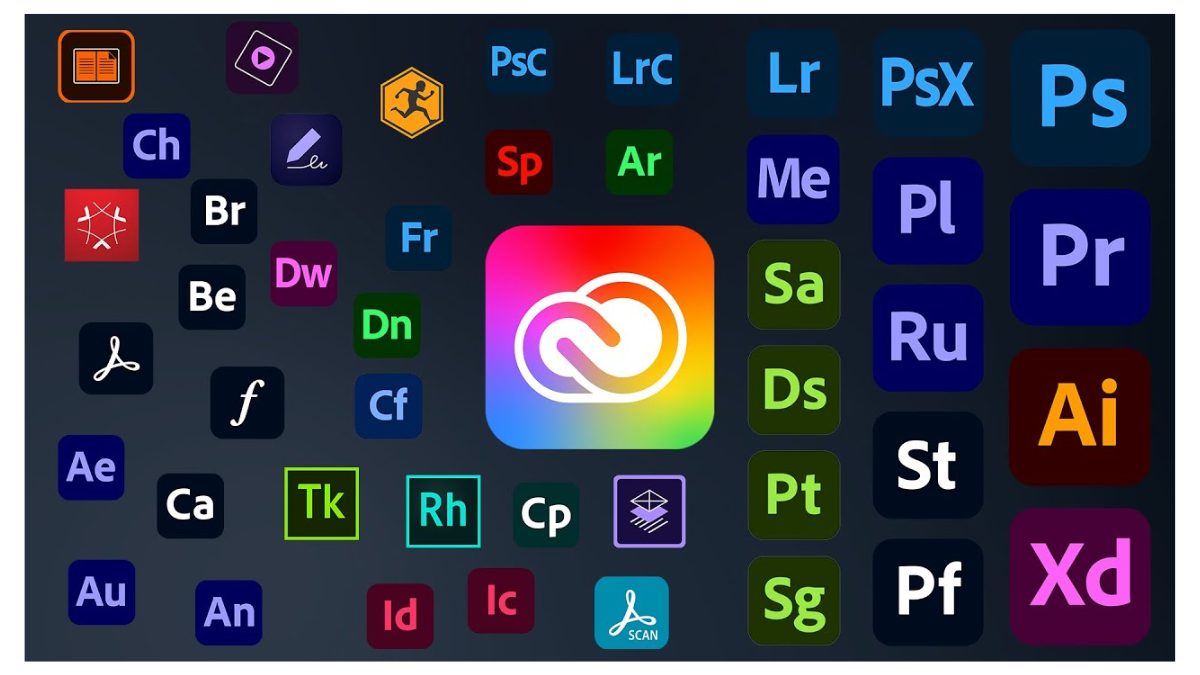
Currently, software from Adobe such as Photoshop, Illustrator, InDesign, Premiere Pro, After Effects, Acrobat Pro, and other creative tools is essential software for many businesses, whether it is design companies, graphics, video, content, digital marketing, advertising media, or organizations that need to manage documents and creative work professionally.
For organizational use, Adobe has the plan Adobe Creative Cloud for Teams or Adobe for Teams, which is designed so that companies can manage user licenses and team data more easily than purchasing individual plans.
This article will explain the principles of using Adobe for Teams in an easy-to-understand way, suitable for business owners, purchasing departments, IT departments, and teams who want to choose a license that fits actual use.
What is Adobe for Teams?
Adobe Creative Cloud for Teams is a subscription plan for Adobe software for companies and teams, with management through the Adobe Admin Console allowing administrators to conveniently add, remove, transfer, and manage licenses for employees.
Adobe for Teams is different from Adobe Individual because it is not designed for a single user, but is suitable for organizations that want to control software usage and manage employee permissions systematically.
Adobe for Teams is suitable for
- Companies with multiple employees using Adobe
- Graphic teams, design teams, video teams, or marketing teams
- Organizations that need to manage licenses through the Admin Console
- Companies that need to transfer licenses when employees join or leave
- Teams that need cloud storage and collaboration at the enterprise level
Types of Adobe Licenses for Teams
Adobe for Teams is a subscription-based service or time-based enrollment, where the license is tied to individual users. Users must log in with an Adobe account that has been authorized by the organization.
1. Single App License
Single App License is a license for using only 1 Adobe app, such as Photoshop, Illustrator, InDesign, Premiere Pro, or Acrobat Pro
Suitable for
- Employees who use only a specific program
- Organizations that want to control the budget
- Teams with clear roles, such as people doing images using Photoshop, people creating documents using Acrobat Pro
Example of usage
- The graphic staff use Photoshop
- The logo designer uses Illustrator
- The documentation team uses Acrobat Pro
- The editing team uses Premiere Pro
2. All Apps License / Creative Cloud Pro for Teams
All Apps License or the Creative Cloud Pro for Teams plan is suitable for users who need to use multiple apps by themselves, such as Photoshop, Illustrator, Premiere Pro, After Effects, InDesign, Lightroom, Acrobat Pro, and other apps in the Creative Cloud suite.
In addition, Adobe's new plan also includes the integration of Adobe Firefly and Generative AI capabilities to help create images, videos, audio, or creative content more quickly according to the conditions of each plan.
Suitable for
- Creative team that needs to use multiple programs
- Video editing and Motion Graphic team
- Marketing team that has to create images, videos, documents, and various types of content
- Employees who have to work across several Adobe programs
Recommendation: If an employee mainly uses only one program, Single App can help control the budget effectively. However, if they use 2-3 or more programs, All Apps or Creative Cloud Pro for Teams is usually more cost-effective.
Important Adobe License Rules That Organizations Should Know
- 1 License is for 1 user only. Accounts should not be shared among multiple people.
- One user can install the app on more than one device and can sign in on up to 2 devices simultaneously according to Adobe's conditions.
- The license can be transferred to another user through the Adobe Admin Console when an employee resigns or changes roles.
- Organizations should use Adobe for Teams instead of Individual if they want to control licenses and company assets.
- Individual licenses should not be purchased separately for multiple employees because they are difficult to manage and there is a risk of losing the license when employees leave.
What is the Adobe Admin Console?
Adobe Admin Console is a central system for organization administrators, used to manage users, licenses, storage, and various Adobe for Teams services.
Main capabilities of Adobe Admin Console
- Add new users
- Remove inactive users
- Assign or Unassign Licenses to employees
- Transfer Licenses when employees resign or change positions
- Check who holds which License
- Manage Team Storage and organizational assets
- Manage Billing and renewals
- Contact Support and manage Adobe services
The highlight of the Adobe Admin Console is that it helps organizations not lose control of licenses and data when there are changes in employees, such as employees resigning, transferring departments, or changing job responsibilities.
Adobe for Teams Cloud Storage Space
Adobe for Teams has Cloud Storage space for team users. The current Creative Cloud for Teams plan specifies 1TB of Cloud Storage per user, which is more than many Individual plans and is suitable for storing work files, digital assets, and team collaboration.
Cloud space allows teams to store, share, and access work files more easily, especially graphic files, video files, PDF documents, and work files that need to be collaborated on by multiple people.
Differences Between Adobe Individual and Adobe for Teams
| Features | Adobe Individual | Adobe for Teams |
|---|---|---|
| Suitable for | Individual users, freelancers, or personal users | Companies, teams, and organizations |
| License Management | Managed by Users | Managed via Adobe Admin Console |
| License Transfer | Not suitable for organizational transfer | Can Assign / Unassign / Reassign to other users |
| Organizational Control | Limited | The organization controls licenses and assets better |
| Cloud Storage | Depends on the subscribed plan | Generally 1TB per user according to the Teams plan specified by Adobe |
| Support | Support for general users | Support available for teams and businesses |
| Suitable for companies or not | Not recommended for organizations with multiple users | Suitable for direct organizations |
Purchasing a License and Choosing the Appropriate Plan
When purchasing Adobe for Teams, you should consider the number of users, the nature of the work, and the apps that are actually needed. You should not choose based solely on the price per license.
Things to Consider Before Buying
- Number of employees who need to use it
You should count only actual users; do not buy extra without a plan to use it because the License is a recurring expense. - Apps each person needs to use
If you only use Photoshop or Illustrator alone, you may choose Single App, but if you need to use multiple programs, you should consider All Apps. - Employee turnover
If employees frequently join and leave, Adobe for Teams makes it easier to transfer Licenses. - Management of company files and assets
If work files are company assets, you should use the Teams plan so that the company has an appropriate management system. - Budget and renewal cycle
You should check the payment method, contract cycle, and renewal conditions clearly before purchasing.
Advantages of Adobe for Teams
- Easily manage licenses through the Adobe Admin Console
- Conveniently add, remove, and transfer licenses to employees
- Suitable for companies with multiple users
- Reduces the risk of using employees' personal accounts
- Supports Team Storage and collaboration
- Provides cloud storage space for teams
- Ideal for controlling the organization's digital assets
- Offers support for team and business usage
Precautions of Adobe for Teams
- Price is higher than the Individual plan in some cases
- An administrator or a person responsible for the Admin Console is required
- 1 license can only be used by 1 user; accounts should not be shared
- Contract period and renewal terms must be checked
- Licenses should be managed regularly to avoid having unused licenses
- It should be checked whether the selected plan actually covers the apps that users need
Who is Adobe for Teams suitable for?
- Companies with multiple employees using Adobe software
- Design, graphic, video, content, or digital marketing teams
- Organizations that want to systematically manage licenses
- Companies with employee turnover and need to transfer licenses
- Organizations that want to reduce risks from employees using personal Adobe accounts
- Businesses that want to use Adobe Firefly and AI creative tools in content work
Frequently Asked Questions
1 License can be used by how many people?
1 license is for 1 user only. The account should not be shared for multiple people to use together.
How many devices can it be installed on?
One user can install Creative Cloud for Teams on more than one device and can sign in on up to 2 devices at the same time, according to Adobe's terms.
If an employee resigns, can the license be transferred?
Yes, the administrator can unassign the license from the original user and assign it to a new user through the Adobe Admin Console.
Should I choose Single App or All Apps?
If an employee primarily uses only one app, such as Photoshop alone, choose Single App. But if they use multiple apps, such as Photoshop, Illustrator, Premiere Pro, and After Effects, consider All Apps or Creative Cloud Pro for Teams.
Can I buy Adobe Individual for employees instead?
Can be used for personal purposes, but not recommended for companies because there is no corporate license management system, transferring is difficult, and it may cause the company's files or assets to be tied to the employee's personal account.
Summary
If your company needs multiple people to use Adobe software, Adobe Creative Cloud for Teams is a more suitable option than the Individual plan because it allows for systematic license management, transferring rights when employees change, and controlling usage through the Adobe Admin Console.
For employees who use only a single app, they can choose a Single App License to control costs. For employees who need to use multiple apps in the same job, they should choose All Apps or Creative Cloud Pro for Teams to have full access and better value.
Adobe for Teams is therefore suitable for businesses that require license accuracy, convenience in management, and assurance that the team's creative tools are ready to use professionally.
Need expert advice or would like to request a quotation? Contact us today:
E-mail: [email protected]
LINE Official: @sync.co.th

The Company reserves the right to correct any typographical or printing errors and shall not be held liable for any inaccuracies resulting from such errors.
*** This article is the intellectual property of SyncTech Solution Company Limited. Reproduction, modification, or redistribution of this content, in whole or in part, is strictly prohibited without prior written permission from the Company. ***