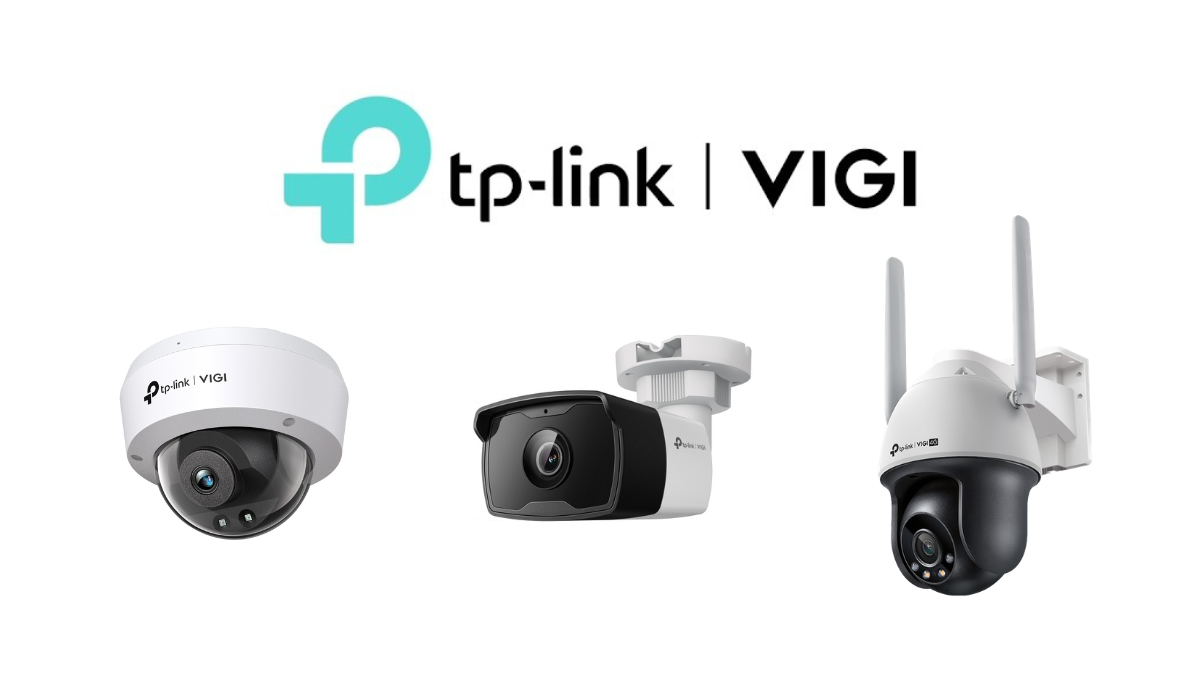
CCTV or IP Camera systems are security cameras connected through a network system, allowing users to view live footage, playback recordings, and receive notifications conveniently via mobile phones or computers. They are suitable for homes, shops, offices, factories, warehouses, hotels, restaurants, and businesses that require a reliable security system.
Nowadays, CCTV cameras do not only "record images" but also have more intelligent features, such as AI-based person and vehicle detection, intrusion alerts, color night vision, two-way communication, recording via NVR, compatibility with PoE systems, and the ability to view through an app remotely.
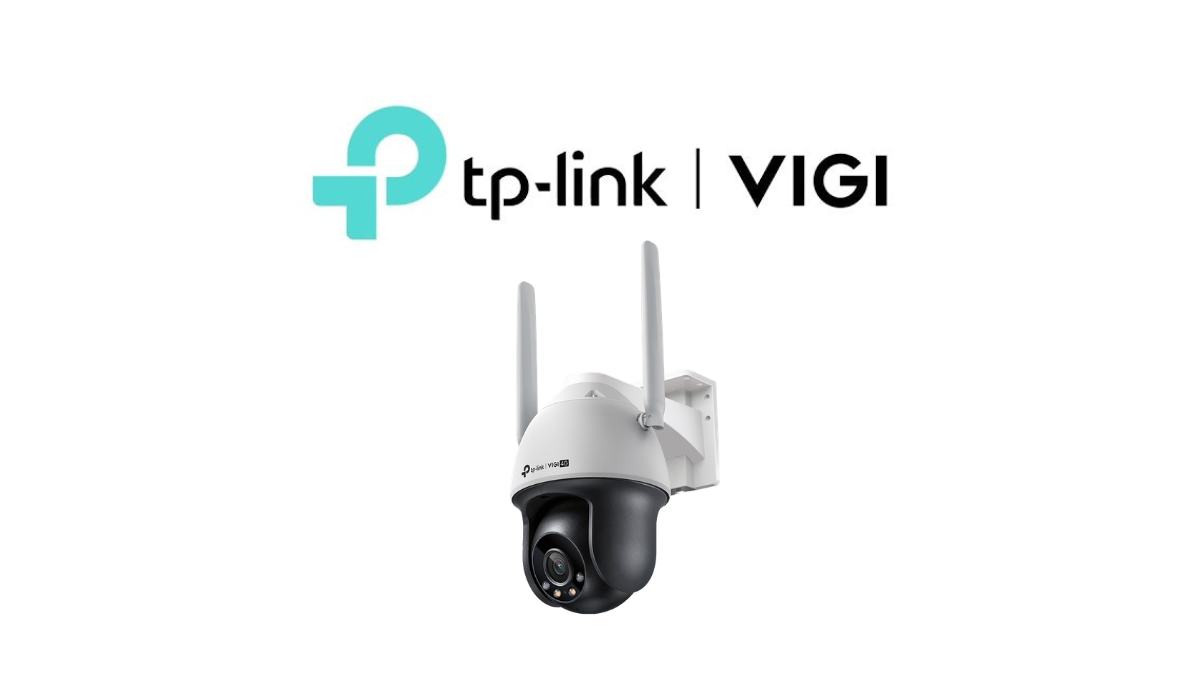
This article will help introduce the important things to know before choosing to buy an IP camera, focusing on examples from TP-Link VIGI, which is a line of security cameras for businesses designed for easy installation, convenient management, and suitable for professional use.
What is an IP Camera?
IP Camera is a CCTV camera that transmits images and data through a network system, such as LAN cables, PoE, Wi-Fi, or 4G, depending on the camera model. This allows it to connect to an NVR recorder, be viewed on a mobile phone, be accessed via a computer, or be integrated with a camera management system.
The highlight of IP Cameras is that they provide clearer images, offer more system customization, and support smart features such as AI Detection, Smart Event, Remote Monitoring, and continuous recording via NVR.
Types of CCTV Cameras
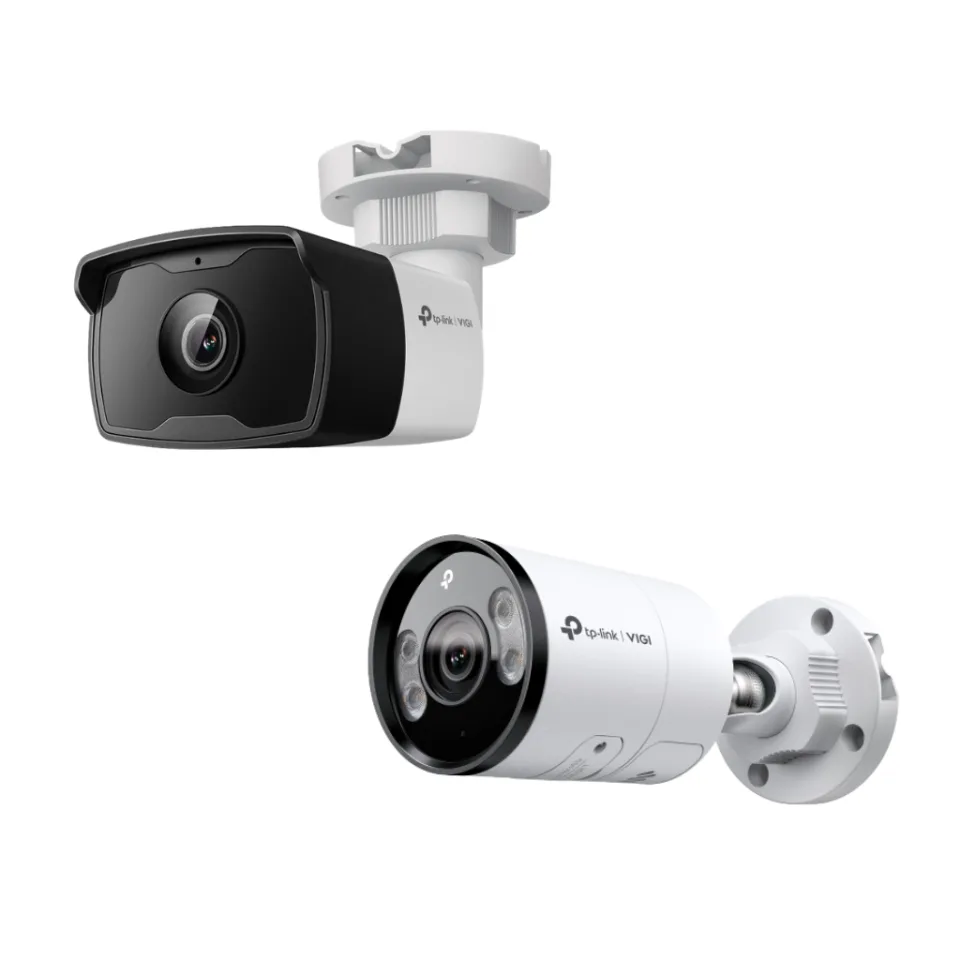
1. Bullet Camera
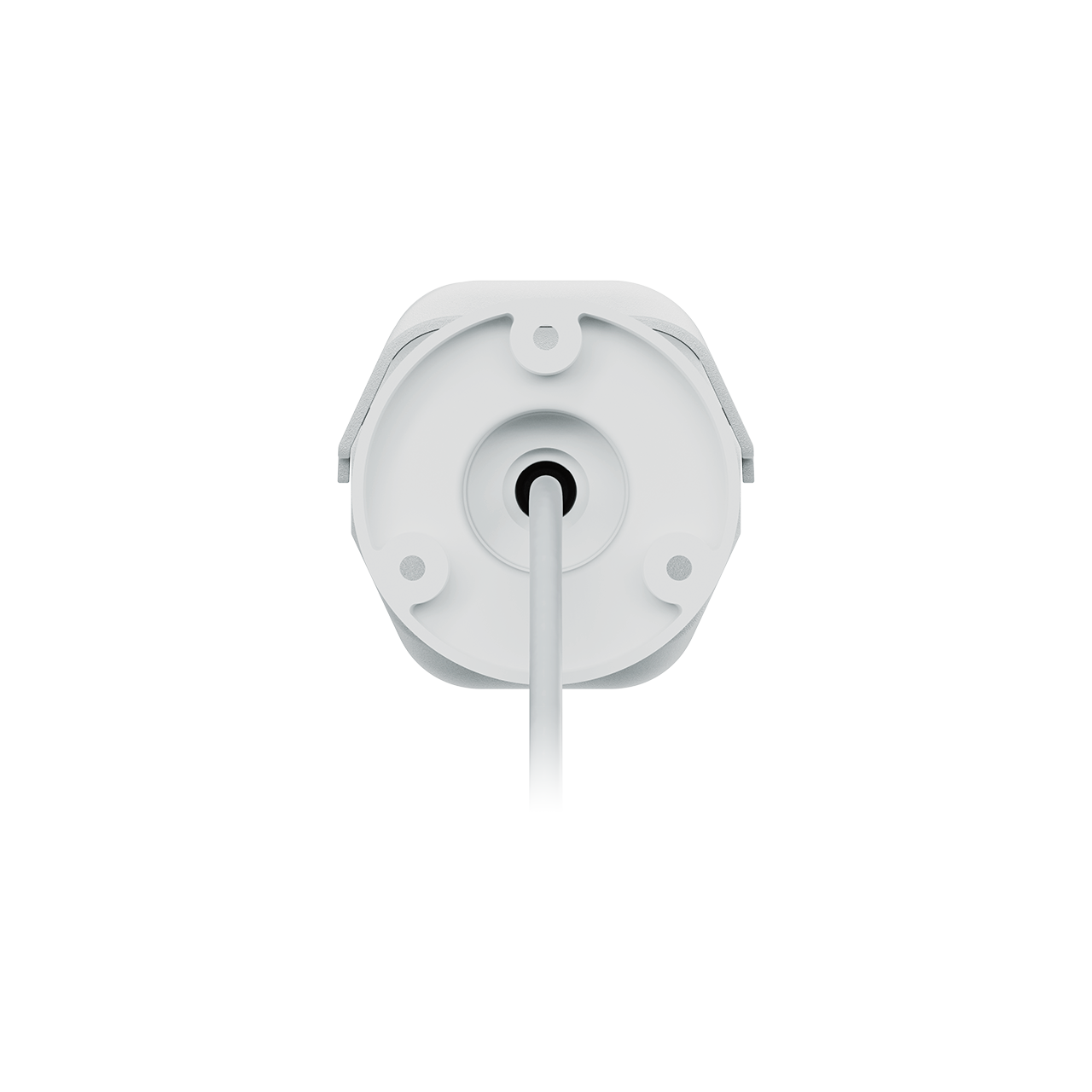
Bullet Camera or cylindrical camera is commonly installed outside buildings such as entrances, parking lots, fences, walkways, warehouses, or areas that need to be monitored in a straight line.
Highlights
- Clearly shows the camera direction, helps deter malicious individuals
- Suitable for outdoor areas and areas that require long-distance viewing
- Often has models that support long-range IR, Full-Color, or ColorPro Night Vision
- Suitable for installation at entrances, parking lots, and along fences
Examples of usage: Single houses, warehouses, building facades, parking lots, shops, and factories
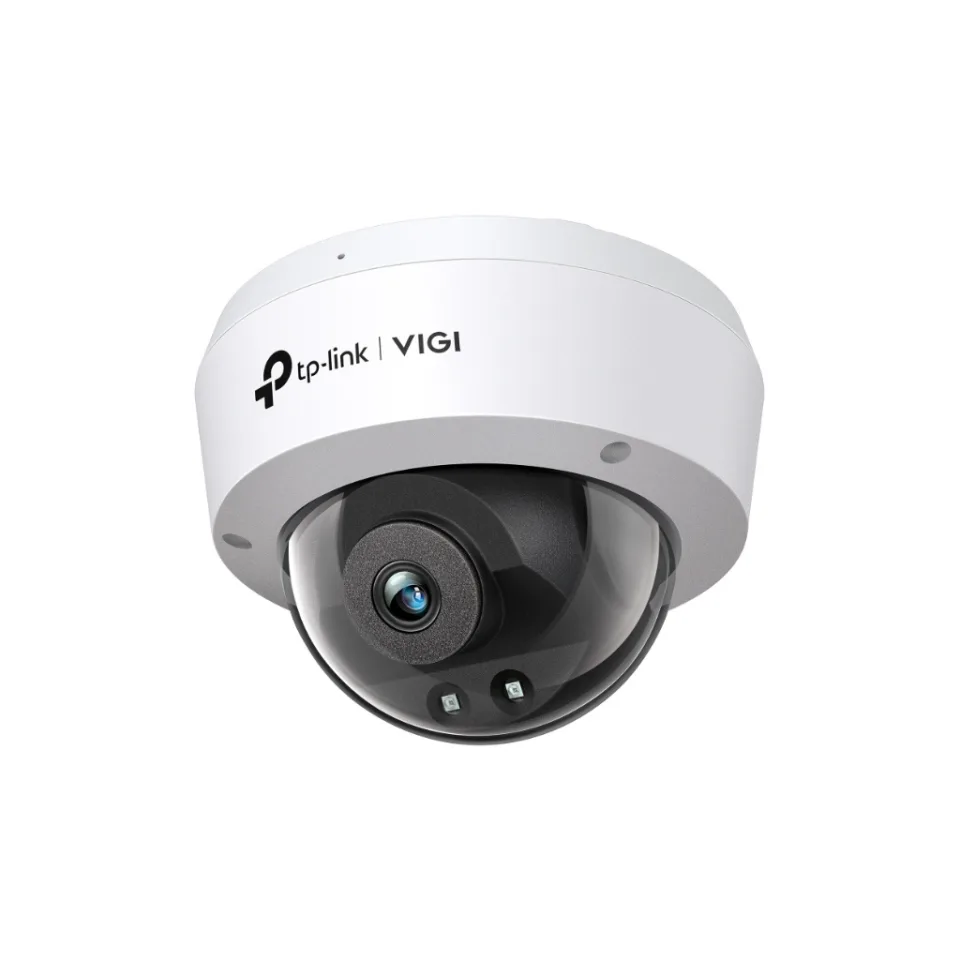
2. Dome Camera
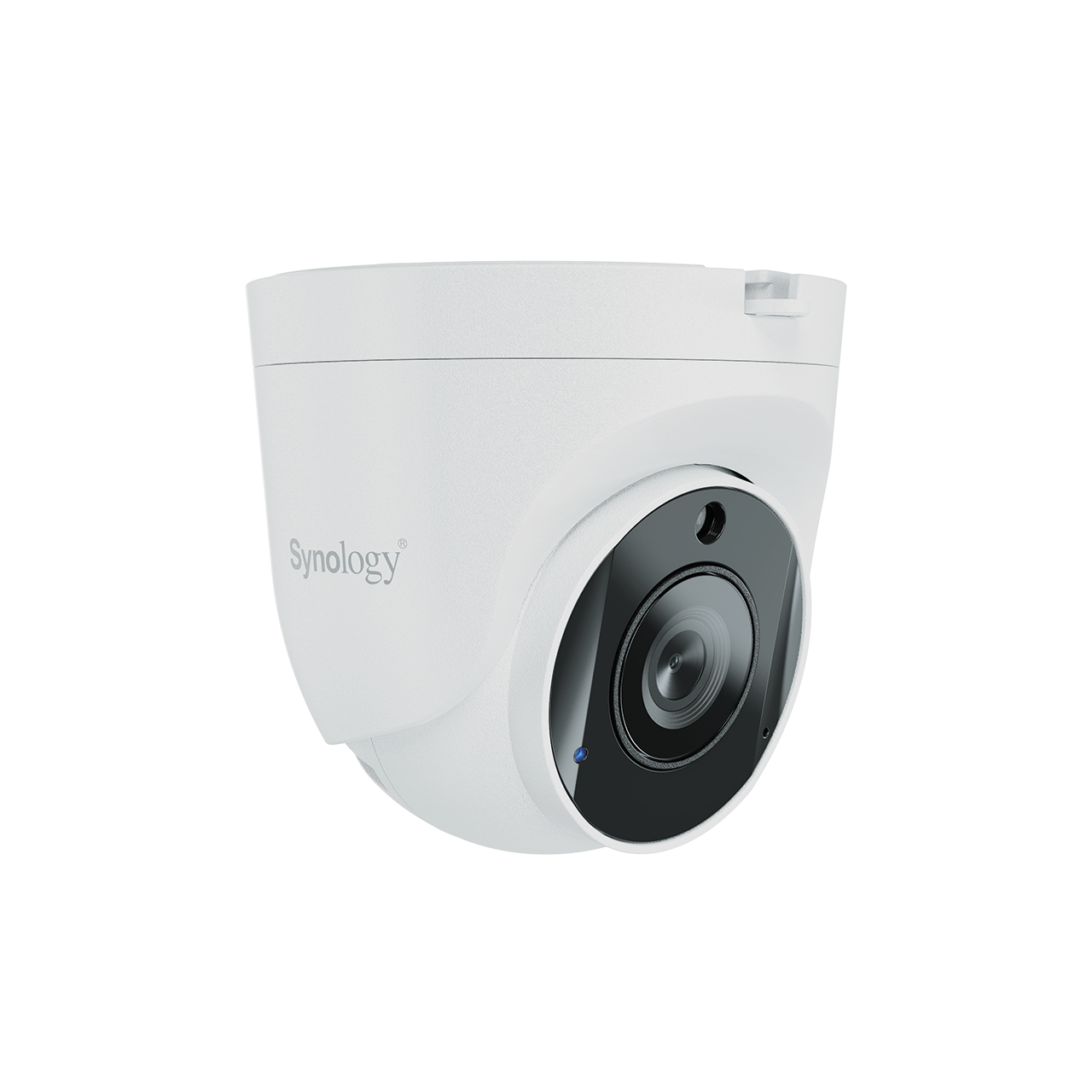
Dome Camera is a dome-shaped camera, usually installed on the ceiling or interior walls of buildings, such as shops, restaurants, offices, counters, cashiers, or hallways.
Highlights
- Neat design, blends with the interior space
- Suitable for an overview of the area
- Some models have IK10 standard to protect against vandalism
- Suitable for areas that require aesthetics and don't want the camera to stand out too much
Examples of use: Shops, offices, meeting rooms, restaurants, hotels, and indoor areas
3. Camera Turret
Turret Camera is a camera shaped like a Dome but allows easier adjustment of the camera angle and reduces the problem of glare from the dome cover. It is suitable for both indoor and outdoor use.
Highlights
- Installation angle can be adjusted conveniently
- Reduces glare from the cover
- Provides clear images, suitable for general installation work
- Looks tidier than bullet cameras in some areas
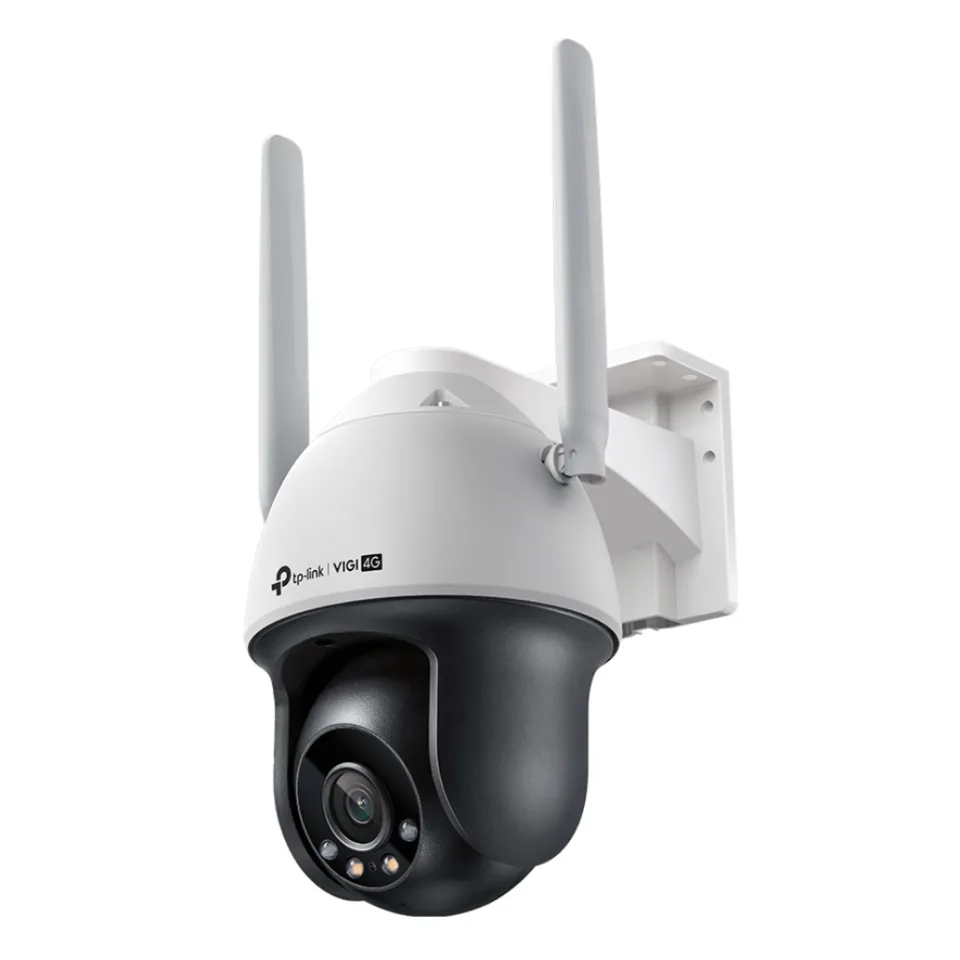
4. PTZ Camera
PTZ Camera (Pan-Tilt-Zoom) is a camera that can rotate left-right, tilt up-down, and zoom in/out. It is suitable for large areas that require flexible surveillance, such as factories, warehouses, parking lots, or public spaces.
Highlights
- Rotate and zoom to see details
- Suitable for large areas
- Some models can set Patrol or Preset View
- Suitable for spots where you want to see multiple directions with a single camera
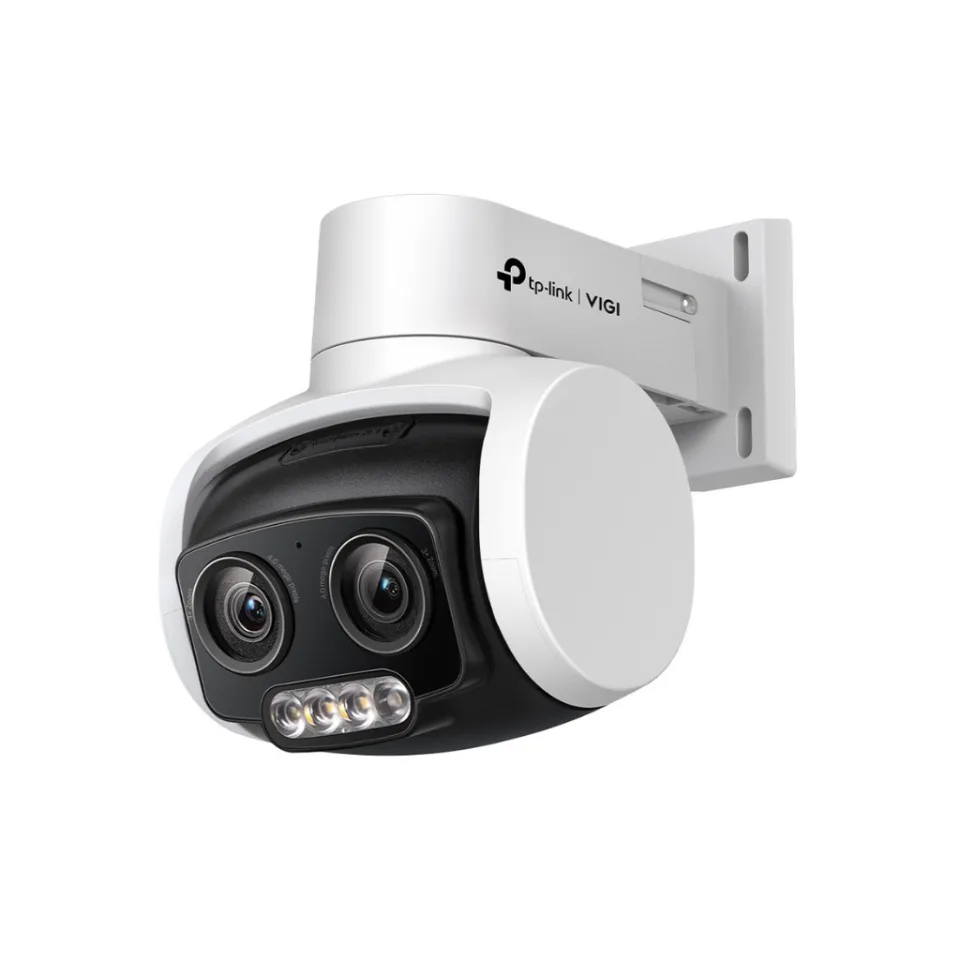
5. Panoramic / Dual-Lens Camera
Some current camera models have dual lenses or ultra-wide-angle views to provide panoramic images, suitable for areas where a wide overview is needed, such as building halls, open yards, or areas where the number of cameras needs to be reduced.
How to choose a camera lens?
The lens size affects the field of view and viewing distance. The lower the lens number, the wider the field of view, but the detailed distance view decreases. The higher the lens number, the narrower the field of view, but distant details can be seen more clearly.
| Lens Size | Image Characteristics | Suitable Area |
|---|---|---|
| 2.8mm | Wide angle, sees a wider area | Rooms, shops, offices, indoor areas |
| 4mm | Narrower angle, sees details further away | Hallways, entrances/exits, doors, driveways |
| 6mm and above | Narrow angle, sees longer distances | Fences, streets, areas that need to capture specific details |
| Motorized Varifocal | Adjustable lens distance | Areas that require angle adjustment later, or important areas that need flexibility |
CCTV Resolution
Camera resolution affects image sharpness. If you want to see a general overview, you may use 2MP or 4MP. However, if you want details such as faces, license plates, or products, you should choose a higher resolution.
- 2MP (Full HD 1080p): Suitable for homes, small shops, and general areas
- 4MP: Suitable for businesses, shops, offices, and areas that require more detail
- 5MP: Suitable for areas that require higher clarity than 4MP
- 8MP / 4K: Suitable for critical areas such as jewelry stores, banks, warehouses, entrances-exits, or areas that require very high detail
Note: Higher resolution will use more storage space and require more bandwidth. You should choose NVR, HDD, and Network appropriately.
How Important is Frame Rate?
Frame Rate is the number of frames per second. The higher the FPS value, the smoother the motion will be, but it also uses more storage space and bandwidth.
- 15 FPS: Suitable for general surveillance and helps save storage space
- 20-25 FPS: Suitable for general tasks that require smoother motion
- 30 FPS: Suitable for areas with fast movement, such as vehicle entrances/exits, or areas where movement details need to be observed
Important Functions to Know Before Buying
1. WDR
Wide Dynamic Range (WDR) helps images retain details in areas with very different levels of brightness and shadows, such as an entrance door with light coming in from outside.
2. 3D DNR
3D Digital Noise Reduction helps reduce image noise, especially in low light conditions, making night images look clearer and sharper.
3. Smart IR
Smart IR helps automatically adjust the brightness of infrared light, reducing the problem of overexposed images when objects are close to the camera at night.
4. IR Night Vision
IR Night Vision is night vision using infrared light. The images obtained are usually black and white, suitable for dark areas where turning on lights is not desired.
5. Full-Color / ColorPro Night Vision
The Full-Color or ColorPro camera provides color images at night. It is suitable for areas where you need to see color details, such as the color of clothes, cars, or object details, especially vulnerable spots like storefronts, entrances, or parking areas.
6. Motion Detection
The camera can detect motion and notify when motion is detected in a designated area.
7. Human & Vehicle Classification
Many VIGI camera models support AI for classifying people and vehicles, helping to reduce false alerts from leaves, light, shadows, rain, or small animals, making the alerts more accurate.
8. Line-Crossing Detection
You can set a virtual line in the image. If a person or object crosses the designated line, the system will send an alert. It is suitable for entrances, doors, or restricted areas.
9. Intrusion Detection
You can designate restricted areas. If a person or object enters that area, the system will send an alert. Suitable for warehouses, server rooms, or back-of-house areas.
10. Object Removal Detection
Notification when a specified important object is moved or missing. Suitable for display areas, equipment placement points, or important storage locations.
11. Two-Way Audio
Some camera models have built-in microphones and speakers, allowing you to talk through the camera, such as speaking with customers, employees, or visitors.
12. Sound & Light Alarm
Some camera models have built-in lights and sound alarms, helping to alert intruders and notify of abnormal events immediately.
What is PoE and why should it be used?
PoE (Power over Ethernet) is the supply of power and data transmission through a single LAN cable, making camera installation more convenient without having to run separate power cables to the camera location.
Advantages of PoE
- Uses a single LAN cable for both power and data
- Neatly installed, reducing the complexity of wiring
- Suitable for business tasks and multiple installations
- Can be used with PoE Switch or PoE NVR
- Easier to manage when installed at multiple points
What is NVR?
NVR (Network Video Recorder) is a recording device for IP cameras, used for storing videos, viewing live images, watching playback, and managing multiple cameras in a single system.
For business systems, using an NVR is more suitable than recording on a MicroSD Card because it is more stable, can record continuously better, and makes it easier to manage multiple cameras.
Things to Consider When Choosing an NVR
- Number of Channels, such as 4, 8, 16, or 32 Channels
- Whether PoE is supported
- Maximum supported camera resolution
- Whether H.265+ is supported to reduce storage space
- Number of HDD slots and maximum capacity per HDD
- Whether HDMI/VGA is supported for connecting a monitor
- Whether viewing is supported via the VIGI app or central management system
Which is better to choose, HDD or MicroSD Card?
HDD for NVR
If installing multiple cameras or for a business system, you should use an HDD specifically for NVR, because it is designed for continuous 24-hour data writing, such as WD Purple or Seagate SkyHawk.
Suitable for
- Shop
- Office
- Factory
- Warehouse
- System that needs to record continuous images for several days
MicroSD Card
Suitable for a single camera or Smart Camera that needs to record specific points, but not suitable for multi-camera systems or serious long-term recording.
Recommendation: You should choose a MicroSD Card that supports continuous writing and has a capacity suitable for the camera's resolution and the number of days you want to retain footage.
Waterproof, Dustproof, and Shockproof Standards
- IP66: Dust and water resistant, suitable for general outdoor installation
- IP67: Higher dust and water resistance, suitable for outdoor areas exposed to harsher weather conditions
- IK10: Impact protection standard, suitable for public areas, high-risk spots, or places where the camera may be struck
How are CCTV cameras different from Smart Cameras?
| Topic | CCTV / TP-Link VIGI | Smart Camera / TP-Link Tapo |
|---|---|---|
| Usage Group | Advanced Home, Business, Shop, Office, Factory | Home, Condo, Apartment, Small Shop |
| Recording | Suitable for NVR and continuous recording | Suitable for MicroSD or Cloud depending on the model and service |
| Number of cameras | Suitable for multiple points, multiple channels | Suitable for installing only a few units |
| System Management | Managed through NVR, VIGI App, or VIGI system | Managed mainly through the Tapo app |
| Business Features | Supports AI Detection, NVR, PoE, ONVIF, and professional installation | Focuses on easy installation, easy to use for home |
| Suitable for long-term use | More suitable, especially for systems that require continuous recording | Suitable for general use, not complex |
Choose a camera suitable for the installation location
| Area | Recommended Camera Type | Features to Have |
|---|---|---|
| Front of house / Front of store | Bullet or Turret | Full-Color, Human Detection, IP66/IP67 |
| Inside the store | Dome or Turret | WDR, 2.8mm, Motion Detection |
| Counter / Cashier | Dome or Turret, high resolution | 4MP/5MP/8MP, WDR, Audio as appropriate |
| Parking lot | Bullet or PTZ | Long-range IR, ColorPro, Human & Vehicle Classification |
| Warehouse / Factory | Bullet, Turret, or PTZ | PoE, NVR, Line-Crossing, Intrusion Detection |
| Public Area | IK10 Dome or PTZ | IK10, IP67, Smart Detection |
| Areas without wired internet | 4G camera depending on the supported model | 4G, MicroSD/NVR according to the site, Outdoor Rating |
Precautions Before Installing CCTV Cameras
- Check the installation positions to cover key points
- Avoid installing cameras against backlight unnecessarily
- Choose lenses suitable for distance and viewing angle
- Check night lighting to see if IR, Full-Color, or ColorPro is needed
- Choose an NVR that supports the number of cameras and resolution
- Choose an HDD sufficient for the number of days you want to store footage
- Run LAN cables to standard, especially for PoE systems
- Separate the camera network from the main network if it's a business system
- Set secure passwords for cameras and NVR
- Update Firmware periodically
Summary
When choosing to buy an IP Camera, several factors should be considered, such as camera type, resolution, lens, night vision system, AI functions, PoE, NVR, HDD, waterproof and dustproof standards, and the characteristics of the installation area.
For general use at home or in a room, a Smart Camera like the TP-Link Tapo may be sufficient. However, for stores, offices, factories, warehouses, or areas that require stability and continuous recording, you should consider a professional CCTV system such as TP-Link VIGI, which supports IP cameras, NVR, PoE, AI Detection, and management suitable for businesses.
Installing a good camera system is not just about choosing the camera with the highest resolution, but also about designing it to suit the actual space, viewpoints, lighting, recording systems, network, and the desired duration for storing footage, in order to ensure that the system can operate efficiently in the long term.
Need expert advice or would like to request a quotation? Contact us today:
E-mail: [email protected]
LINE Official: @sync.co.th

The Company reserves the right to correct any typographical or printing errors and shall not be held liable for any inaccuracies resulting from such errors.
*** This article is the intellectual property of SyncTech Solution Company Limited. Reproduction, modification, or redistribution of this content, in whole or in part, is strictly prohibited without prior written permission from the Company. ***