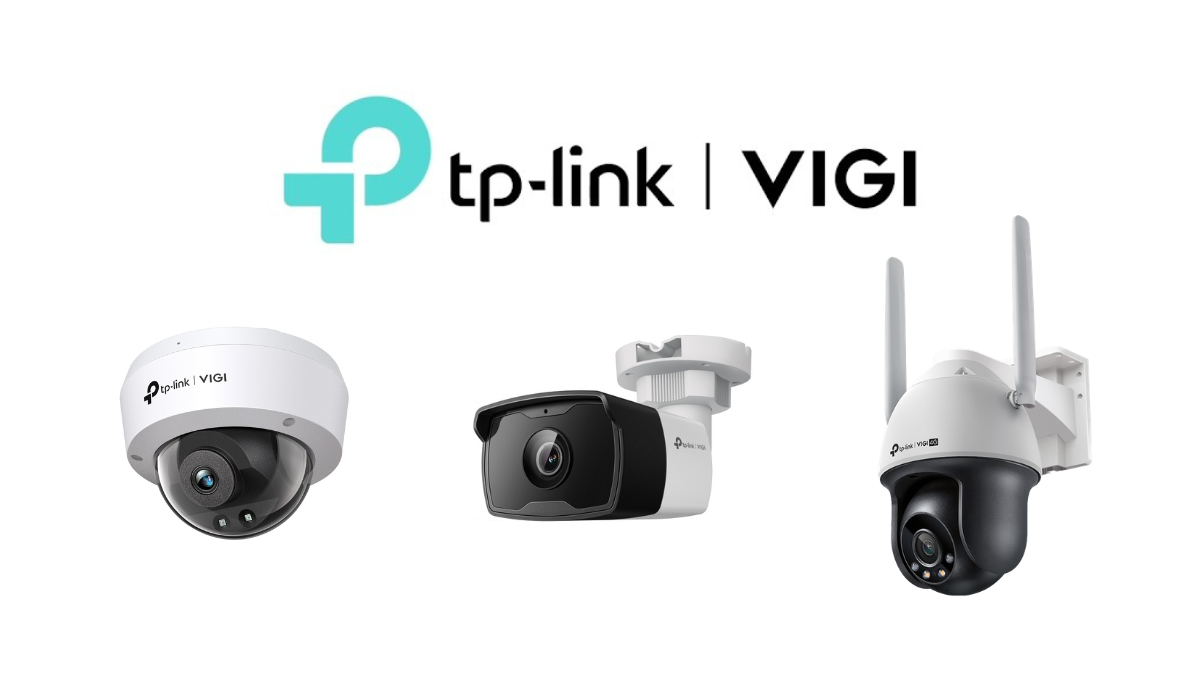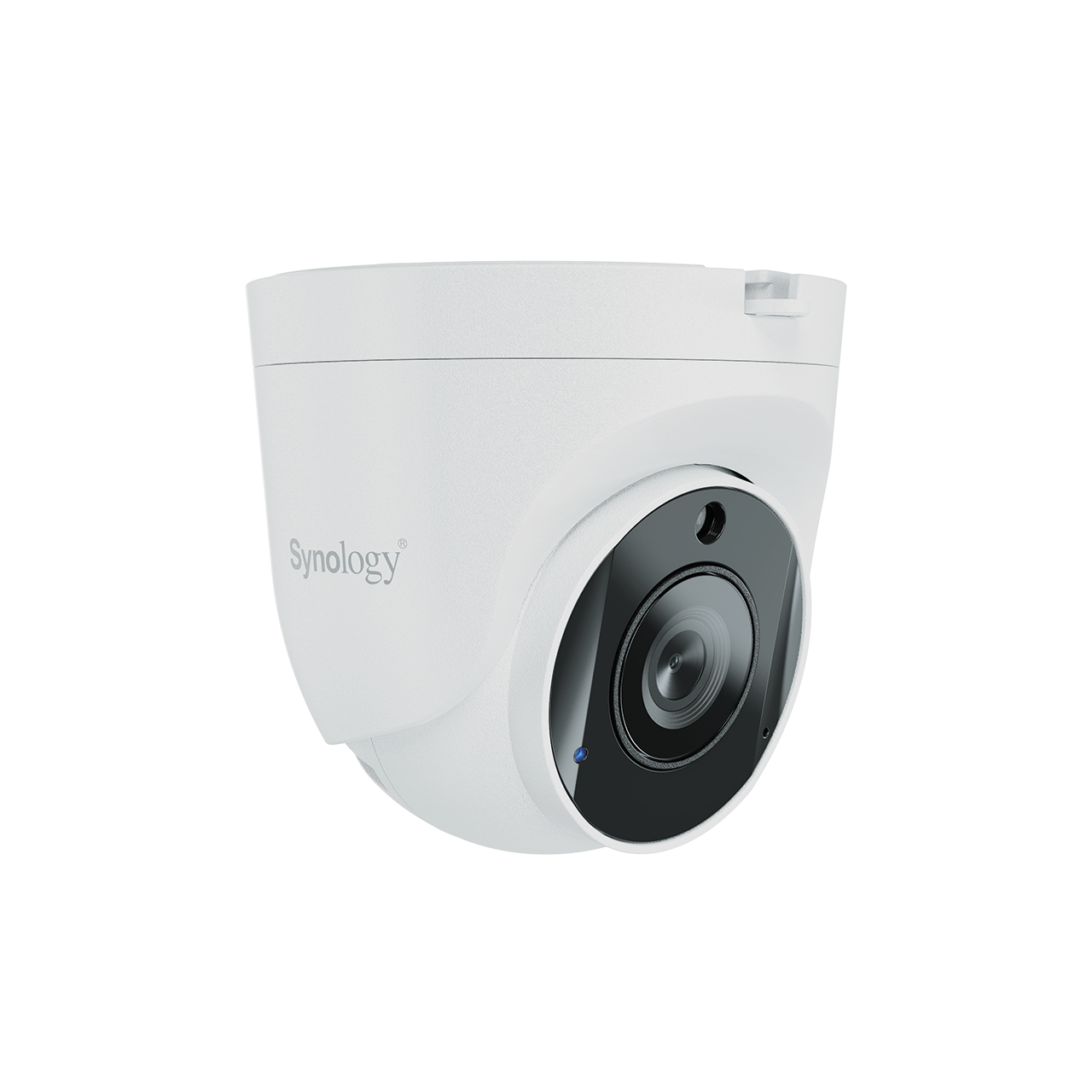
In a world where security and property surveillance are important, nowadays organizations and households need security systems that are easy to monitor and manage, flexible, and scalable according to their needs. One solution that meets these requirements is Synology Surveillance Solution, which utilizes Synology's Network Attached Storage (NAS) platform together with the Surveillance Station software to effectively manage closed-circuit cameras (CCTV).
This article will take you to understand Synology Surveillance solutions and delve into the benefits that organizations and users will receive.
What is Synology Surveillance Solution?
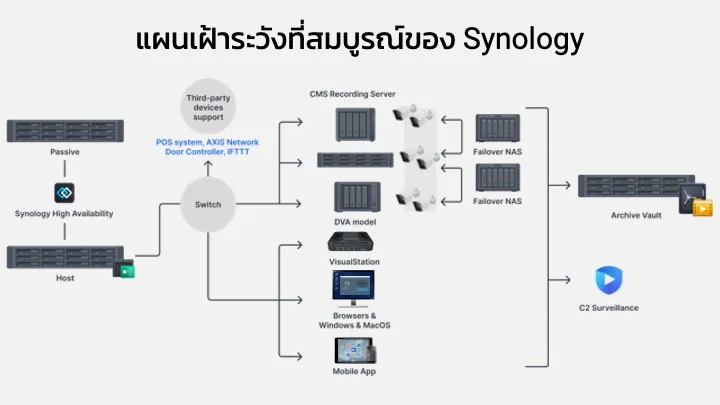
Synology Surveillance Solution is the integration of Synology NAS, a network-attached storage device, with Surveillance Station software designed specifically to monitor, record, and analyze footage from security cameras. The cameras can be IP Cameras connected through a network and can be used in buildings, government offices, warehouses, or even residential homes.
Surveillance Station is the main software of this solution, featuring an interface accessible through a web browser, as well as applications for mobile devices, allowing administrators and users to access video footage from anywhere at any time.
Main Features of Synology Surveillance Solution
- Supports a variety of camera brands and models
Surveillance Station supports thousands of IP camera models from leading brands. Whether you are using professional-grade CCTV cameras or budget-friendly cameras, the system can work together seamlessly. In addition, it also supports the ONVIF standard, which increases flexibility in choosing devices. - Easy-to-use interface and centralized management
Administrators can manage all cameras from a single screen, whether adding or deleting cameras, adjusting recording settings, or grouping cameras by area. Users can view live footage and playback via the web page, or use the DS cam app on a smartphone to view footage from anywhere with internet access. - Flexible Video Recording
Surveillance Station can configure various recording modes, such as 24-hour recording, recording when there is motion (Motion Detection), or recording according to a set schedule. This helps save storage space on the NAS and improves the efficiency of reviewing recorded videos. - Smart features for advanced surveillance
This solution comes with advanced video analytics capabilities, such as motion detection, abnormal sound detection, abandoned object detection, or alerts when the camera is obstructed, making surveillance more accurate and helping to reduce false alarms. - Real-time alerts and immediate event response
When an abnormal event occurs, such as movement in a restricted area, the system can send alerts via email, push notifications, or SMS messages to administrators or security personnel, allowing them to respond immediately and reduce damage or unforeseen incidents. - Easily Expandable Capabilities
If you want to increase the number of cameras or storage space, you can add a hard disk to the NAS or add a license for additional cameras. Synology usually provides a certain number of camera licenses for free, and then if you want to increase the number of cameras, you can purchase additional licenses. Additionally, higher-end NAS models can support more cameras and larger amounts of data, making it easy to accommodate organizational growth. - Data Security and Reliability
Since all videos are recorded to NAS, which has a RAID system and advanced data protection functions, users can be assured that the recorded footage will not be lost if some disks fail. Additionally, there is a backup system and data replication to other NAS devices or cloud services for extra peace of mind. - Access from anywhere via Cloud system
Through Synology QuickConnect or VPN, users can connect to Surveillance Station to view live footage or play back recordings from anywhere, enabling management and monitoring to occur at all times.
Benefits of Using Synology Surveillance Solution
- Enhance the safety of assets and personnel
Having a reliable CCTV system helps organizations or households monitor events that occur and reduces the risk of crime, theft, and intrusion, making the environment safer. - Reduce the burden of managing multiple cameras
With centralized control, administrators can manage many cameras in one place without wasting time switching screens or walking to different areas to view images or adjust settings on each camera - Use resources efficiently
Smart video recording, such as recording only when there is motion, helps reduce data storage costs, avoiding unnecessary investment in storage hardware. Using a NAS as a video database allows you to share storage space with other systems efficiently. - Scalable according to business needs
Whether it is a small business with only a few cameras or a large organization that requires a CCTV network covering multiple areas, Synology Surveillance Solution can scale according to the needs without having to change the main equipment or large infrastructure. - Enhance flexibility in remote monitoring
The ability to access live images and historical data from anywhere via the internet allows managers or staff to monitor situations at all times, even when not physically present, increasing the speed of decision-making and response to incidents.
Conclusion
Synology Surveillance Solution provides a comprehensive and flexible video surveillance management solution, supporting usage from homes and small businesses to large organizations. With a variety of features and scalability, it is a cost-effective and efficient choice for enhancing security and protecting assets, personnel, and valuable information of organizations in the digital era.
Need expert advice or would like to request a quotation? Contact us today:
E-mail: [email protected]
LINE Official: @sync.co.th

The Company reserves the right to correct any typographical or printing errors and shall not be held liable for any inaccuracies resulting from such errors.
*** This article is the intellectual property of SyncTech Solution Company Limited. Reproduction, modification, or redistribution of this content, in whole or in part, is strictly prohibited without prior written permission from the Company. ***