
How to Convert 2D Images to 3D Prints with Meshy 7.1 and Bambu Studio
Technology news
Learn how Patrick Campanale used Meshy 7.1 and GPT Image 2.6 to generate 3D-printable models from 2D images, export colored 3MF files, and prepare them in Bambu Studio.
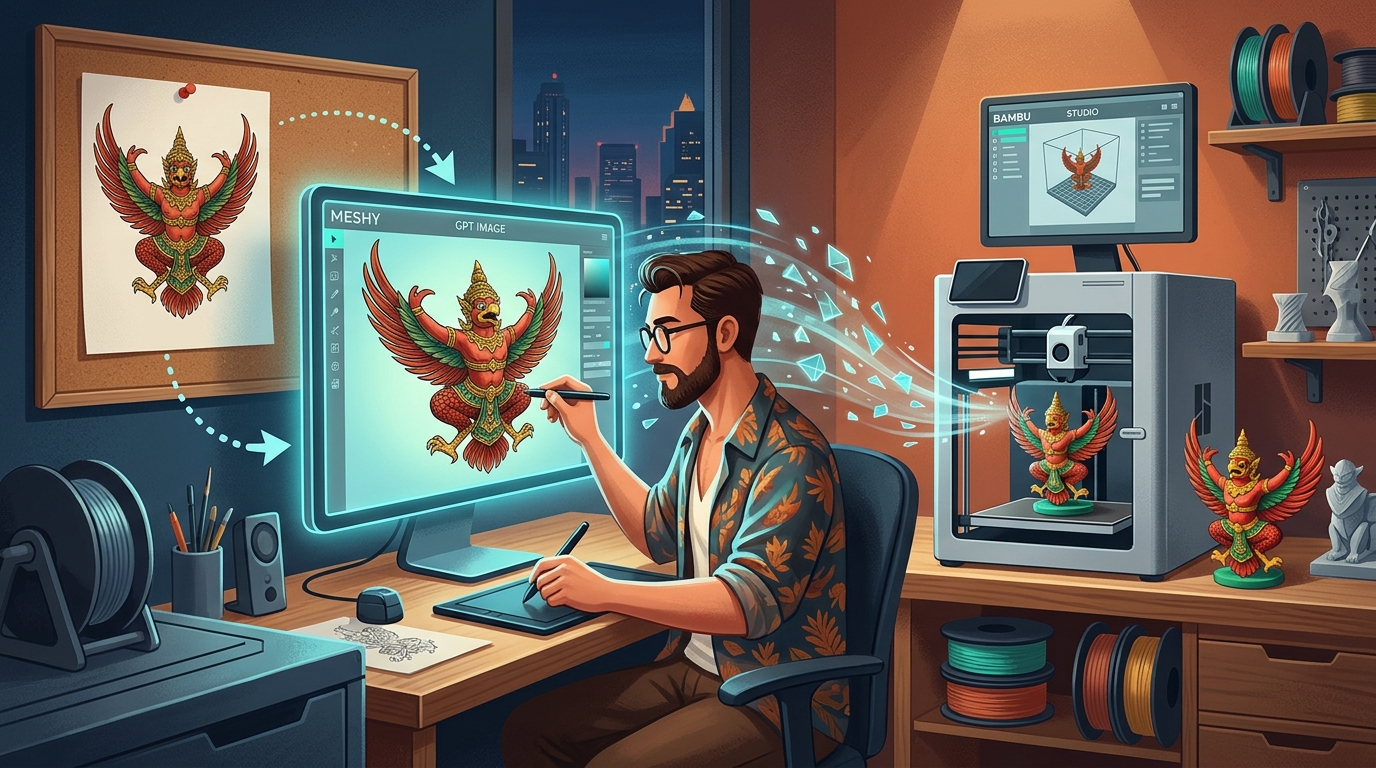
AI 3D Generation Workflow Using Meshy 7.1
Reporting by Patrick Campanale for How-To Geek details a real-world test converting text prompts and 2D images into physical 3D prints using the Meshy.ai platform. Utilizing the Meshy 7.1 conversion model, the author progressed from initial concept to active 3D printing in under 20 minutes per model. The test evaluated two distinct objects: a simple decorative fox and a functional astronaut phone holder designed to hold a smartphone with a four-color setup.
The generative workflow relies on a two-stage process. Meshy generates an initial 2D render that the user can review and revise before initiating 3D generation. Once approved, the platform processes the 2D render into a 3D model, outputting file formats tailored for slicing and multi-color printing.
Step-by-Step Procedure: From 2D Generation to Slicer Preparation
Based on How-To Geek's published procedure, the required steps include:
- Generate the 2D Image: Submit a prompt into Meshy. The test utilized both GPT Image 2.6 Flare and GPT Image 2.6 Sunburst models, costing approximately 9 credits per 2D generation. For the astronaut model, four iterations were required, including the upload of six sample reference images.
- Review and Approve 2D Render: Confirm the 2D output meets design requirements before proceeding.
- Run 3D Conversion via Meshy 7.1: Convert the approved 2D image into a full 3D model, consuming between 20 and 30 credits.
- Run Printability Check: Allow Meshy to perform its automated printability analysis and review suggested machine settings.
- Export as 3MF: Download the model in 3MF format, which retains geometry, printer definitions, and painted color assignments.
- Prepare in Bambu Studio:
- Open the 3MF file and remap the assigned colors to match the filament colors currently loaded.
- Scale the geometry if necessary. For the astronaut phone holder, the author imported a primitive cube matching iPhone 17 Pro dimensions to resize the holder accurately.
- Inspect base layers. On the fox model, the base was floating until layer four; the author used Bambu Studio's cut tool at layer four to create a flat first layer.
- Configure supports. The astronaut model required tree supports, whereas the fox model printed without supports.
Practical Applicability and Print Time Optimization
This workflow provides makers and hobbyists with a direct method to manufacture custom objects that do not exist on repositories such as MakerWorld or Printables. Integrating multi-color data directly into 3MF files reduces the time needed for manual color painting in Bambu Studio when using multi-material systems on machines like the Bambu Lab H3C.
Furthermore, Meshy's print optimization guidance helped reduce the print duration of the multi-color astronaut model from nine hours down by approximately two hours. Recommended modifications included altering the infill percentage and selecting alternative infill patterns to accelerate output.
Limitations and Cautions Identified in Testing
Testing revealed several caveats that require manual inspection prior to printing:
- Automated Printability Gaps: Meshy's built-in printability check failed to catch an unlevel, floating base on the fox model, which only reached a full footprint on layer four. Users must manually inspect the initial sliced layers in their slicer.
- Secondary Painting Adjustments: Slicing or cutting geometries in the slicer may disrupt color maps, requiring minor manual repainting. Simplification of color regions may also be needed to avoid excessive filament swaps.
- Credit Consumption: The process requires platform credits (roughly 9 credits for 2D renders and 20–30 credits for 3D conversion), tested under a paid subscription plan.
- Layer Height Recommendations: Meshy’s advice to utilize a 0.24mm base height with variable layer heights yielded roughly the same print time as a standard 0.20mm uniform height, indicating users should verify slicing time estimates independently.
Source: How-To Geek