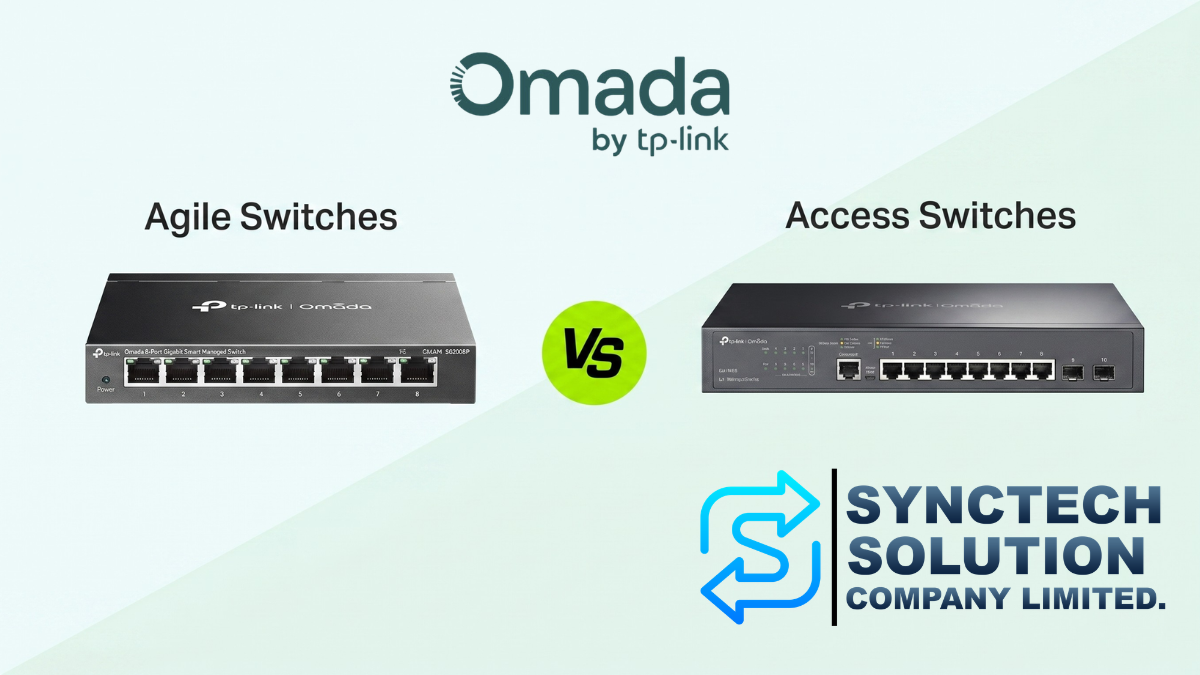
When setting up a network system for a home, shop, office, hotel, or large project, many people often start with the same question: “Which switch model should I use?” Especially within the Omada ecosystem, which offers various switch groups to choose from, including Unmanaged Switch, Agile Switch, Access Switch, and even higher-end models, many people may wonder whether the new Agile Switch models replace the Access Switch, and which type is the most worthwhile to use.
The straightforward answer is Agile Switch does not replace Access Switch, but it is a switch of a different level, suitable for different types of tasks, and should be chosen based on system complexity rather than just the number of ports or price.
What is an Omada Switch and why is it interesting?
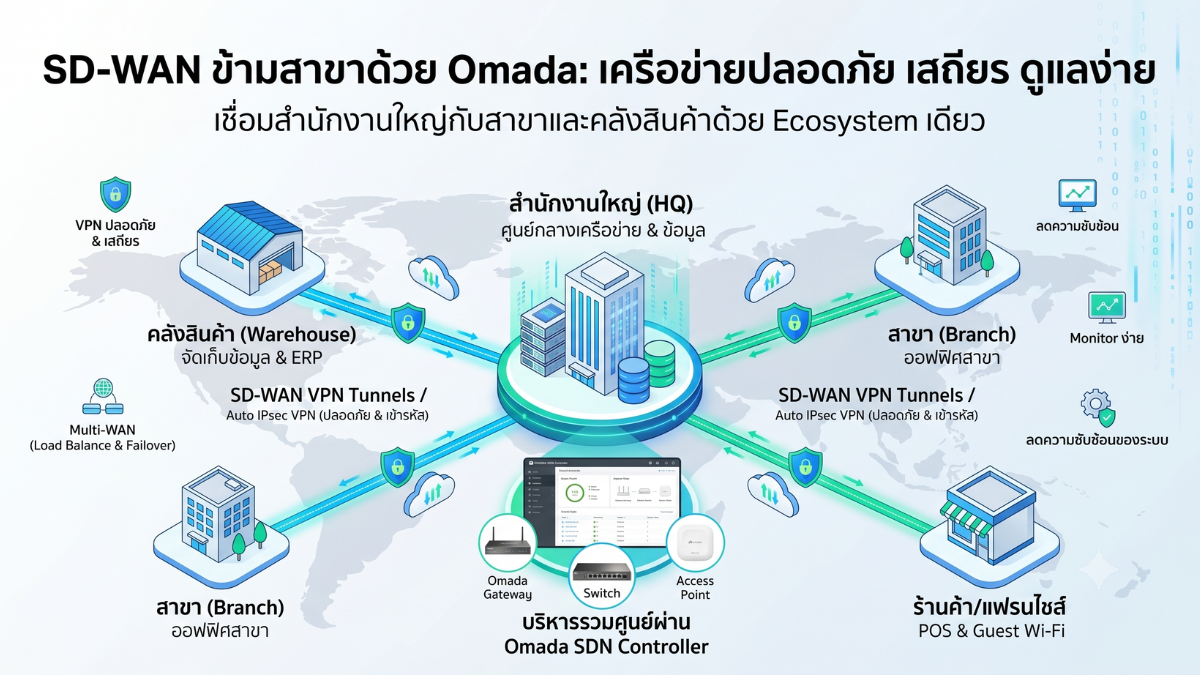
The highlight of Omada is its Centralized Management operation or management from a central point through the Omada Controller
This means that various types of devices can be managed through a single screen, such as
- Gateway
- Switch
- Access Point
- Controller
Whether it is setting up VLANs, checking device status, viewing active ports, managing Wi-Fi, or looking at an overview of the network system,
for businesses with multiple devices or multiple branches, this concept helps reduce system maintenance time significantly because it is not necessary to configure each device individually like in traditional systems.
However, even though Agile Switch and Access Switch are both in the Omada system, the key point is the internal capabilities of the switches are not the same
What is Agile Switch?
Agile Switch or the Easy Managed Switches group, such as the ES2xxG series, are designed as an option for those who want to upgrade from an Unmanaged Switch to a system that can be managed through the Omada Controller.
In simple terms, Agile Switch is suitable for people who have used plug-and-play switches but are starting to want additional features, such as
- Check device status via Controller
- Set some basic settings
- Manage ports more easily
- Compatible with Omada system
- Has basic features for CCTV or small shop use
Agile Switch is therefore a good choice for tasks that require ease, cost-effectiveness, and manageability without the need for full enterprise-level features.
What type of work is Agile Switch suitable for?
1. Small House or Home Office
For general use, such as connecting a computer, Smart TV, Access Point, NAS, or a few cameras, an Agile Switch is considered more than sufficient because this group of users usually does not require complex VLANs, Authentication, ACLs, or management through CLI. The added point compared to an Unmanaged Switch is that it can be managed through the Omada Controller, making system maintenance easier and more organized.
2. Closed-Circuit Camera System
Agile Switch is well-suited for CCTV work because some models have features that make managing CCTV easier, such as
- PoE Auto Recovery helps reboot cameras that are frozen or unresponsive
- Port Isolation helps separate communication between ports, increasing security
- Extended PoE Transmission supports longer cable distances in certain situations, at the cost of reduced speed
For sites that focus mainly on cameras, such as homes, shops, small warehouses, restaurants, or small offices, Agile Switch is therefore a cost-effective option.
3. Small shops or single branches
General stores usually do not have many equipment, such as
- POS machine
- CCTV camera
- Access Point
- Receipt printer
- Office computer
If the network structure is not complex, Agile Switch will make the system easier to manage without having to invest in high-end switches unnecessarily.
Limitations of Agile Switch That You Should Know
Although the Agile Switch is cost-effective, it should be understood that it is an entry-level switch in the managed group, so it has several significant limitations.
- Supports fewer VLANs than an Access Switch
- No ACL for detailed Traffic control
- Does not support 802.1X for user authentication through LAN ports
- Does not support Voice VLAN and LLDP-MED for IP Phone systems
- Does not support SSH and CLI
- No Dual Image to reduce risk during Firmware updates
- Not suitable for systems that require Static Routing, DHCP Relay, or advanced LACP
Therefore, if the site has requirements for Security, VLAN, Authentication, or serious IT-level management, Agile Switch may not be a suitable option.
What is an Access Switch?
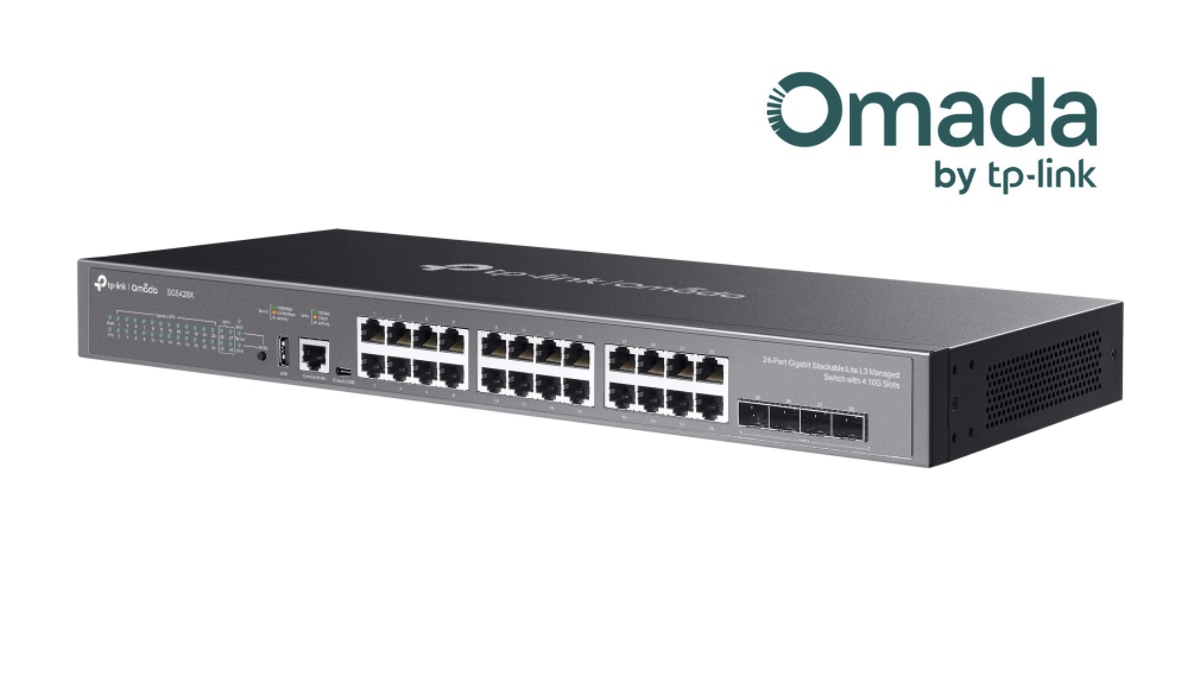
Access Switch, such as the SG2xxx series, is a switch designed for more professional-level tasks. It is suitable for networks that require flexibility, security, and more advanced management capabilities. Access Switches support key features that Agile Switches do not, such as
- Many VLANs
- ACL
- Voice VLAN
- LLDP-MED
- 802.1X
- AAA
- SSH
- CLI
- Dual Image
- Static Routing
- DHCP Server / DHCP Relay
- LACP
- STP / RSTP / MSTP
- SNMP
- IP Interface
These features may seem technical, but in real work they are very impactful, especially when the system starts to grow larger. There are multiple departments, multiple VLANs, there are IP Phones, Guest Wi-Fi, or there are security requirements.
What type of work is an Access Switch suitable for?
1. An office with multiple departments
If the organization needs to separate the network, such as
- Accounting Department
- Sales Department
- Warehouse Department
- Guest Wi-Fi
- CCTV
- Server or NAS
An access switch is more suitable because it supports VLANs and ACLs well, allowing traffic to be segmented and access permissions to be more detailed. For example, Guest Wi-Fi should only be able to access the Internet, but should not be able to see the NAS or company servers. Features like ACLs can help control this.
2. Hotels, Apartments, and MDU Projects
Hotel or residential building projects often require a large number of VLANs and may need to separate users in each room. Access Switches clearly support more VLANs than Agile Switches, making them suitable for systems designed for multi-user or multi-tenant environments. Using an Agile Switch in such applications may quickly encounter limitations, especially as the number of rooms or users increases.
3. Schools, Universities, and Organizations
Educational institutions and medium to large organizations often require network systems with higher security, such as
- Authenticate users before accessing the LAN
- Separate VLANs according to user groups
- Restrict access rights to internal systems
- Monitor and troubleshoot via CLI or SSH
- Connect multiple uplinks using LACP
In these cases, an Access Switch should be chosen from the beginning because it will better support future system expansion.
4. System with IP Phone
If an organization uses IP Phones, it should consider an Access Switch because it supports Voice VLAN and LLDP-MED. This feature allows the switch to detect IP Phones and automatically assign them to the appropriate VLAN, reducing configuration complexity and helping the voice system become more stable. Agile Switches do not have these advanced voice features, so they are not suitable for offices with a large number of IP Phones.
Comparison Table of Agile Switch vs Access Switch
| Topic | Agile Switch | Access Switch |
|---|---|---|
| Usage Level | Easy Managed / Beginner | Managed / Professional Level |
| Management via Omada Controller | Supported | Supported |
| Suitable for | Home, small shop, CCTV camera | Office, hotel, school, organization |
| VLAN | More limited | Supports more |
| ACL | Not Supported | Supported |
| 802.1X / AAA | Not supported | Supported |
| Voice VLAN | Not supported | Supported |
| SSH / CLI | Not supported | Supported |
| Dual Image | Not Supported | Supported |
| Static Routing | Not supported | Supported |
| LACP | Not Supported | Supported |
| Value for Money | Very good for basic tasks | More worthwhile for tasks that require high features |
| Future system expansion | Suitable for small systems | Suitable for scalable systems |
Choose Agile Switch if…
- Upgrading from an Unmanaged Switch
- Want to manage devices through Omada Controller
- Used in homes, small shops, or CCTV sites
- No need for a large number of VLANs
- No need for 802.1X, ACL, Voice VLAN, or CLI
- Looking for cost-effectiveness and easy setup
- No IT team for in-depth troubleshooting
In simple terms, if your network is not complex and only requires basic management, Agile Switch is a very attractive option.
Choose an Access Switch if…
- Used in offices, hotels, schools, or projects with a large number of users
- Need to separate multiple VLAN groups
- Need to control access rights with ACL
- Need to use 802.1X or an Authentication system
- Have IP Phones and need to use Voice VLAN
- Require SSH or CLI for administrators
- Require higher stability and availability
- Require allowance for system expansion in the future
If the system begins to have multiple departments, multiple networks, or security requirements, an Access Switch should be chosen from the start to reduce the problem of changing equipment later.
Additional perspective: Don't choose a switch based on 'number of ports' alone
Many people choose a switch based on the number of ports, such as 8 Port, 16 Port, 24 Port, or 48 Port, and then check whether it has PoE. However, in actual network design, you should consider more than that, such as
1. How many watts of PoE are needed?
If there are Access Points, CCTV cameras, or IP Phones, you need to calculate the PoE Budget properly, not just look at the number of ports. For example, a switch may have 24 PoE ports, but if the total power it can supply is low, it may not be enough for all cameras or APs at the same time.
2. How fast should the Uplink be?
If the Access Point is Wi-Fi 6 or Wi-Fi 7, or if there is a NAS/Server in the system, you should consider a faster uplink, such as 2.5G, 10G, or SFP+, because if the Access Switch has many downstream ports but the uplink is too narrow, a bottleneck may occur in the system.
3. How many Network groups need to be separated?
If there is only one LAN and not many devices, an Agile Switch might be sufficient. However, if there are multiple groups, such as Staff, Guest, CCTV, POS, Server, IoT, an Access Switch should be used because it supports VLAN and traffic control features better.
4. What level of Security is needed?
If it is a small shop system, it may not need to be very complex. But if it is an organization, school, hotel, or a place with diverse users, there should be access control, such as 802.1X, ACL, and VLAN, to prevent unauthorized access to internal systems.
Example of Practical Usage Selection
Case 1: Small Coffee Shop
There are the following devices
- 4 cameras
- 1-2 Access Points
- 1 POS machine
- 1 Internet Gateway
This case can use Agile Switch because the system is not complex and primarily requires cost-effectiveness.
Case 2: Office with 30-50 People
There are the following devices
- Multiple Access Points
- IP Phone
- NAS
- Printer
- Guest Wi-Fi
- Department-separated VLAN
In this case, an Access Switch should be chosen because VLAN, Voice VLAN, ACL are required, and it may be necessary to troubleshoot using advanced tools.
Case 3: Hotel or Apartment
There are the following devices
- Access Point on every floor
- CCTV
- Back-end system
- Guest Network
- Separate users for each room
In this case, an Access Switch should be chosen because it needs to support a large number of VLANs and requires a secure and scalable system.
Summary: Agile Switch is worthwhile, but Access Switch is more ready
If it has to be summarized in the easiest way to remember: Agile SwitchSuitable for basic tasks that require cost-effectiveness For example, houses, small shops, and CCTV systems Access SwitchSuitable for business work that requires higher capabilitiesFor example, offices, hotels, schools, and systems that require VLAN, Security, Voice And in-depth management Therefore, choosing the right Omada switch is not about choosing the cheapest model Or the one with the most ports, but it is about choosing the model that is suitable for Practical usageand Future system expansion planRecommendations Before Deciding to Buy
Before choosing an Omada switch, it is recommended to answer these questions first
- How many devices are there in total, and how many more will be added in the future?
- How many PoE ports are needed, and what is the total wattage?
- Is VLAN separation required?
- Is there a separate Guest Wi-Fi or CCTV network?
- Are there IP Phones?
- Are 802.1X, ACL, or Authentication required?
- Is an uplink of 2.5G, 10G, or SFP+ needed?
- Who manages the system, and is CLI/SSH required?
- Is the site a house, shop, office, hotel, or school?
- Is future system expansion in 1-3 years needed?
If most of the answers involve basic tasks, an Agile Switch may be sufficient. But if the answers start to involve multiple VLANs, Security, IP Phones, Authentication, or multi-site systems, an Access Switch would be more appropriate.
Are you setting up a network system?
Choosing the right switch from the beginning helps reduce long-term problems
in terms of speed, stability, security,
and the budget for future upgrades.
If you are unsure whether to use an Agile Switch or an Access Switch,
it is recommended to start by assessing the number of devices, usage patterns,
and future system expansion plans before making a decision.
Need expert advice or would like to request a quotation? Contact us today:
E-mail: [email protected]
LINE Official: @sync.co.th

The Company reserves the right to correct any typographical or printing errors and shall not be held liable for any inaccuracies resulting from such errors.
*** This article is the intellectual property of SyncTech Solution Company Limited. Reproduction, modification, or redistribution of this content, in whole or in part, is strictly prohibited without prior written permission from the Company. ***