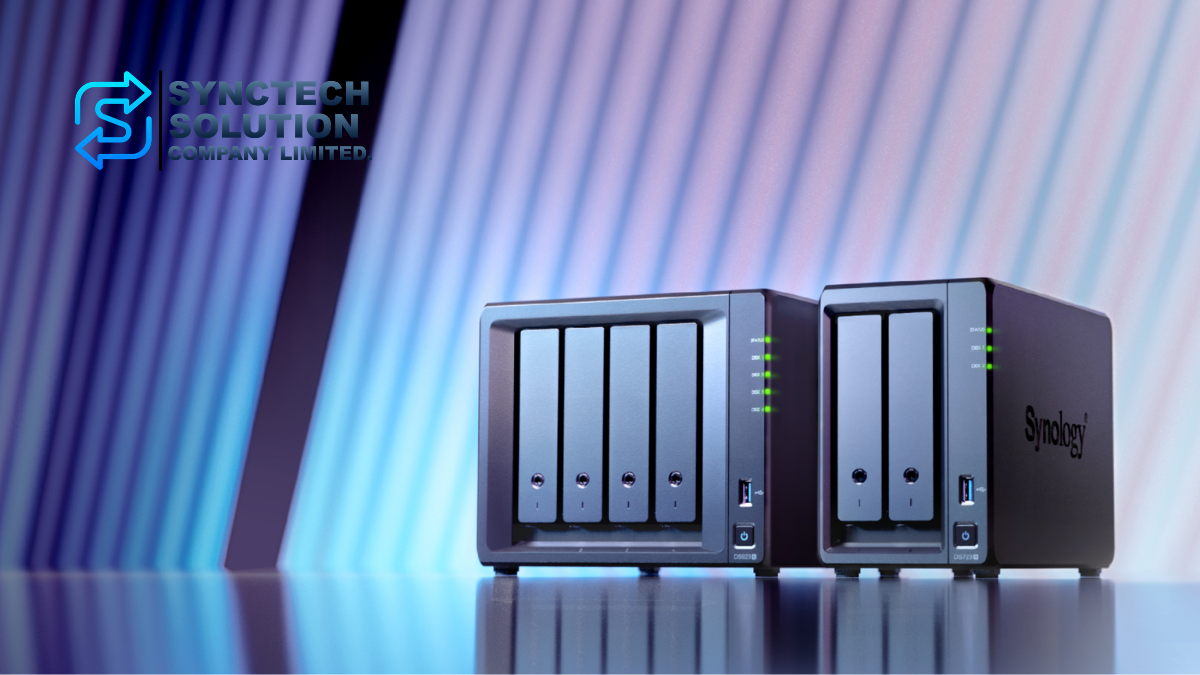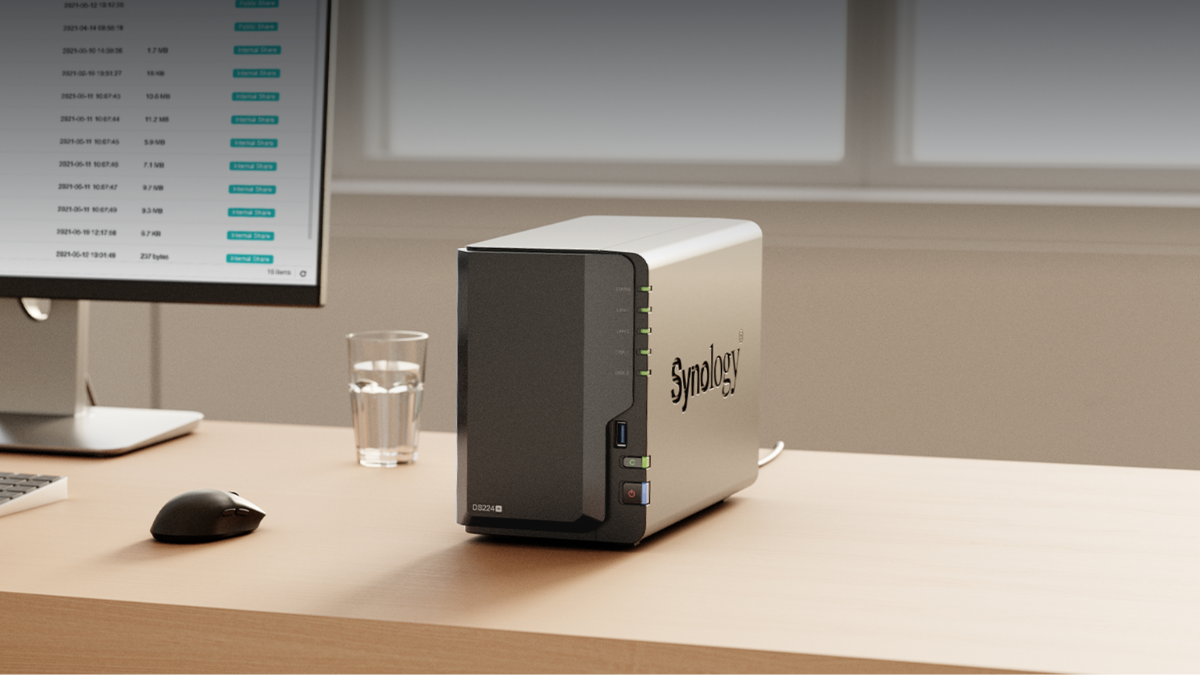
In today's digital world, data has become an extremely valuable resource, whether it is images, videos, personal document files, or business information critical to an organization. Efficient storage and management of data have therefore become key factors. NAS (Network Attached Storage) devices are one of the highly popular solutions, and Synology is considered a leading brand recognized for its stability, user-friendly operating system, diverse features, and long-term value.
This article will explain the guidelines for choosing a Synology NAS suitable for different levels of use, from general home users, home offices, small businesses, to large organizations, along with updates on new models to consider, such as BeeStation, BeeStation Plus, the new Plus series of DiskStation, and RackStation for enterprise-level work.
Why should you buy a Synology NAS?
- Centralized data management
NAS allows users to store, share, and back up data from a central point, without having to connect traditional external storage devices. It is suitable for both home use and organizations that need systematic file management. - Security and Reliability
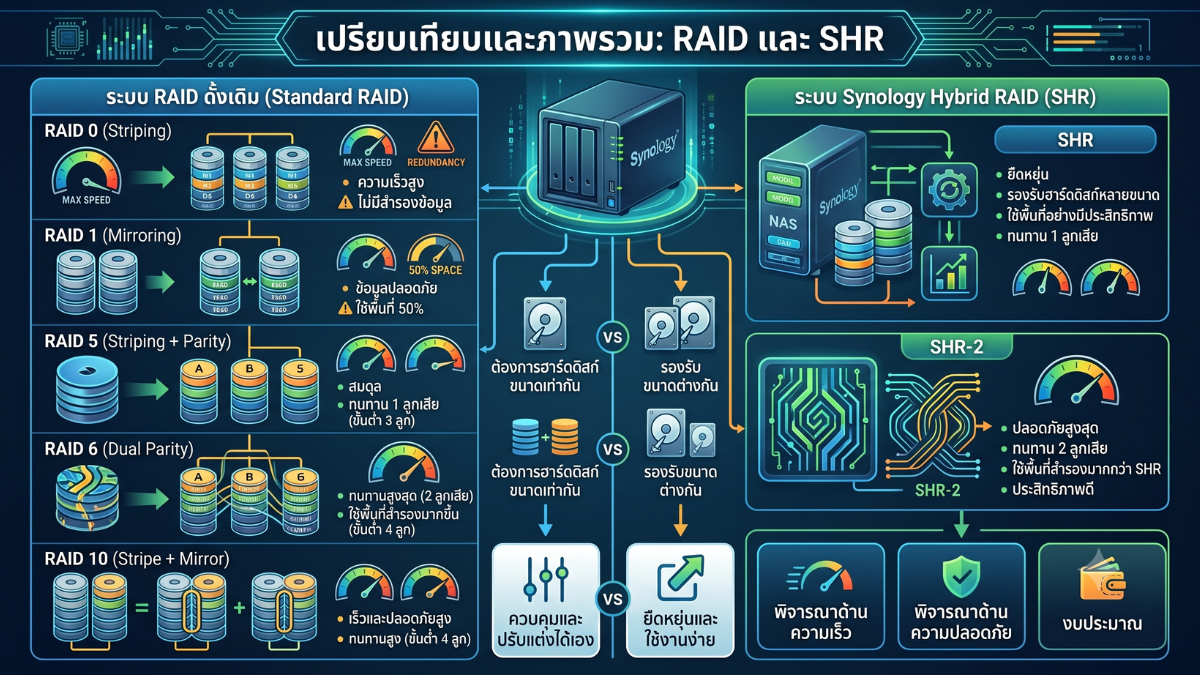
Synology NAS comes with the DSM operating system, which receives continuous security updates. It supports RAID, SHR, Snapshot, Permission Management, and multiple backup systems, helping to reduce the risk of data loss, hard drive failure, or ransomware attacks. - Multiple features beyond just file storage
Synology NAS is not just a data storage device, but can also function as a Private Cloud, File Server, Backup Server, Surveillance Server, Media Server, Synology Drive, Synology Photos, Docker/Container, Virtual Machine, or even a backup system for Microsoft 365 and Google Workspace in some models. - Supporting future growth
As data increases, users can choose a NAS with more bays, add hard drives, upgrade to higher-capacity hard drives, use an Expansion Unit on supported models, or add high-speed network cards such as 10GbE or 25GbE on supported models to accommodate larger tasks in the future. - Suitable for both home and business
Synology has various product lines, ranging from BeeStation for general users, DiskStation for home and business, RackStation for organizations, to enterprise-level solutions, making it easy to choose according to budget and type of work
Important Update: New Models You Should Know Before Buying
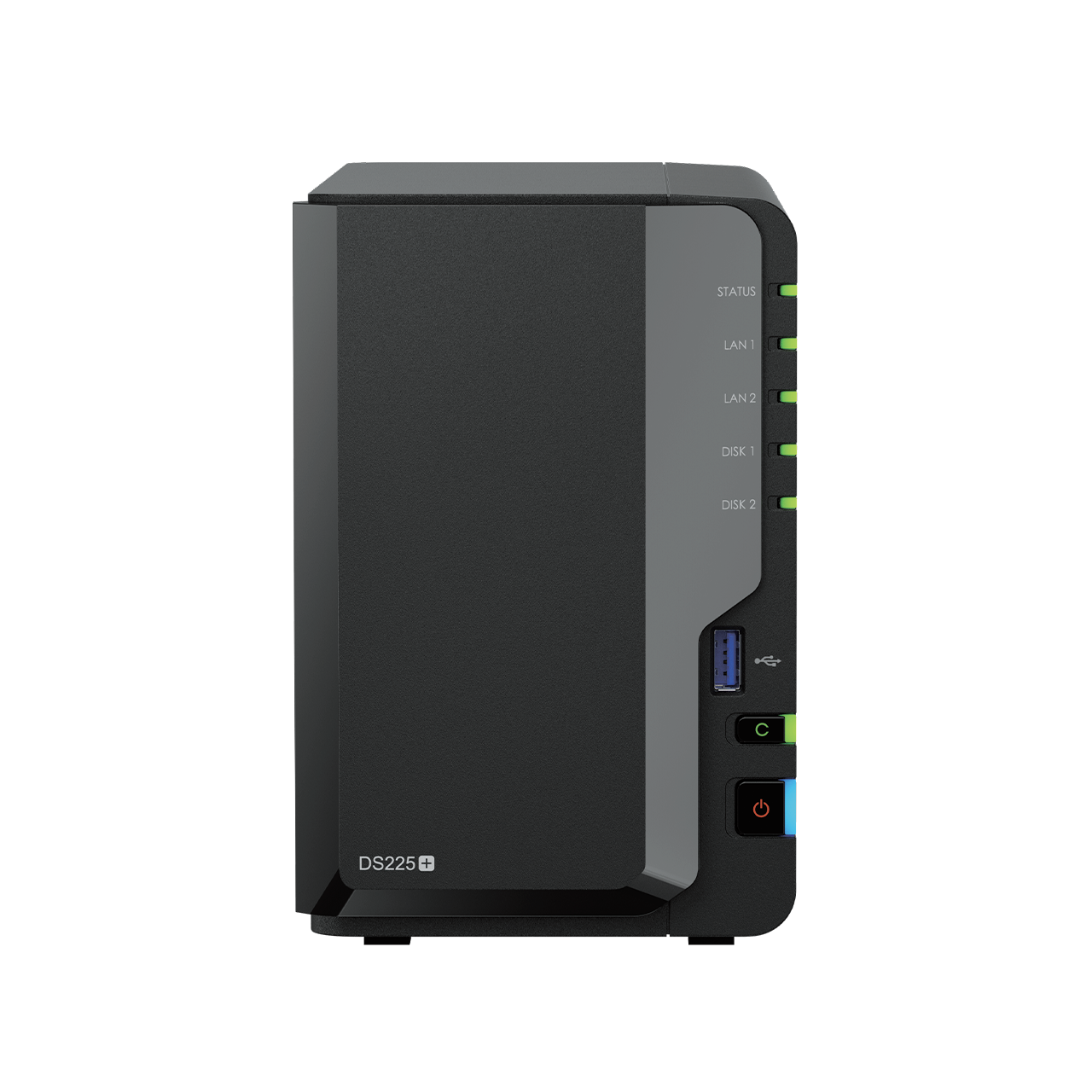
Currently, Synology has several new models in the DiskStation Plus series that replace or serve as new options compared to the previous models, such as DS225+, DS425+, DS725+, DS925+, DS1525+, and DS1825+. Many of these models now come with built-in 2.5GbE ports, and some support M.2 NVMe for SSD Cache or Storage Pool according to the model's specifications.
For general users, Synology also offers BeeStation and BeeStation Plus, which are designed to be easier to use than DSM-based NAS. They are suitable for users who want a personal Private Cloud to store photos, videos, and files without having to set up a complex system like a full-featured NAS.
For organizations that need a new RackStation, they can consider models like RS2825RP+, which is a 16-bay RackStation expandable up to 28 bays and supports high-speed network upgrades, such as 10GbE or 25GbE, via expansion cards. It is suitable for businesses that require large storage capacity and high availability.
1. Use at the Individual or Family Level (Home User)
Usage Characteristics
- Store photos, videos, music, and personal documents
- Back up data from computers, smartphones, and tablets
- Share files with family members
- View photos and videos from outside the home
- Want a system that is easy to use, without complex IT setup
Suitable options
- BeeStation: Suitable for general users who want a personal Private Cloud, easy to use, no extensive NAS knowledge required, ideal for storing photos, personal files, and backing up data from various devices.
- BeeStation Plus: Suitable for home users or small teams who need more storage space, features AI-powered photo management, and more convenient file/multimedia use than the basic BeeStation model.
- DS223j / DS223: Suitable for users who want a budget-friendly DSM NAS, for file storage, backups, and basic usage.
- DS225+ or DS224+: Suitable for users who want higher performance, better use of Synology Photos, Synology Drive, Backup, and additional apps than the basic models.
For the easiest option, choose BeeStation or BeeStation Plus. However, if you want more system customization, the ability to use a wider variety of DSM packages, and future expansion plans, you should choose DiskStation, such as DS223, DS225+, or DS224+
2. Usage in Home Office or Small Office (SoHo)
Usage Characteristics
- Multiple users access data simultaneously
- Need to share files within the team
- Need a RAID or SHR system to increase data security
- Want to use Synology Drive to sync files and collaborate
- May be used as a Backup Server for office computers
Suitable options
- DS225+: Suitable for small offices that need a 2-bay NAS with good performance, a 2.5GbE port, and Btrfs support.
- DS425+: Suitable for users who want a 4-bay setup for RAID/SHR and need more expansion space than a 2-bay.
- DS725+: Suitable for home offices or small teams that want a higher-performance 2-bay NAS and have plans to expand storage in the future.
- DS923+: Still a good choice for users who want a 4-bay NAS that supports upgrades and can run various business packages.
For the SoHo group, the Plus model should be chosen primarily because it supports Btrfs, Snapshot, Synology Drive, Active Backup, and important business packages better than the J or Value Series models.
3. Usage in Small to Medium-Sized Businesses (SMB)
Usage Characteristics
- Many users continuously access the files at the same time
- Require a reliable Backup and Restore system
- Use Synology Drive, File Server, Active Backup, or Snapshot Replication
- May use Virtualization such as VMware or Hyper-V
- Require connection to Active Directory or LDAP
- Plan to upgrade the Network to 10GbE or higher in the future
Suitable options
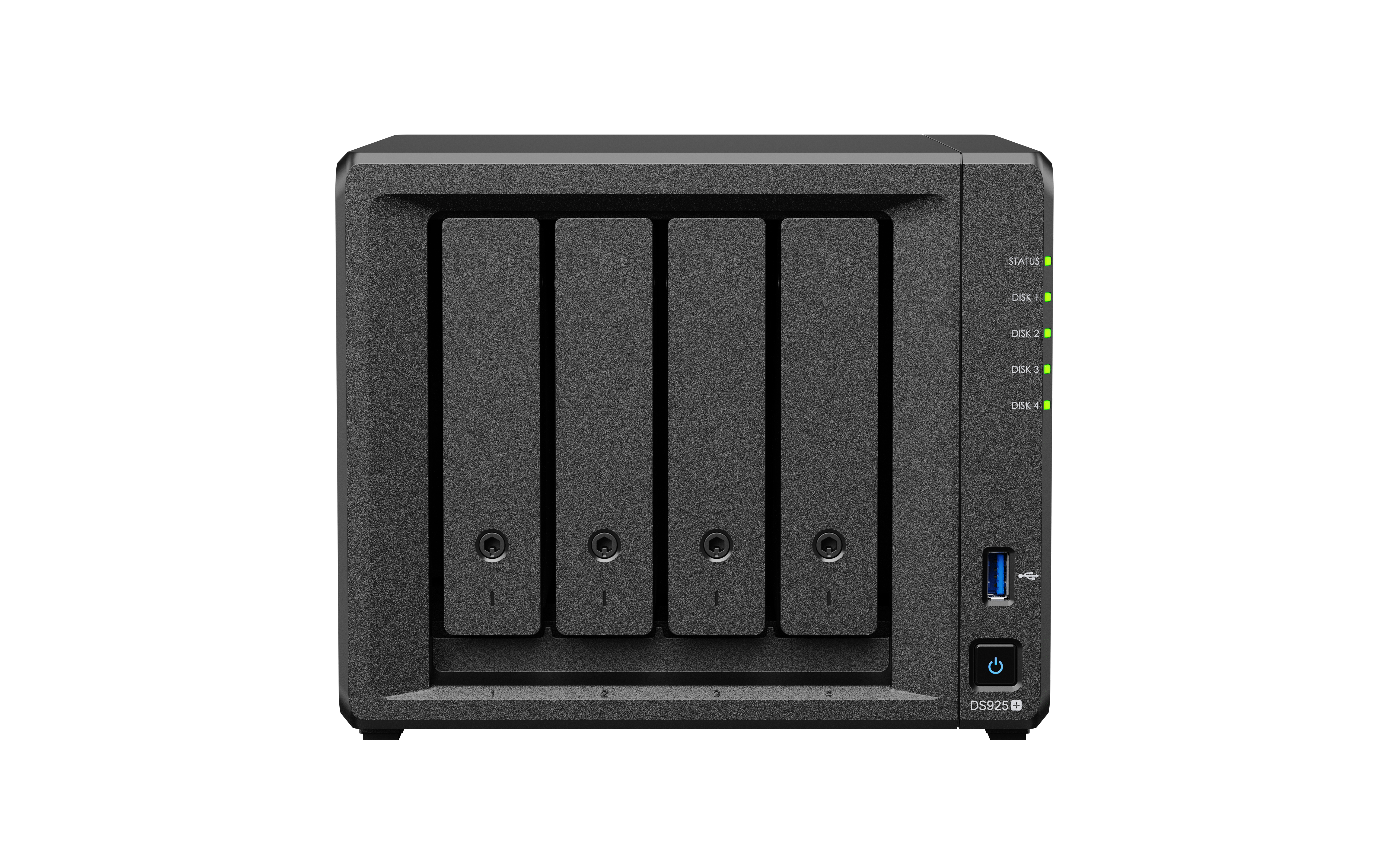
- DS925+: Suitable for businesses that need a new 4-bay NAS model, with 2.5GbE ports and support for M.2 NVMe for SSD Cache or Storage Pool depending on the model.
- DS1525+: Suitable for businesses that need a 5-bay device and want room for future expansion. It supports File Server, Backup, and Collaboration tasks well.
- DS1825+: Suitable for organizations that need more storage, starting with 8 bays and expandable further. Ideal for backup tasks or sharing large amounts of files.
- DS1621+ / DS1821+: Still works well in many scenarios, but for new purchases, consider newer models like the DS1525+ or DS1825+ to support more modern technology and ports.
For SMBs, attention should be given to the number of bays, RAM, network, support for Btrfs, snapshots, Active Backup, and future expandability rather than choosing based solely on the lowest price.
4. Usage at the Large Enterprise Level
Usage Characteristics
- Supports a large number of users or multiple departments
- Requires high SLA, stability, and availability
- Requires High Availability, Snapshot, Replication, or Disaster Recovery
- Needs to connect to 10GbE, 25GbE, or high-speed network
- Needs to expand a large amount of storage
- Compatible with Virtualization, iSCSI, File Server, or Backup Infrastructure
Suitable options
- RS2825RP+: Suitable for organizations that need a large 16-Bay RackStation expandable up to 28 Bays, with redundant power and support for high-speed network upgrades
- RS4021xs+: Suitable for enterprise tasks that require a high-performance RackStation, large storage capacity, and enterprise-level usage
- XS / XS+ Series: Suitable for organizations that need higher performance than the Plus Series, supporting heavy workloads, many users, and systems requiring high availability
- All-Flash or Enterprise-level models: Suitable for tasks that require high IOPS, such as virtualization, databases, or systems that require low latency
For large organizations, it is advisable to design in conjunction with Network systems, UPS, Backup, Snapshot Replication, Off-site Backup, and High Availability to ensure the system is secure and truly ready for use. NAS should not be chosen based solely on the number of bays.
Criteria to Consider Before Deciding to Buy a Synology NAS
- Number of Bays and Required Capacity
You should assess current data and growth over the next 3-5 years. If you are starting serious usage, you should not choose too few bays, as it may require changing the machine quickly. - Choose a model suitable for the work, not just based on the price
The J model is suitable for basic tasks, the Plus model is suitable for business tasks and important packages, while the XS/XS+ or RackStation models are suitable for enterprises that require high performance and stability. - Btrfs File System and Snapshot
For business use, you should choose a model that supports Btrfs because it allows better use of Snapshot, Data Protection, and security features. - High-speed Network
If there are multiple users or large files, such as videos, design work, or a large amount of backups, you should choose a model with 2.5GbE or that supports upgrade to 10GbE/25GbE - RAM and Upgrades
If using Synology Drive, Active Backup, Container, Virtual Machine, or multiple users at the same time, it is recommended to choose a model that allows RAM upgrades. - What can M.2 SSDs be used for?
Some models support M.2 NVMe for SSD Cache or Storage Pool, but you should check the conditions of each model and the list of supported devices from Synology before making a decision. - Hard Disk and Compatibility List
Before purchasing, you should check the list of hard disks that Synology supports with the selected NAS model to ensure the system operates stably and receives proper support - Backup is not RAID
RAID or SHR helps the system continue to work when some hard drives fail, but it cannot protect against accidental file deletion, ransomware, fire, flood, or theft. Therefore, there should always be a separate backup set. - Total System Budget
Purchasing a NAS does not only include the cost of the device, but should also include the cost of HDD, SSD, RAM, Network Card, UPS, Backup Storage, and installation or maintenance services.
Examples of choosing a model according to usage characteristics
| User Group | Job Characteristics | Models to Consider |
|---|---|---|
| General Users | Store photos, videos, personal files, easy to use | BeeStation, BeeStation Plus, DS223j, DS223 |
| Homes wanting more features | Synology Photos, Drive, Backup, share files across multiple devices | DS225+, DS224+, DS425+ |
| Home Office | Team file sharing, employee device backup, RAID/SHR | DS425+, DS725+, DS923+, DS925+ |
| SMB | File Server, Active Backup, Snapshot, multiple users | DS925+, DS1525+, DS1825+ |
| Large Enterprises | Large storage, 10/25GbE, HA, Replication | RS2825RP+, RS4021xs+, XS/XS+ series |
Should I choose BeeStation or DiskStation?
BeeStation and DiskStation have different strengths, even though they are both storage devices from Synology.
| Topic | BeeStation / BeeStation Plus | DiskStation |
|---|---|---|
| Ease of Use | Very easy, suitable for general users | More detailed settings, suitable for users who want system control |
| Target Audience | Homes, families, general users, small teams | Advanced homes, home offices, businesses, and organizations |
| DSM Features | Limited | Supports a wide range of DSM packages |
| System Expansion | More limited | Can expand more, depending on the model |
| Suitable For | Those who want an easy-to-use Private Cloud | Those who want a full-featured NAS and business-level features |
In summary, if you want simplicity and a personal cloud-like experience, choose BeeStation or BeeStation Plus. But if you want a NAS system that is more customizable, supports Backup, Snapshot, File Server, Container, or is used in business, you should choose DiskStation.
Summary
Choosing the right Synology NAS should start with evaluating actual usage, whether it is the number of users, the amount of data, the desired features, the budget, and future expansion plans.
If you are a regular home user who wants an easy-to-use system, BeeStation or BeeStation Plus may be the most suitable. If you want a full-featured NAS for home or home office, you should consider the entry-level or Plus DiskStation models such as DS225+, DS425+, DS725+, or DS925+
For small to medium-sized businesses, you should choose the Plus models with a sufficient number of bays to support Btrfs, Snapshot, Active Backup, and network upgrades, such as the DS925+, DS1525+, or DS1825+. For large organizations, you should consider RackStation or XS/XS+ models, such as the RS2825RP+ or RS4021xs+, to support heavy usage and long-term system expansion.
Ultimately, a good NAS is not the most expensive model, but the one that suits the real work, has enough space, supports growth, and has a good backup plan in place to keep your data safe and accessible in the long term.
Need expert advice or would like to request a quotation? Contact us today:
E-mail: [email protected]
LINE Official: @sync.co.th

The Company reserves the right to correct any typographical or printing errors and shall not be held liable for any inaccuracies resulting from such errors.
*** This article is the intellectual property of SyncTech Solution Company Limited. Reproduction, modification, or redistribution of this content, in whole or in part, is strictly prohibited without prior written permission from the Company. ***