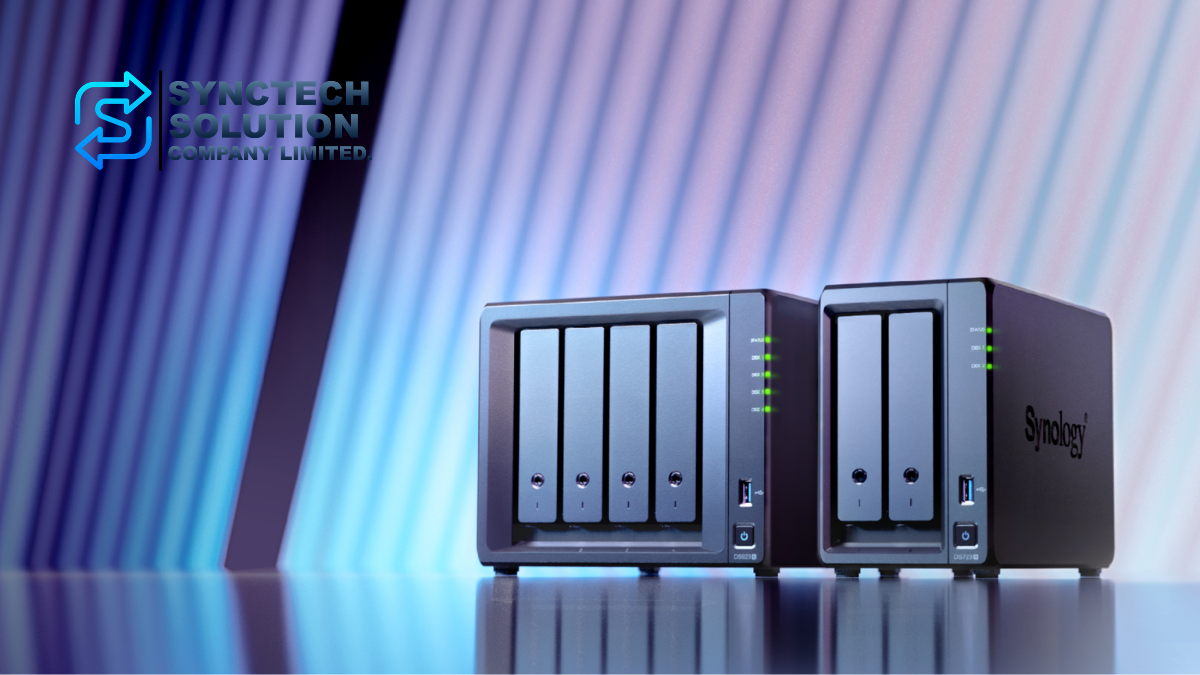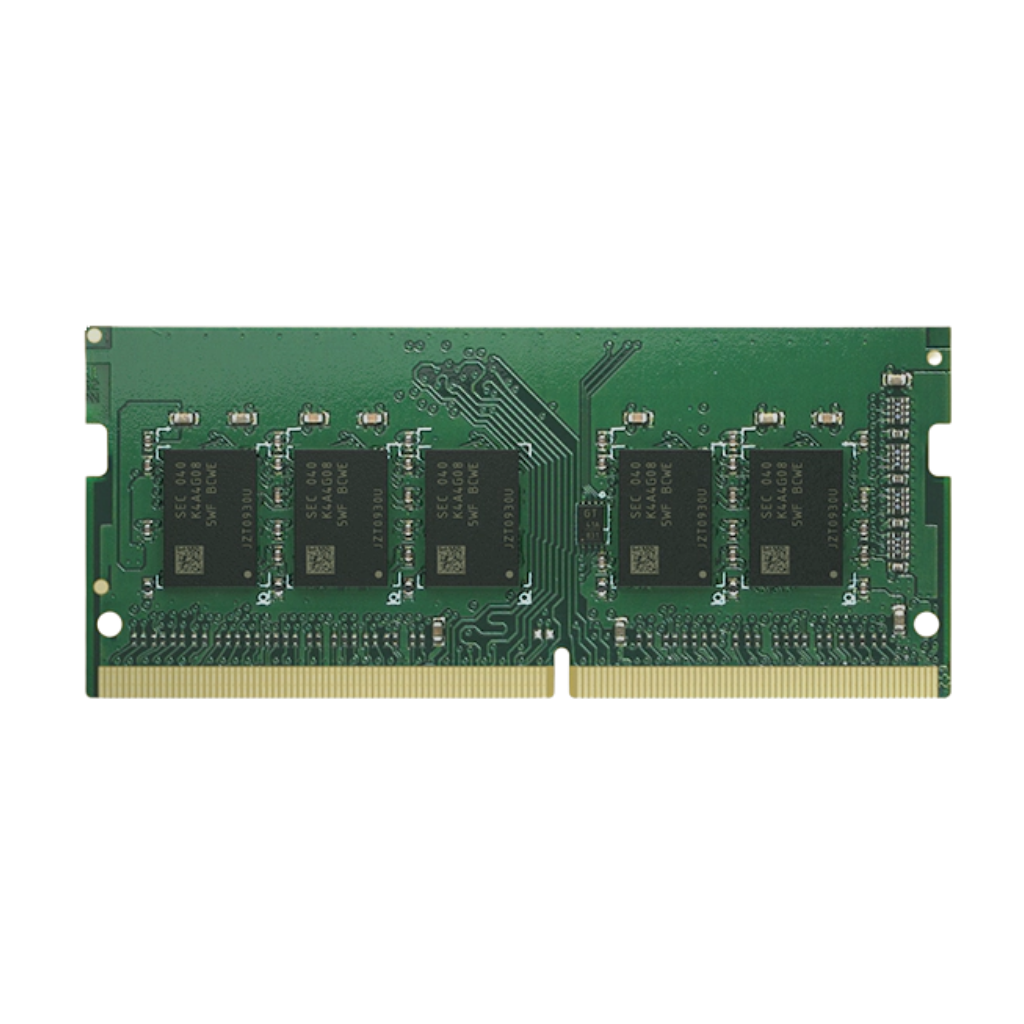
RAM (Random Access Memory) is a temporary memory that plays an important role in the performance of computers, NAS servers, and various IT devices. RAM functions to store data that the system is currently using, allowing the CPU to access the data quickly.
Although RAM is a device that many people are familiar with, in reality, RAM comes in many types, various forms, and has details that should be understood before purchasing, such as ECC, Non-ECC, UDIMM, RDIMM, LRDIMM, Bus Speed, as well as compatibility with the motherboard, CPU, and devices in use.
This article will explain the types of RAM, the differences between each type of RAM, how to choose RAM suitable for your usage, as well as common misunderstandings, to help you purchase and use RAM correctly and more cost-effectively.
What is RAM?
RAM is the main memory used to store temporary data while the device is operating, such as opening programs, loading files, processing data, or multitasking.
Data in RAM is erased when the computer is turned off, unlike HDDs or SSDs which are permanent storage devices. However, because RAM is very fast, it directly affects system smoothness, especially when running multiple programs simultaneously, using large files, or performing resource-intensive tasks.
Functions of RAM
- Helps the CPU access active data quickly
- Allows running multiple programs simultaneously more smoothly
- Reduces dependence on storage like HDDs or SSDs, which are slower than RAM
- Helps the system run more stably when there is sufficient RAM for use
- Affects the performance of specialized tasks such as Virtualization, Database, Video Editing, File Server, and NAS
Types of RAM According to Error Checking
1. ECC RAM (Error-Correcting Code RAM)
ECC RAM is RAM that can automatically detect and correct certain types of data errors, helping to reduce the risk of data errors during processing.
Outstanding Features
- Can detect and correct data errors
- Increase system stability
- Reduce the risk of data corruption
- Suitable for systems that need to run continuously for a long time
Suitable for
- Server
- Workstation
- NAS for business
- Virtualization systems
- Work that requires high data accuracy, such as scientific work, finance, databases, or backup systems
Advantages
- Helps increase the system's credibility
- Reduces the chance of data corruption from Memory Error
- Suitable for systems that require high stability
Disadvantages
- Higher price than Non-ECC RAM
- Must be used with a CPU and motherboard that support ECC
- Not all devices will support ECC RAM
2. Non-ECC RAM
Non-ECC RAM is regular RAM that does not have the ability to detect and correct data errors. It is suitable for general use in personal computers and devices that do not require server-level stability.
Outstanding Features
- No ECC error checking and correction system
- Cheaper than ECC RAM
- Available in a variety of options, for PC, Notebook, and general devices
- Suitable for general work, document tasks, internet, multimedia, and gaming
Suitable for
- Desktop computer
- Notebook
- General-purpose device
- Entry-level NAS or models not focused on heavy business tasks
Advantages
- Affordable price
- Easy to find
- Sufficient for general work and gaming
Disadvantages
- No data error correction system
- Not suitable for systems that require high stability at all times
- Not suitable for servers or critical systems that need to operate continuously
Types of RAM According to DIMM Form Factor
1. UDIMM (Unbuffered DIMM)
UDIMM is an unbuffered RAM that has no buffer between the memory and the memory controller, resulting in low latency and making it suitable for general devices.
Outstanding Features
- No buffer between RAM and Memory Controller
- Lower latency than RDIMM and LRDIMM
- Suitable for systems that do not require very high RAM capacity
- Often found in PCs, some Workstations, and many NAS models
Suitable for
- PC
- Certain types of Notebooks
- NAS for home and small businesses
- Systems that require good performance but do not need large server-level RAM capacity
Advantages
- Cheaper than RDIMM and LRDIMM
- Low latency
- Suitable for general tasks and many NAS models
Disadvantages
- Supports a total capacity less than RDIMM and LRDIMM
- Not suitable for large servers
- Must check whether the device supports UDIMM or ECC UDIMM
2. RDIMM (Registered DIMM)
RDIMM is Registered RAM that has a Register or Buffer to reduce the load on the Memory Controller, allowing it to support a larger amount of RAM and higher capacity better than UDIMM.
Outstanding Features
- Has a buffer to help manage signals between RAM and the Memory Controller
- Supports higher capacity RAM than UDIMM
- Increases stability in server systems
- Suitable for systems that need to install multiple RAM modules
Suitable for
- Server
- High-level Workstation
- Virtualization System
- Database System
- Medium to Large Enterprise System
Advantages
- More stable when using a large amount of RAM
- Supports higher total capacity than UDIMM
- Suitable for systems that need to operate continuously
Disadvantages
- Higher price than UDIMM
- Slightly higher latency than UDIMM
- Cannot be used to replace UDIMM; machine compatibility must be checked
3. LRDIMM (Load-Reduced DIMM)
LRDIMM is RAM designed to reduce the load on the Memory Controller, allowing very high-capacity RAM to be installed. It is suitable for large servers that require a large amount of memory.
Outstanding Features
- Reduces the burden on the Memory Controller more than RDIMM
- Supports very high-capacity RAM
- Suitable for systems with a large amount of memory
- Used in high-end servers
Suitable for
- Large server
- Virtualization host with many VMs
- Big Data
- Large database
- Enterprise work that requires very high RAM capacity
Advantages
- Supports higher capacity RAM than RDIMM
- Allows large server systems to expand memory further
- Suitable for tasks that require a large amount of memory
Disadvantages
- The highest price in the standard DIMM group
- Has higher latency than UDIMM and RDIMM
- Can only be used with servers or systems that support LRDIMM
Compare UDIMM, RDIMM, and LRDIMM
| Type | Highlights | Suitable For | Precautions |
|---|---|---|---|
| UDIMM | Low latency, cost-effective | PC, NAS, small Workstation | Supports less total capacity than RDIMM/LRDIMM |
| RDIMM | Stable, supports multiple RAM modules | Server, Workstation, Virtualization | Cannot be used on motherboards that only support UDIMM |
| LRDIMM | Supports very high RAM capacity | Large Servers, Big Data, Database | Expensive and requires specific compatible equipment |
The Importance of Bus Speed
Bus Speed is the speed of data transfer between RAM and CPU, usually specified in MHz or MT/s, such as DDR4-2400, DDR4-3200, or DDR5-4800.
- Higher bus speed helps increase the bandwidth for data transfer
- Affects certain types of work, such as graphics work, games, heavy processing tasks, or systems that use high memory bandwidth
- RAM will operate at full speed when the CPU, motherboard, and BIOS/UEFI support it
- If multiple RAM modules with different speeds are used, the system usually adjusts to run at the speed of the slowest one
For example, DDR4-2400 is suitable for general tasks, while DDR4-3200 or DDR5 with higher speeds are suitable for tasks that require more performance, but it is necessary to check whether the machine actually supports that speed.
The Meaning of Suffixes in RAM Names
- OC (Overclock): Refers to RAM designed to support overclocking in order to increase speed beyond standard specifications. It is suitable for users who want high performance, such as gamers or performance tasks.
- L (Low Voltage): Refers to RAM that uses lower than normal voltage, such as DDR3L, which helps save energy and reduce heat
- ECC: Refers to RAM that has an error detection and correction system. Suitable for servers, business NAS, and workstations.
- RDIMM: Refers to Registered DIMM RAM that has a buffer to reduce the load on the Memory Controller, suitable for servers
- LRDIMM: Refers to Load-Reduced DIMM RAM, suitable for servers that require very high RAM capacity
- SO-DIMM: Refers to small-sized RAM used in Notebooks, Mini PCs, and some NAS models
RAM Usage in Various Devices
1. PC and Notebook
- Usually uses Non-ECC RAM
- Most PCs use UDIMM
- Most notebooks use SO-DIMM
- RAM should be chosen to match the type supported by the motherboard, such as DDR4 or DDR5
- Check the maximum speed supported by the CPU and motherboard
- For better performance, it is recommended to install in pairs to use Dual-Channel
2. Server and Workstation
- ECC RAM is often used to increase stability
- Medium to large servers use RDIMM or LRDIMM
- RDIMM is suitable for servers that require medium to high capacity RAM
- LRDIMM is suitable for servers that require very high capacity RAM
- Always check the server manual, because UDIMM, RDIMM, and LRDIMM cannot be used interchangeably
3. NAS (Network Attached Storage)
- RAM affects the performance of NAS, especially when there are multiple users
- It has a greater impact when using Synology Drive, Active Backup, Virtual Machine, Container, or database systems
- Some NAS models use Non-ECC RAM, while others use ECC RAM
- Many Synology NAS models recommend using RAM certified by Synology for stability
- You should check the Compatibility List before upgrading RAM
Why should Synology NAS use Synology RAM?
Synology recommends using RAM that has been tested and certified by Synology to ensure that the NAS operates stably and to reduce the risk of compatibility issues.
- High Compatibility
Synology RAM has been tested with supported NAS models to ensure proper functionality. - System Stability
NAS devices are often used continuously 24/7. Using unverified RAM may cause system instability, unexpected restarts, or operational issues. - Warranty and Support
Using devices that are not on the supported list may affect troubleshooting and service terms from the manufacturer. It is recommended to check the conditions of the model and vendor before upgrading. - Suitable for Critical Tasks
If the NAS is used as a File Server, Backup Server, Surveillance Server, or business system, choosing certified RAM helps reduce long-term risks.
Common Misunderstandings About RAM
1. “Can mix different RAM sizes or brands”
Fact: RAM of different sizes or brands can be used together in some cases if they are compatible with the motherboard and CPU. However, for stability, it is recommended to use the same model of RAM, with the same capacity and speed, especially in Server or NAS systems.
If the RAM has different speeds, the system usually adjusts to operate at the speed of the slowest one and may prevent being able to use maximum performance.
2. “RAM must be an even number only”
Fact: RAM does not always have to be in pairs. Some devices can use 1 or 3 RAM modules, but using RAM in pairs often allows the system to operate in Dual-Channel mode, which provides better performance than Single-Channel.
3. “Clearing RAM helps increase speed”
Truth: Clearing RAM with most programs usually does not help the computer run faster and may cause the system to reload data from storage, making the computer slower in some cases. Modern operating systems can already manage RAM well.
4. “4GB or 8GB RAM is enough for all tasks”
Fact: The RAM requirement depends on the usage pattern. General office tasks may not need much RAM, but if using multiple programs at the same time, opening many browser tabs, video editing, graphic work, gaming, using a Virtual Machine, or using a NAS as a server, you may need 16GB, 32GB, or more RAM.
5. “The more RAM, the faster the computer always is”
Truth: Adding RAM can make the computer run smoother when the existing RAM is insufficient. However, if the current RAM is already sufficient, adding more RAM may not noticeably speed up the computer. The slowness may come from the CPU, storage, network, or software instead.
6. “Too much RAM may cause the computer to slow down”
Truth: A large amount of RAM does not slow down the computer if the system supports it properly. On the contrary, more RAM helps handle heavy tasks and running multiple programs at the same time better.
7. “You should not mix old RAM with new RAM”
Fact: It is possible to use old RAM mixed with new RAM in some cases if they are of the same type and the device supports it. However, caution should be taken regarding speed, timing, voltage, and compatibility to avoid system instability issues.
8. “RAM DDR4 and DDR5 can be used together”
Fact: DDR4 and DDR5 cannot be used together because they have different physical designs and architectures. RAM must be chosen to match the motherboard and CPU that support it.
9. “Increasing RAM solves all problems in the system”
Truth: Adding RAM helps solve problems only in cases where the existing RAM is insufficient. If the device is slow due to a degraded SSD, insufficient CPU, slow network, problematic software, or malware, adding RAM may not help solve the problem.
10. “All types of RAM work the same”
Fact: RAM comes in many types, such as DDR3, DDR4, DDR5, ECC, Non-ECC, UDIMM, RDIMM, LRDIMM, and SO-DIMM. Each type has different purposes, speeds, stability, and supported devices.
Key Factors in Choosing RAM
- Compatibility
Check whether the motherboard, CPU, or device being used supports what type of RAM, such as DDR4, DDR5, ECC, Non-ECC, UDIMM, RDIMM, or SO-DIMM - Capacity
Choose a capacity suitable for the task, such as 8GB for basic tasks, 16GB for general tasks that require smooth performance, 32GB or more for graphics work, video editing, Virtual Machines, or Servers - Bus Speed
Choose the speed that the device actually supports, because high-speed RAM will only perform at full potential if the CPU and motherboard support it. - Number of modules and Channels
If you want good performance, you should use RAM in pairs to operate in Dual-Channel or Multi-Channel mode as supported by the device. - ECC or Non-ECC
For general tasks, Non-ECC is sufficient, but for servers, business NAS, or systems that require high stability, ECC RAM should be considered. - Budget
If there is a limited budget, increasing RAM capacity sufficiently first is usually more worthwhile than choosing RAM with a very high Bus Speed that is not fully utilized in practice.
Summary
RAM is an important component that affects the smoothness and stability of the system. When choosing RAM, one should consider the type of device, usage patterns, compatibility, capacity, speed, and budget. It should not be chosen based solely on capacity or bus speed.
For most PCs and notebooks, Non-ECC RAM such as UDIMM or SO-DIMM is used. Servers and workstations usually use ECC RAM, RDIMM, or LRDIMM to increase stability and support higher capacity. For NAS, especially Synology, it is recommended to check the supported models and choose certified RAM to ensure long-term stable system operation.
Understanding the types of RAM and common misconceptions will help you choose RAM that fits real tasks, save on budget, and reduce system compatibility issues in the future.
Need expert advice or would like to request a quotation? Contact us today:
E-mail: [email protected]
LINE Official: @sync.co.th

The Company reserves the right to correct any typographical or printing errors and shall not be held liable for any inaccuracies resulting from such errors.
*** This article is the intellectual property of SyncTech Solution Company Limited. Reproduction, modification, or redistribution of this content, in whole or in part, is strictly prohibited without prior written permission from the Company. ***