In the digital era where everyone uses smartphones, computers, tablets, cloud systems, online applications, and various smart devices in daily life, online security, or Cybersecurity, has become important for everyone. Not only for large organizations or government agencies, but also for general users, stores, home offices, and small businesses.
Cyber threats today are becoming more complex, whether it is Phishing, Malware, Ransomware, account theft, social media scams, fake QR Codes, AI scams, or attacks through devices on the network. Without proper protection, it can lead to data leaks, system disruptions, financial loss, wasted time, and affect the credibility of a business.
This article will explain the basics of Cybersecurity for general users and businesses, along with recommending preventive measures, and explaining how network security devices such as FortiGate can help protect an organization's network systems.
What is Cybersecurity?
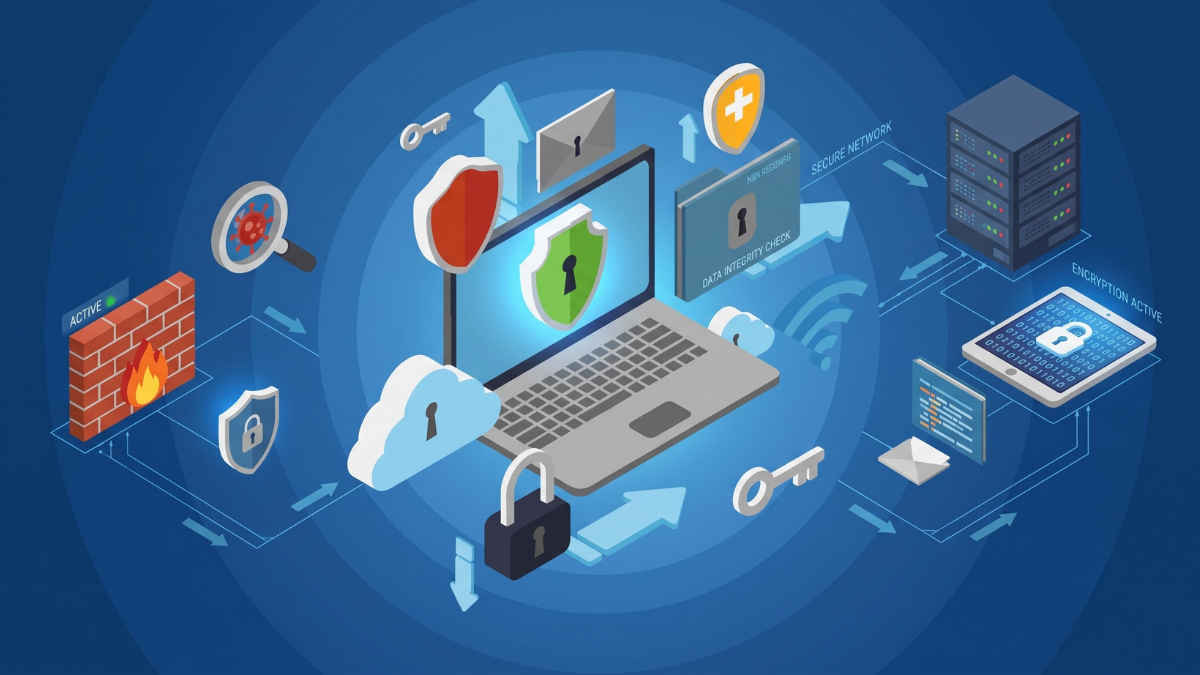
Cybersecurity is the protection of information, network systems, devices, and online services from being attacked, accessed without authorization, having data stolen, or being disrupted, by utilizing technology, processes, and safe usage behaviors together.
Cybersecurity does not only mean installing antivirus programs, but also includes setting secure passwords, enabling MFA, updating systems, backing up data, segregating networks, using firewalls, monitoring logs, and having a response plan in case of abnormal incidents.
Why is Cybersecurity Important to Everyone?
- Prevent personal information leakage
Personal information such as passwords, emails, phone numbers, important documents, photos, credit card information, or customer data all have value to malicious individuals. If this information is leaked, it can be used to open fake accounts, commit fraud, or cause financial damage. - Reduce the risk of being attacked online
Malware or Ransomware infection can cause devices to malfunction, files to be encrypted, or data to be stolen, especially for organizations that have customer information, accounting documents, or critical work systems. - Prevent business damage
If the network system crashes, emails are hacked, or important files are locked by ransomware, the organization may halt operations, lose revenue, damage its reputation, and potentially face legal consequences if personal data is involved. - Supports Hybrid and Remote Work
Currently, many employees work outside the office and need to access files, ERP, CRM, NAS, or Cloud systems from various locations. Cybersecurity must therefore cover both inside and outside the office. - Protect devices in the network
Devices such as Routers, Access Points, CCTV cameras, NAS, Printers, and IoT, if not configured securely, can become a pathway for attackers to enter the network.
Common Cyber Threats
- Phishing
Deception through emails, fake websites, SMS messages, or chat to get users to enter important information, such as passwords, credit card details, or click on dangerous links - Malware
Malicious software such as Virus, Trojan, Spyware, Keylogger, or Botnet that may be hidden in attachments, pirated programs, dangerous websites, or USB devices - Ransomware
Malware that encrypts files and demands a ransom. In some cases, it also steals data before encryption to further threaten the organization. - Weak Passwords
Passwords that are too simple, such as 123456, password, admin, or using the same password for multiple systems, allow attackers to guess them or use leaked information from other systems to access the system. - Public Wi-Fi Attacks
Using public Wi-Fi carelessly may result in your data being intercepted or being tricked into connecting to a fake Wi-Fi created by attackers - AI Scam and Deepfake
Malicious individuals may use AI to create fake text, voice, images, or videos to trick people into transferring money, revealing information, or clicking on dangerous links. - QR Phishing
The use of fake QR Codes to direct users to fraudulent websites, such as fake login pages, fake payment pages, or websites that have Malware installed. - Attacks through network devices
Devices that have not updated their firmware or are using the default factory passwords may become weak points for attackers to use as system entry points.
Basic Self-Defense Methods
- Use a secure password
You should use a long, hard-to-guess password that is unique for each service. It is recommended to use a Password Manager to help generate and store passwords securely. - Enable MFA or 2FA
Multi-Factor Authentication helps increase security. If the password is leaked, the attacker still needs to pass another layer of authentication, such as an Authenticator app, Push Notification, Security Key, or Passkey - Update Software and Operating Systems
You should regularly update Windows, macOS, iOS, Android, browsers, antivirus, routers, NAS, and network devices to close security vulnerabilities. - Be careful with suspicious emails, links, and attachments
Before clicking on links or downloading files, you should check whether the sender, domain name, and content are trustworthy. If unsure, you should contact the sender through other channels to confirm. - Avoid conducting important transactions over public Wi-Fi
If it is necessary to use public Wi-Fi, you should use a VPN and avoid accessing critical systems such as Internet Banking, accounting systems, or the company's back-end systems - Back up regularly
Important data should be backed up according to the 3-2-1 Backup principle: have at least 3 copies of the data, store them on at least 2 different types of media, and keep 1 copy offsite or separate from the main system. - Set Privacy on Online Accounts
Check privacy settings on Social Media, Cloud Storage, and various applications to limit the disclosure of personal information - Use Antivirus or Endpoint Protection
For computers in the organization, it is recommended to use an Endpoint protection system that can detect Malware, Ransomware, and abnormal behavior better than basic Antivirus
So how should organizations protect themselves?
For general users, setting a good password, enabling MFA, and being cautious of phishing are important starting points. But for organizations or offices, protection should cover users, devices, network systems, and critical information.
Cybersecurity guidelines for organizations should cover six main aspects: policy setting, identifying assets to protect, prevention, detection, response, and recovery in case of incidents.
- Govern: Set policies, responsibilities, and security guidelines
- Identify: Know which devices, systems, and data need protection
- Protect: Protect with Firewall, MFA, Access Control, Backup, and Security Policy
- Detect: Detect anomalies through Logs, Alerts, and Security Monitoring
- Respond: Have a response plan for incidents, such as hacked accounts or detected Malware
- Recover: Restore systems and data to operational state as quickly as possible
What is FortiGate?
FortiGate is a Next-Generation Firewall (NGFW) device from Fortinet designed to protect against network threats. It helps control the traffic entering and leaving an organization, detect attacks, block dangerous websites, manage application usage, and enhance the security of internet connections.
To put it simply, FortiGate is not just an ordinary router or firewall, but a network security device that combines multiple features in one unit. It is suitable for offices, shops, schools, hotels, factories, home offices, and organizations that need systematic threat protection.
How does FortiGate help protect against threats?
- Firewall and Policy Control
FortiGate helps control which traffic can enter and leave the network, such as allowing only necessary services, closing unused ports, and restricting access to critical systems. - Intrusion Prevention System (IPS)
IPS helps detect and prevent attacks that exploit system vulnerabilities, such as attacks on Servers, NAS, Web Applications, or devices that have not yet been updated with patches. - Antivirus and Anti-Malware
FortiGate can scan files and traffic passing through the network to help prevent malware, viruses, trojans, or harmful files before they reach users' devices. - Web Filtering
Helps block dangerous websites, phishing websites, websites with malware, or websites that are not suitable according to the organization's policy. - Application Control
Helps control the use of applications such as social media, streaming, file sharing, remote access, or risky apps to ensure appropriate and safe internet usage - VPN for Remote Work
FortiGate supports VPN to allow employees to securely connect back to the company system from outside. It is suitable for organizations that have work-from-home arrangements or multiple branches. - SSL Inspection
Nowadays, most traffic is HTTPS. If it is necessary to detect threats hidden in encrypted traffic, organizations can consider using SSL Inspection as appropriate and according to the organization's privacy policy. - SD-WAN
For organizations with multiple internet lines, FortiGate can help manage connection routes, such as choosing the most stable route or backing up a route when the main internet has a problem. - Security Fabric
When used together with other Fortinet devices, such as FortiSwitch, FortiAP, FortiAnalyzer, or FortiClient, it helps to see and manage the security of the system more comprehensively.
Example of Using FortiGate in Organizations
| Common Problems | How FortiGate Helps |
|---|---|
| Employee accidentally accessed a phishing website | Use web filtering to help block dangerous and deceptive websites |
| Malware entered through downloaded files | Use Antivirus / Anti-Malware to check files and traffic |
| The internal system was attacked through a vulnerability | Use IPS to detect and block attacks through vulnerabilities |
| Employees use inappropriate apps | Use Application Control to manage or restrict apps according to policy |
| Want employees to work from home | Use VPN to securely connect back to the organization's system |
| There are multiple internet connections | Use SD-WAN to manage routes and increase stability |
| Want to view logs and past events | Works with FortiAnalyzer to store and analyze logs |
Who is FortiGate suitable for?
- Small shops and offices: Need a firewall that is more secure than a regular router and want to control employees' internet usage
- Home office: Has NAS, CCTV cameras, servers, or critical systems that require increased protection
- Schools and educational institutions: Need to control websites, applications, and the security of a large number of users
- Hotels, restaurants, and Wi-Fi service areas: need to separate the customer network from the internal system and control traffic better
- Factories and Warehouses: Need to protect internal systems, CCTV cameras, scanners, barcodes, and IoT/OT devices
- Businesses with multiple branches: Use Site-to-Site VPN and SD-WAN to securely connect each branch
- Organizations with critical information: Require multi-layer protection systems such as IPS, Web Filtering, VPN, Application Control, and Log Management
How is FortiGate different from a regular Router?
| Topic | General Router | FortiGate |
|---|---|---|
| Internet connection | Available | Available with advanced control and security system |
| Firewall | Basic | Can set policies in more detail |
| Malware Protection | Usually none or limited | Has Antivirus / Anti-Malware according to the license in use |
| Web Filtering | Limited | Can block dangerous websites, inappropriate websites, and websites by category |
| IPS | Usually none | Helps detect and prevent attacks through vulnerabilities |
| Application Control | Limited | Can control applications in detail |
| Corporate VPN | Some models | Suitable for Remote Work and Site-to-Site VPN |
| Log and Report | Limited | View events and can be used with FortiAnalyzer |
How should one choose FortiGate?
When choosing FortiGate, one should consider the number of users, internet speed, desired features, and actual usage patterns. It is not recommended to look only at the number of ports or the device price.
- Number of users: for example, 10, 30, 50, 100 people or more
- Internet speed: must consider Throughput and Security Throughput suitable for the internet package
- Number of branches: if there are multiple branches, VPN and SD-WAN should be considered
- Security features: for example, IPS, Web Filtering, Antivirus, Application Control, SSL Inspection
- License: should choose FortiGuard Security Services according to the needs
- Logs and Reports: if retrospective monitoring is needed, consider FortiAnalyzer or a log storage system
- Long-term maintenance: should have an expert to help design, install, configure Policies, and manage continuous updates
Cybersecurity is not just about buying equipment, but also about setting up the system correctly
Although FortiGate can significantly enhance network security, good cybersecurity must consist of multiple components working together, such as correct configuration, updating signatures and firmware, VLAN segmentation, setting policies, data backup, and training users to be aware of threats.
Examples of approaches that should be done together with FortiGate include
- Separate the main network, Guest Wi-Fi, CCTV, IoT, and Server from each other
- Enable Web Filtering and block dangerous websites
- Enable IPS to prevent attacks through vulnerabilities
- Control high-risk Applications
- Use VPN for employees working outside the office
- Perform 3-2-1 Backup
- Configure Logs and Alerts to monitor abnormalities
- Continuously update Firmware and FortiGuard Security Services
Summary
Cybersecurity is becoming more relevant to everyone every day, whether it's regular users, stores, home offices, or organizations. Without proper protection, damage could occur from Phishing, Malware, Ransomware, data leaks, or system disruptions.
For general users, it is recommended to start by setting a secure password, enabling MFA, being cautious of suspicious links, updating software, and regularly backing up data. For organizations, security should be enhanced with network security devices, such as FortiGate, to help prevent internet threats, control network usage, and systematically detect unusual incidents.
If you are looking for a solution to protect your organization's network, reduce the risk of threats, and increase confidence in using the internet, FortiGate is one of the suitable options for businesses that require more security than a regular router.
Need expert advice or would like to request a quotation? Contact us today:
E-mail: [email protected]
LINE Official: @sync.co.th

The Company reserves the right to correct any typographical or printing errors and shall not be held liable for any inaccuracies resulting from such errors.
*** This article is the intellectual property of SyncTech Solution Company Limited. Reproduction, modification, or redistribution of this content, in whole or in part, is strictly prohibited without prior written permission from the Company. ***