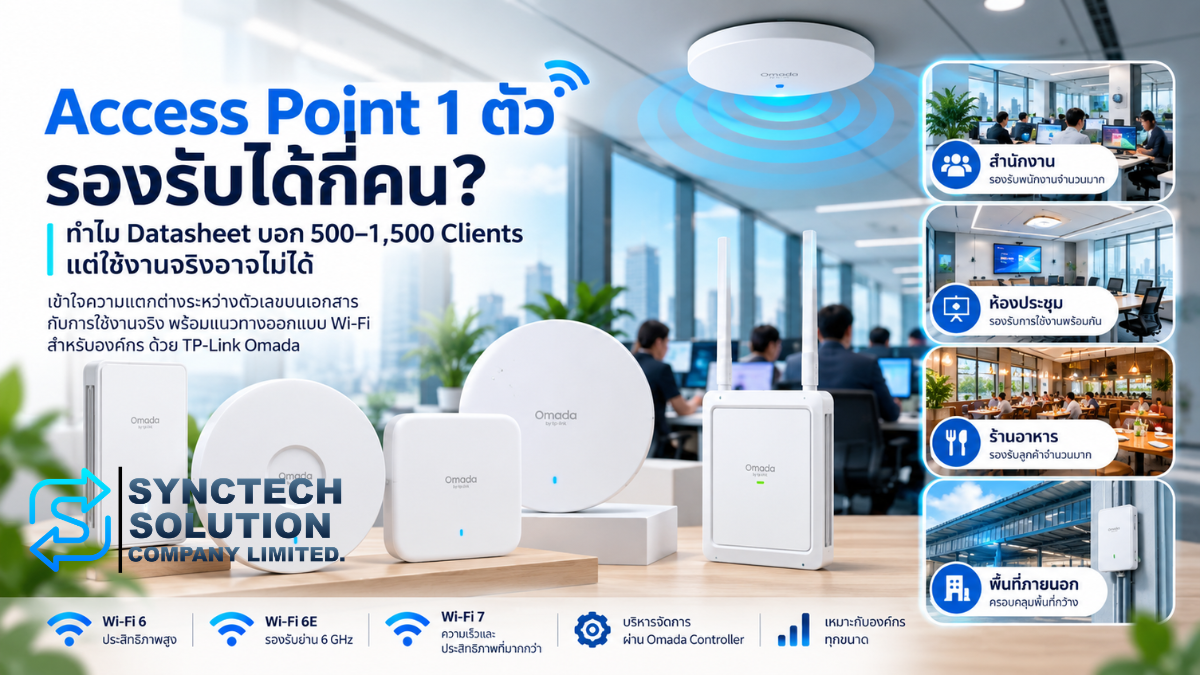
Short answer: The right number of users per access point depends on simultaneously active devices, application demand, signal quality and available airtime. A datasheet's concurrent-client figure is not a recommended active-user count, and it does not guarantee that every connected device can run demanding applications at the same time.
Consider an office buying enterprise Wi-Fi. A specification says “500 clients,” so a single AP appears sufficient for 100 employees. After installation, however, Teams calls break up, file access slows down and the meeting room struggles. The connected-device count is still below the published number.
The purchasing question combined three different things: connection capacity, usable radio capacity and application quality. Choosing an Omada access point requires understanding each of them. This guide compares models found in SyncTech's public catalogue with selected official specifications checked on 7 October 2026.
The 500-device examples are hypothetical. They are not specifications for EAP650, EAP653 or EAP670, and the 500–1,500 range in the headline is not a claim that every Omada AP has that capacity. Reference hardware versions and unresolved catalogue mappings are identified in the comparison.
1. Clients are devices, and connected devices are not necessarily active
A client is a Wi-Fi endpoint: a notebook, smartphone, tablet or barcode scanner. One employee may carry two or three clients. An IoT deployment may have many clients without a corresponding headcount. Start by counting devices, then consider how people use them.
| Term | Meaning in this guide |
|---|---|
| Maximum / Concurrent Clients | The manufacturer's declared client-capacity value. Check its field name, conditions and whether it applies per AP or per radio. It is not an application service-level commitment. |
| Connected Clients | Devices associated with an AP, including devices sending little traffic during the observation period. |
| Active Clients | Devices transmitting or receiving within a defined time window. Specify the counting method; monitoring platforms can use different definitions. |
| Concurrent Traffic | Overlapping traffic demand, including downloads, uploads and local network activity. |
| Recommended Active Clients | A design target under a stated workload and quality requirement, supported by design and testing. It cannot be obtained by renaming the datasheet limit. |
| Client Density | The concentration of devices in a particular space or radio cell, such as a crowded training room. |
Imagine an AP with 500 associated devices but only 30–50 actively transferring data. That is a very different workload from 500 devices simultaneously using video conferences, YouTube, file uploads, cloud synchronisation and ERP. The 30–50 figure is an explanatory scenario, not a TP-Link recommendation or certified capacity.
Even apparently idle devices can generate background email, backups or software updates. Measuring traffic during a busy period is more useful than counting people with open screens. TP-Link's EAP620 HD V3.30 footnote explicitly makes actual capacity conditional on the wireless environment and client traffic, generally below the maximum connection count. That caveat supports the distinction; it does not transfer EAP620 HD specifications to other models. Official capacity caveat
2. Airtime is the resource every client shares
Airtime is the time used to communicate over a wireless channel. Devices share transmission opportunities, including the time consumed by management traffic, acknowledgements and retransmissions. An AP does not provide every client with an independent wireless path equivalent to a separate Ethernet port.
A weak-signal device can transmit at a lower rate and occupy the channel longer for the same amount of data. Retries consume additional time. Improving placement or fixing a coverage gap can therefore matter more than selecting a model with a larger client-capacity number.
Channel utilisation measures how much of the channel is busy, according to the platform's measurement method. A high value can mean longer waits even when relatively few devices are connected. Read it alongside traffic, retries and latency; it is not AP CPU utilisation. Omada radio monitoring reference
Interference affects radio communication. It may come from other wireless equipment or nearby networks. Co-channel interference describes the effects of devices operating on the same channel. APs and clients that hear one another must share access to that channel. Adding nearby APs on the same channel at maximum power does not create independent capacity.
SyncTech's preliminary design approach is to plan channels and transmit power around the site and verify interference. Omada's optimisation guidance similarly considers channel allocation, transmit power and AP density when addressing interference within a deployment. Official WLAN optimisation guidance
3. Channel width and frequency bands change the design
20, 40, 80 and 160 MHz are trade-offs
Channel width describes how much spectrum a connection occupies. Wider channels can increase peak link rates when the AP, client and radio conditions support them. They also occupy more spectrum, leaving fewer opportunities to separate neighbouring APs. A speed test with one notebook does not establish suitability for a busy multi-AP office.
As a preliminary engineering guideline, SyncTech would evaluate 20 or 40 MHz on 5 GHz in dense deployments to preserve channel reuse, then consider 80 or 160 MHz where spectrum and signal conditions permit. For 2.4 GHz, the cited TP-Link guide recommends 20 MHz. Validate the site rather than applying one width everywhere. Official channel-width and transmit-power guidance
2.4 GHz, 5 GHz and 6 GHz serve different client populations
2.4 GHz remains relevant for legacy equipment and IoT, but has limited channel resources and can experience interference from other devices. 5 GHz offers more channel-planning options for office notebooks and phones. Survey the actual environment rather than assuming a frequency band will always be uncongested.
6 GHz provides additional spectrum for compatible Wi-Fi 6E and Wi-Fi 7 clients. A Wi-Fi 6 device with only 2.4/5 GHz radios cannot use it. Check the installation country's permitted bands, channels and power settings, together with the equipment's region. US channel counts should not be applied automatically to Thailand. Official Wi-Fi 6E and Wi-Fi 7 explanation
4. Wi-Fi 6 and Wi-Fi 7 depend on client capability
Wi-Fi 6, or IEEE 802.11ax, introduces more efficient radio scheduling. OFDMA divides channel resources into smaller allocations for multiple clients within a transmission opportunity. MU-MIMO uses spatial resources to communicate with multiple compatible clients. These mechanisms help manage shared demand; they do not allow every device to transmit at maximum speed without limits. Official Wi-Fi 6, OFDMA and MU-MIMO explanation
Spatial streams are radio data streams that can be transmitted concurrently. Both ends matter: as a conceptual example, a 4×4 AP does not turn a 1×1 phone into a four-stream client. Stream and antenna counts are not direct user counts.
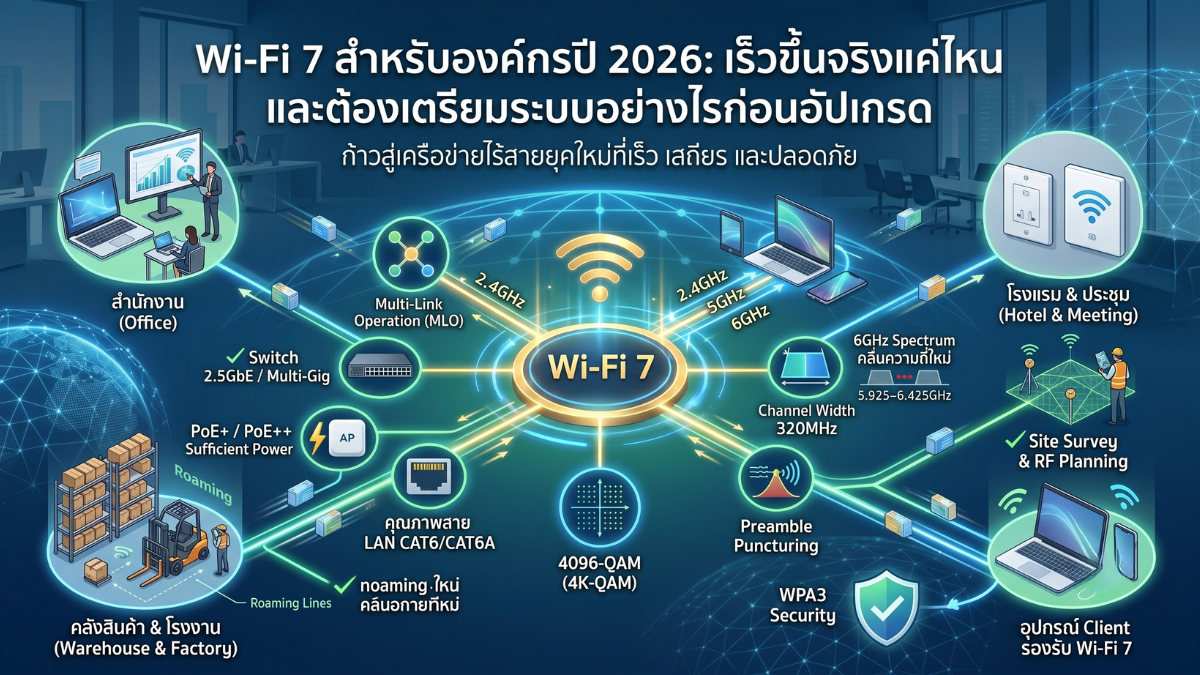
Wi-Fi 6E extends Wi-Fi 6 into 6 GHz. Wi-Fi 7, or IEEE 802.11be, adds capabilities including Multi-Link Operation, or MLO, and channel widths up to 320 MHz where supported. A Wi-Fi 7 label does not mean every product is tri-band or that 320 MHz is available on every band.
MLO allows compatible APs and clients to manage multiple links. Its implementation and results depend on hardware, firmware and client support. Test the actual notebooks and phones before expecting particular throughput or latency gains. Official MLO and client-support limitations
Before an upgrade, inventory client radios, drivers, supported channel widths and the proportion of devices that can use 6 GHz. Newer AP hardware cannot remove limitations of older client devices by itself.
5. PHY rate is not throughput, and the wired path matters
PHY rate is a connection's physical radio signalling rate. Real throughput is the application data transferred after protocol overhead, channel contention and retransmissions. Product classes such as AX3000 or BE9300 describe advertised aggregate signal-rate classes; they are not one client's internet speed.
Dividing an advertised 3,000 Mbps by 100 users does not predict each user's performance. Clients operate on different bands, support different channel widths and consume different amounts of airtime. There is also no fixed multiplier that converts PHY rate into application throughput for every environment. Official explanation of advertised and actual speeds
RSSI measures received signal strength, commonly expressed in dBm. SNR compares the wanted signal with noise, expressed in dB. Full signal bars can coexist with congestion or interference. Evaluate both directions of the link and retries rather than treating RSSI alone as an application-quality guarantee.
Backhaul is the AP's path into the network, such as Ethernet to a switch or a wireless uplink. A 1GbE connection has a 1 Gbps link-rate ceiling regardless of a higher aggregate wireless rate. A 2.5GbE or 10GbE AP needs suitable switch ports, cabling and upstream links to benefit from that faster connection.
When wireless mesh backhaul shares a radio/channel with client traffic, backhaul also consumes those radio resources. Include that load in capacity planning rather than assuming a fixed percentage reduction without testing.
Gateways, firewall processing, servers and internet access also affect performance. Local ERP traffic may stay inside the LAN yet encounter a server bottleneck. Cloud applications need adequate upload as well as download capacity. Faster internet does not repair congested airtime, and another AP does not fix a slow application server.
PoE supplies power over Ethernet. IEEE 802.3af is commonly called PoE, 802.3at PoE+, and 802.3bt PoE++. Check the exact AP version's power requirements, per-port power and the switch's total PoE budget. A port labelled PoE is not automatically suitable for every AP.
6. Compare Omada models listed by SyncTech
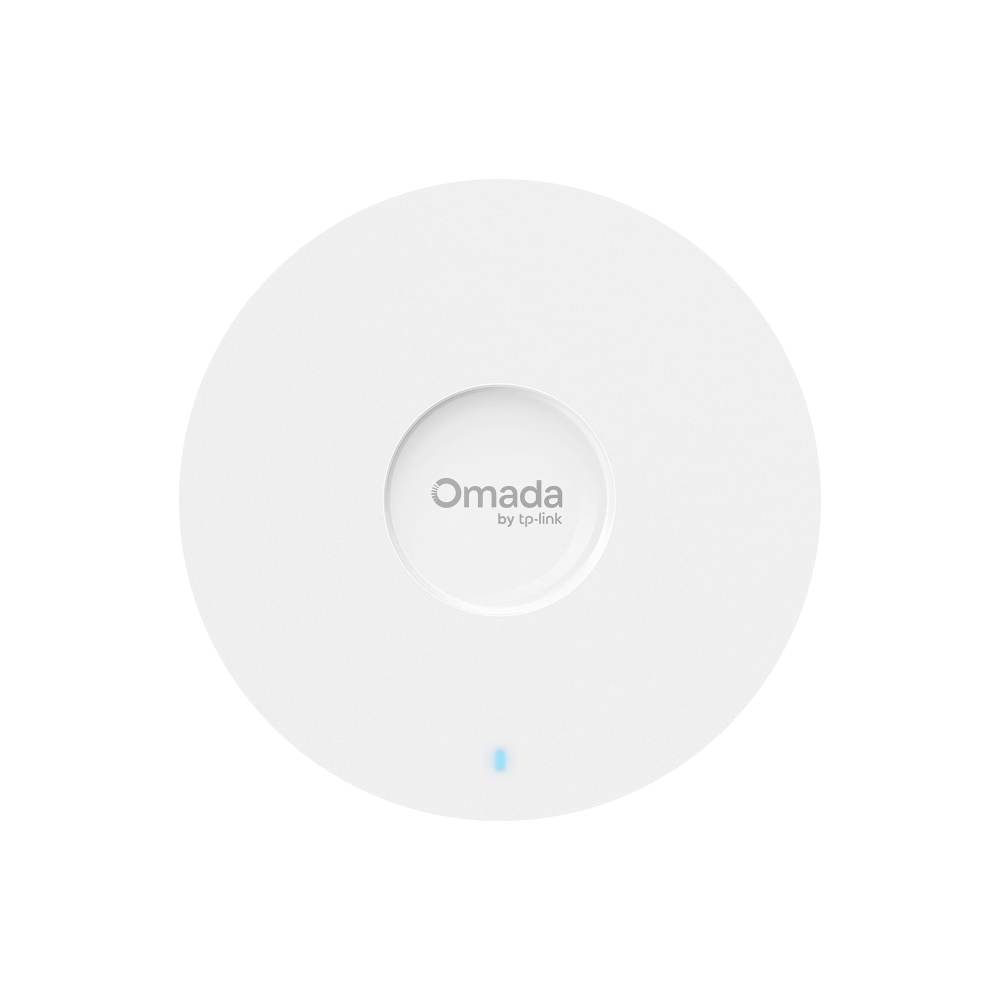
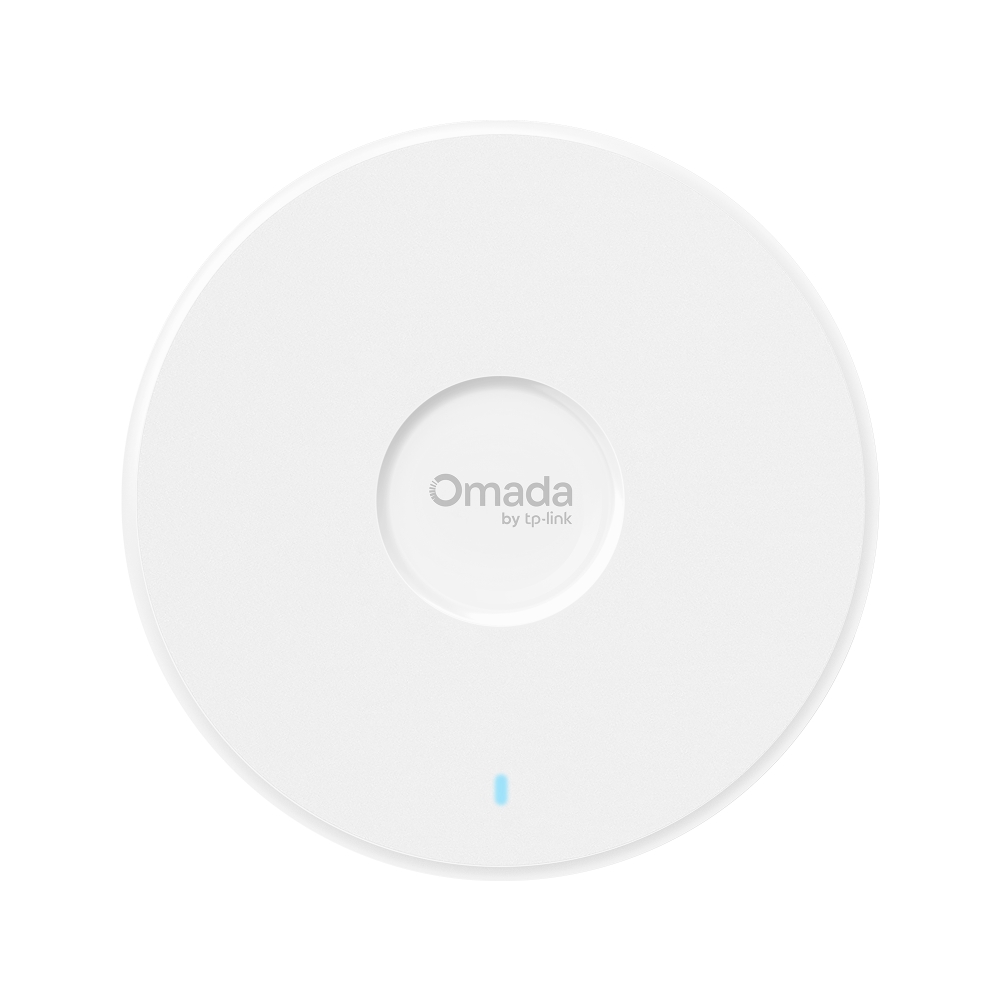
The seven reference models below illustrate office, dense-room, hotel and Wi-Fi 7 choices. SyncTech's product listings do not identify the supplied hardware version. Confirm the hardware and region before using a row as a purchasing specification. A live catalogue listing establishes an offering, not immediate physical stock.
Signal rates follow the band order shown. Checked 7 October 2026.
| Model | Wi-Fi Standard | Radio / Band | Maximum Wireless Signal Rate | Ethernet Uplink | PoE | Clients (Official Field) | Use Case | SyncTech Product Page |
|---|---|---|---|---|---|---|---|---|
| EAP650 | Wi-Fi 6 | 2.4 / 5 GHz | 574 / 2,402 Mbps | 1 × 1GbE | 802.3at PoE+ | Not stated in reviewed TH V1 specification | Office / SME after workload and coverage assessment | Product page |
| EAP653 | Wi-Fi 6 | 2.4 / 5 GHz | 574 / 2,402 Mbps | 1 × 1GbE | 802.3at PoE+ | Not stated in reviewed TH V1 specification | Office / SME; verify power and package requirements | Product page |
| EAP670 | Wi-Fi 6 | 2.4 / 5 GHz | 574 / 4,804 Mbps | 1 × 2.5GbE | 802.3at PoE+ | 250+ Wireless Client Capacity | Office / large office; assess 2.5GbE and radio demand | Product page |
| EAP660 HD | Wi-Fi 6 | 2.4 / 5 GHz | 1,148 / 2,402 Mbps | 1 × 2.5GbE | 802.3at PoE+ | 1,000+ Wireless Client Capacity | High density / school / training / meeting rooms after survey | Product page |
| EAP655-Wall | Wi-Fi 6 | 2.4 / 5 GHz | 574 / 2,402 Mbps | 1 × 1GbE; 3 × 1GbE downlink | 802.3af/at; passthrough requires at | 100+ Concurrent Clients | Hotels / room-by-room coverage and local wired access | Product page |
| EAP772 | Wi-Fi 7 | 2.4 / 5 / 6 GHz | 574 / 2,880 / 5,760 Mbps | 1 × 2.5GbE | 802.3at PoE+ | 380+ Wireless Client Capacity | Offices / enterprise with compatible 6 GHz clients | Product page |
| EAP783 | Wi-Fi 7 | 2.4 / 5 / 6 GHz | 1,376 / 8,640 / 11,520 Mbps | 2 × 10GbE | 802.3bt PoE++ | 640 Concurrent Clients | Enterprise / high bandwidth / high density; verify 10GbE and PoE++ | Product page |
Official references for the comparison table
- EAP650 (TH V1): Official reference
- EAP653 (TH V1): Official reference
- EAP670 (TH V1): Official reference
- EAP660 HD (TH V1): Official reference
- EAP655-Wall (TH V1): Official reference
- EAP772 (TH site (EU) V1): Official reference
- EAP783 (Current TH page; HW unspecified): Official reference
NEEDS VERIFICATION: Confirm the supplied hardware version and region against the reference scope before using this table as a purchasing specification.
Wireless values are maximum signal rates by band, not measured application throughput. The “+” signs preserve official wording and are not recommended active-user counts. Missing client figures are left unspecified rather than borrowed from another region or hardware version.
Use cases are SyncTech preliminary engineering guidance, not TP-Link specifications or guarantees. Wall APs can support room-by-room designs, while dense spaces require channel and placement planning. A large office may use different AP classes in different zones rather than the largest model everywhere.
Wi-Fi 6 and Wi-Fi 7 offerings, including outdoor alternatives, were found in the checked catalogue. No explicitly identified Omada Wi-Fi 6E model was found in the public catalogue checks, so no unverified Wi-Fi 6E product has been added.
7. How many active users should one AP serve?
A useful design answer states the simultaneous workload, location and required quality alongside the user count. This guide does not prescribe 30, 50 or 100 people per AP as a TP-Link standard or a SyncTech guarantee.
| Workload | Examples | Design consideration |
|---|---|---|
| Light | Email, LINE, web browsing | Active-device proportion, overlapping bursts and background traffic. |
| Medium | Cloud applications, ERP, file access | Application bandwidth, latency sensitivity and actual file sizes. |
| Heavy | Teams, Zoom, video meetings, cloud sync | Simultaneous upload/download, latency, jitter, packet loss and airtime. |
| Very high density | Classrooms, training, conferences, events | Devices concentrated in each room, channel separation and peak-period quality. |
Even the same application name can represent different workloads. A text-based ERP screen differs from one loading large images. A meeting with one shared video endpoint differs from every attendee joining separately. Capture the organisation's actual activity and agree acceptance criteria before choosing hardware.
Estimate demand by zone, evaluate usable capacity per radio with representative clients and the proposed channel plan, then test the multi-AP design. A meaningful users/AP target belongs to that site and workload rather than every deployment.
8. Worked example: 100 employees and approximately 200 clients
Assume 100 employees each have one notebook and one smartphone. Up to 200 devices may connect. That does not mean selecting an AP with a published capacity of at least 200 clients completes the design.
For an illustrative busy hour, assume 90 active notebooks: 60 using cloud/ERP, 20 in video meetings and 10 transferring files. Add 50 active smartphones. The per-device rates below are hypothetical downlink application-payload planning assumptions, not official Teams requirements, ERP requirements or AP test results.
| Assumed workload | Active clients | Demand per device | Combined demand |
|---|---|---|---|
| Cloud / ERP | 60 | 3 Mbps | 180 Mbps |
| Video meetings | 20 | 5 Mbps | 100 Mbps |
| File transfers | 10 | 10 Mbps | 100 Mbps |
| Smartphone background activity | 50 | 0.2 Mbps | 10 Mbps |
| Total | 140 | — | 390 Mbps |
Demand = Σ(active clients in each group × demand per device). The result is 390 Mbps. Choosing an illustrative 30% demand allowance gives 390 × 1.30 = 507 Mbps. Neither 30% nor 507 Mbps represents protocol loss or guaranteed AP throughput. Calculate uplink demand separately and account for both directions competing for airtime.
A capacity calculation can begin with zone demand divided by validated usable capacity per radio, rounded up. It still does not determine the final AP quantity: coverage, client-band support and interference between radios must be checked. Without measured radio capacity for this scenario, an AP purchase count cannot be established.
Dividing 507 Mbps by a datasheet's 2,402 or 4,804 Mbps is invalid. A 1GbE port also does not prove that one AP is sufficient. Floor area, walls, coated glass, mounting positions and user concentration remain part of the design.
Different rooms need different density planning
Open office: distribute capacity around desks and work zones, keeping client links healthy rather than relying on total building headcount.
Meeting room: design for full attendance and distinguish one shared endpoint from many simultaneous video endpoints.
Training room: simultaneous dataset downloads or lab exercises can create a peak that the daily average hides.
Cafeteria: account for peak periods and guest devices alongside guest/VLAN policy. Hotels, restaurants, schools and warehouses add their own room layouts, service areas, racks, materials and movement requirements.
9. Professional Wi-Fi design starts with requirements
Collect users, devices per user, simultaneous active devices, applications and required bandwidth. Map coverage areas and building materials. Identify client capabilities, roaming requirements and high-density zones, including peak demand in each area.
Then choose AP models, quantity and placement, radio channels, channel widths and transmit power. Match switches, PoE budgets, uplinks, gateways and internet bandwidth to the same end-to-end requirement. Site findings may require revisiting placement and quantity.
Roaming is the movement of a connection between APs. Using the same SSID, or Wi-Fi network name, does not itself guarantee uninterrupted video calls. Suitable coverage overlap, compatible clients and configuration matter. A stationary office notebook and a moving warehouse scanner can have different requirements.
Validate simultaneous application use in dense rooms and movement between APs with the actual device types. Measure relevant throughput, latency, jitter, packet loss, signal/noise, retries and channel utilisation under the target load. A single-phone speed test is insufficient acceptance evidence for enterprise Wi-Fi.
10. Omada management supports the design
Omada offers central management for compatible APs, switches and gateways. Options include OC200 and OC300 hardware controllers, Omada Software Controller and Omada Cloud-Based Controller. Confirm compatibility, firmware, controller version and service conditions; feature parity should not be assumed.
SyncTech lists the ER605 Omada gateway and SG3428MP Omada PoE switch. They illustrate the surrounding ecosystem, not an automatic hardware pairing for every AP in this comparison. Match Ethernet and power requirements per project.
Centralised management, client management and monitoring provide visibility. Band steering encourages compatible multi-band clients toward an appropriate band. Load balancing helps manage client distribution, without guaranteeing equal distribution or per-user performance.
The cited Load Balancing implementation requires Controller v6.2 or later, supported AP firmware and at least two APs broadcasting the same SSID; it currently cannot be enabled on MLO SSIDs. Older AP-page Load Balance settings may instead limit clients per radio, now called Client Access Limit in newer controllers. Check the actual feature and version. Official load-balancing and band-steering conditions
Fast roaming assists movement between APs, subject to AP, client and controller requirements. Do not assume every Seamless/Fast Roaming implementation supports identical 802.11k/v/r combinations. Client behaviour and authentication configuration affect the outcome. Official fast-roaming requirements
Remote cloud access to an on-premises controller differs from a cloud-hosted controller. Supported WLAN Optimization/RRM can adjust channels, power and bandwidth, but surveys and acceptance tests remain necessary. Management software does not increase the bandwidth of a bottlenecked network path.
11. Frequently asked questions
How many users can one access point support?
It depends on active devices, applications, radio conditions and channel planning. A concurrent-client specification is not a direct headcount recommendation. Establish a zone-specific target and test real applications.
How many users can EAP650 support?
The reviewed official Thailand EAP650 V1 specification does not state a concurrent-client figure. No estimated number has been substituted. Confirm the supplied hardware version and evaluate workload before setting a user target.
How many users can EAP653 support?
The selected official Thailand EAP653 V1 specification also leaves this figure unspecified. Do not substitute another hardware version's or region's figure without confirming the match.
How many users can EAP670 support?
The official Thailand EAP670 V1 page states Wireless Client Capacity 250+. This is not a guarantee that 250 people can use video meetings simultaneously. Devices per person and real demand still determine the design target.
How many APs does an office with 100 employees need?
Headcount alone cannot establish the quantity. Two devices per person can mean 200 connected clients. Assess active demand by zone, coverage, obstacles, channels and validated performance first.
Does 500 clients mean 500 people can work simultaneously?
No. Read the manufacturer's capacity definition and conditions. Concurrent application quality also depends on airtime, workload and the environment.
Does Wi-Fi 7 support more users?
It can improve resource use with compatible APs and clients, suitable spectrum and backhaul. There is no universal multiplier for supported people across organisations.
Should I use several APs or one powerful AP?
Decide from coverage and capacity per zone. Several properly planned APs can distribute demand, while adding APs without channel planning can increase interference.
Is 160 MHz always better than 80 or 40 MHz?
No. Wider channels can raise peak link rates but consume more spectrum. Consider channel reuse, nearby APs and client capabilities.
Is an Omada controller required to use an AP?
Many models support standalone management. Central management and particular features require a controller under model-specific conditions. Check official compatibility and firmware requirements.
12. Further reading and planning the next step
Read Wi-Fi 7 for Enterprises: Planning an Upgrade in 2026, Omada Agile vs Access Switches and the TP-Link Omada Fusion 2.5G Gateway review for related system-planning context. Product specifications in this guide use the official comparison references.
If your organisation has many users or is unsure which AP models and quantities to choose, assess coverage and capacity together. Include application demand and the network behind the APs.
SyncTech designs and installs TP-Link Omada networks for offices, restaurants, hotels, factories, schools and other organisations, planning access points, switches, PoE, VLANs, gateways and network management around actual requirements. Contact SyncTech to assess the system before selecting equipment.
Need expert advice or would like to request a quotation? Contact us today:
E-mail: [email protected]
LINE Official: @sync.co.th

The Company reserves the right to correct any typographical or printing errors and shall not be held liable for any inaccuracies resulting from such errors.
*** This article is the intellectual property of SyncTech Solution Company Limited. Reproduction, modification, or redistribution of this content, in whole or in part, is strictly prohibited without prior written permission from the Company. ***