Service overview
Service details
Scope, delivery details, and business outcomes.
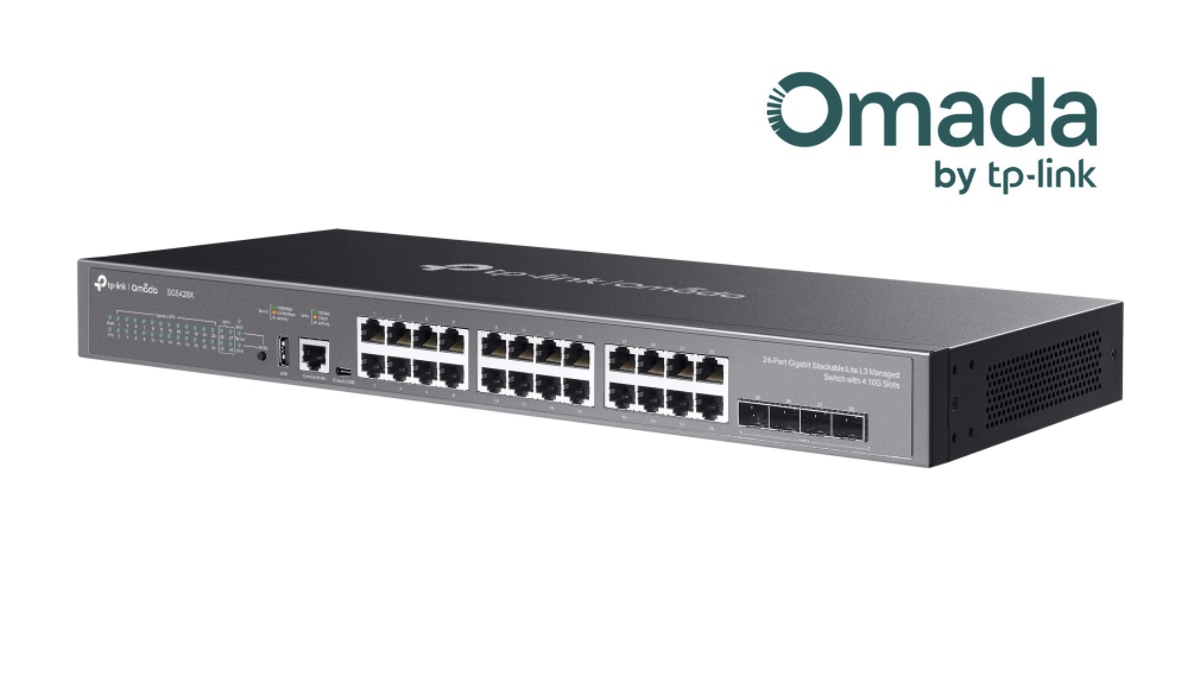
- IT Infrastructure Relocation: We provide dismantling, secure packaging, relocation, and reinstallation services for all types of IT equipment, including network systems such as network switches and routers, security devices such as firewalls, CCTV systems, core servers, and network-attached storage (NAS) used for customer-facing services or internal organizational operations. Hardware and data handling follows the agreed risk-mitigation plan and project scope.
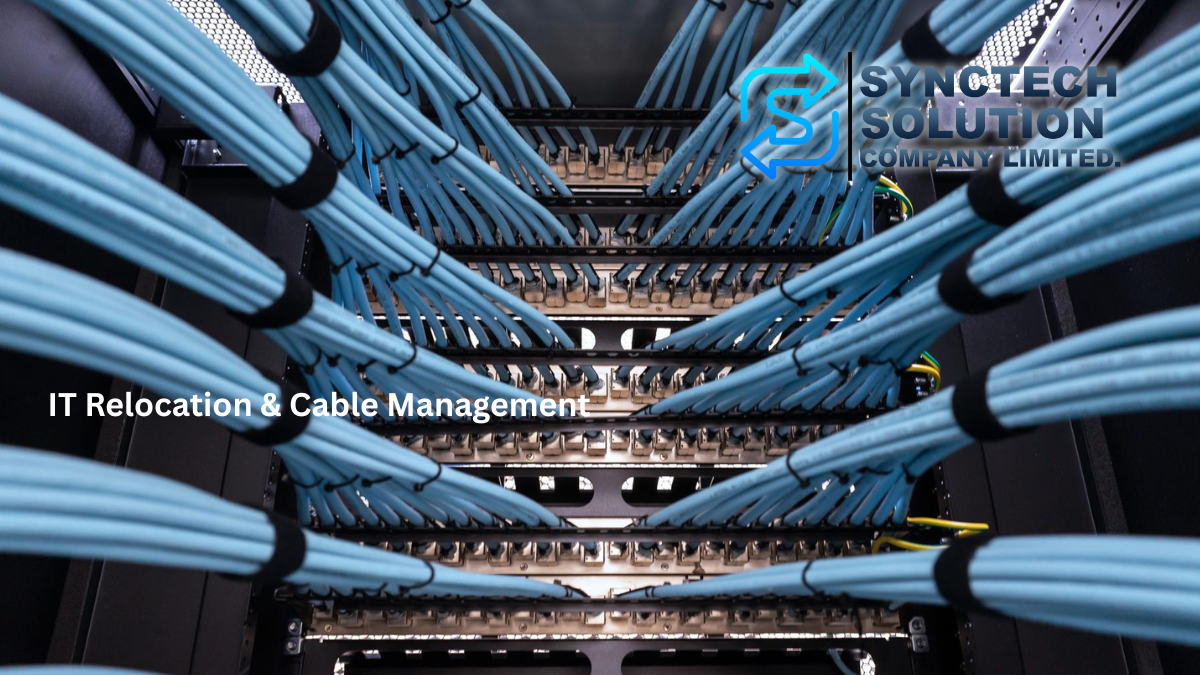
- Rack Cable Management: We solve messy LAN and power cable issues, often known as spaghetti cables, inside server racks. Our service includes removing and reorganizing cables, redesigning cable routes, and labeling each cable for easy identification. This helps keep the server room clean and organized, improves airflow to reduce equipment heat, and makes future maintenance easier.
- Cable Testing & Troubleshooting: We use specialized tools to scan and inspect the quality of signal cables and connection points to identify damaged, faulty, or deteriorated cables. We then repair or replace cables as needed to prevent network latency, instability, or frequent disconnections.
- System Re-commissioning: After installation at the new location is completed, our team will configure, verify network connectivity, and thoroughly test the entire system to verify operation against agreed acceptance criteria, with an outage window and impact-mitigation plan appropriate to the project.
- Data & Hardware Safety: Reduce the risk of equipment or infrastructure damage caused by improper relocation.
- Faster Troubleshooting: A well-organized rack with clear labeling helps the IT team identify the root cause of issues and resolve them much faster in the future.
- Turnkey Service: We handle everything from origin to destination, allowing you to focus on other aspects of your office relocation with peace of mind.
Agreed scope and handover requirements
This service covers dismantling, packing, transport, reinstallation, cable organization and labeling, and post-move testing for the agreed equipment inventory. The scope should identify the equipment records, cable map or labels, and test results required at handover so the IT team can accept each part of the system.
Service-specific delivery steps
- Survey both locations: review servers, NAS, switches, firewalls and CCTV, along with racks, power, transport access and services that cannot be interrupted.
- Plan the cutover: agree on shutdown and startup order, acceptable downtime, backup ownership and a fallback approach if acceptance tests fail.
- Relocate and reconnect: handle equipment and cabling against the inventory and label connections before bringing systems online.
- Accept the system: test connectivity and critical services with administrators, then record constraints and follow-up work.
Information to prepare for an assessment
Prepare the equipment inventory, rack layout or connection photographs, source and destination addresses, move date, acceptable outage window and site-access constraints.
Conditions affecting scope, pricing and test results
- Downtime depends on equipment count, service dependencies and readiness at the new site. The cutover window must be agreed before work starts.
- Define responsibility and scope for backups and recovery testing. Relocation does not eliminate all risk to data.
- New cabling, replacement equipment or electrical work outside the agreed scope must be identified in the quotation and agreed before implementation.
Related installed-cabling example
Network, Wi-Fi 6 and IP surveillance for SOL9 in Thonglor describes structured cabling and PoE for access points and cameras. This is an installation case, not evidence of an office-relocation project.